30
Multi-Sensor 360 User Manual
Chapter 2: Camera Configuration
Copyright © 2021 Vicon Industires Inc. All Rights Reserved.
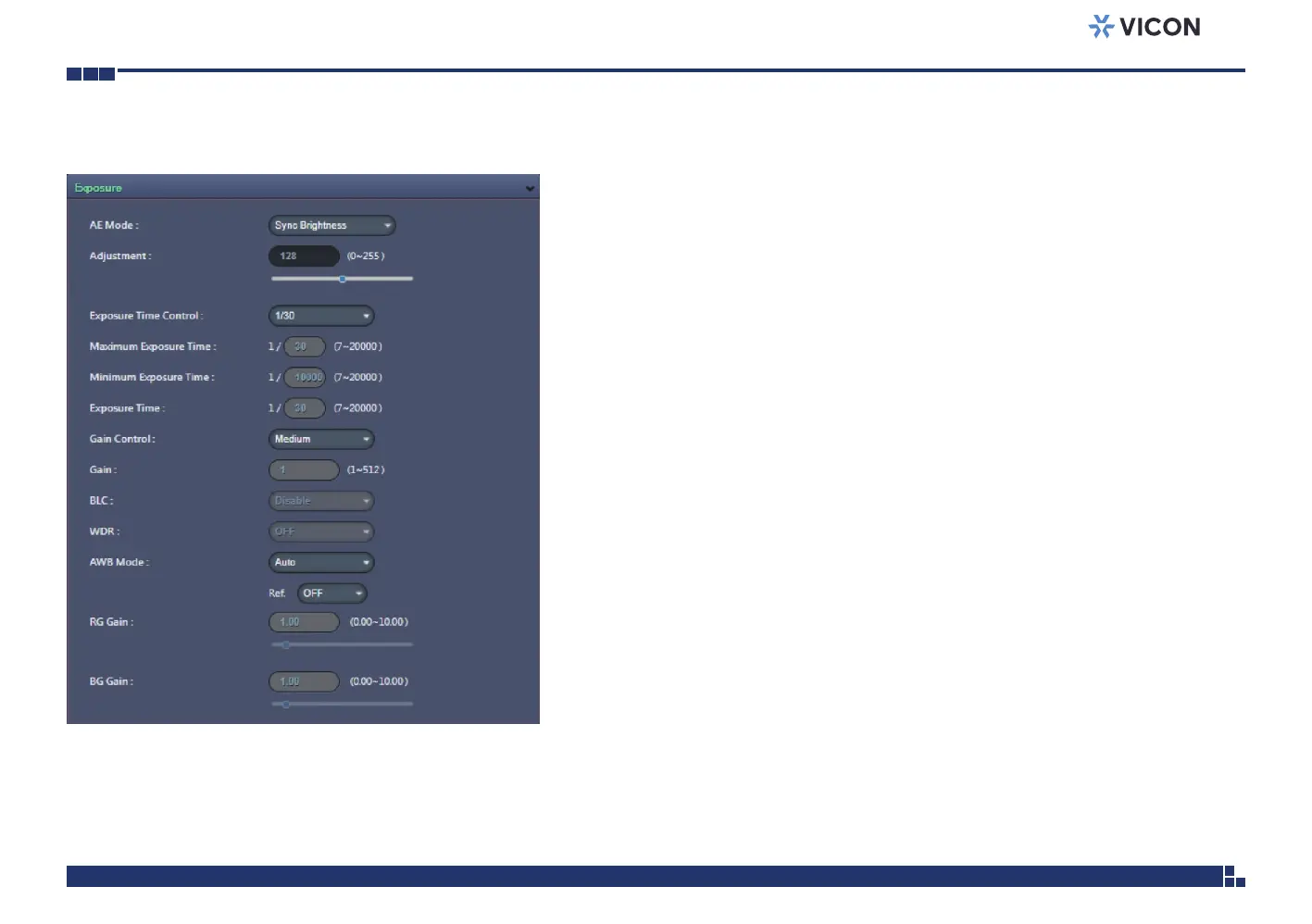
AE Mode
When Global Mode is set to ON, the available options for AE mode are
Sync Brightness, Sync Brightness 50Hz, Sync Brightness 60Hz, Auto,
50Hz, 60Hz and Lock.
When Global Mode is set to OFF, the the available options for AE mode are
Auto, 50Hz, 60Hz and Lock.
If Lock is selected, then Exposure Time Control, Gain Control and BLC cannot
be edited. Only Exposure Time can be edited (the range is 1/7~1/20000).
Adjustment
Adjusts the exposure from 0~255. Users can enter the value or adjust it
through the slider bar.
Exposure Time Control
Select User Define to enter the values of Maximum Exposure Time (the
range is 1/7~1/30) and Minimum Exposure Time (the range is 1/30~1/20000)
manually.
Exposure Time
The range is 1/7~1/20000. It can only be edited when Lock is selected as
the AE Mode.
Gain Control
The available options are OFF, Low, Medium, High and User Define.
Select User Define to enter the value of Maximum Gain (the range is
1~512) manually.
Gain
The range is 1~512. It can only be edited when Lock is selected as the AE Mode.
Exposure Cont.



 To Next Page