32
Multi-Sensor 360 User Manual
Chapter 2: Camera Configuration
Copyright © 2021 Vicon Industires Inc. All Rights Reserved.
Exposure Cont.
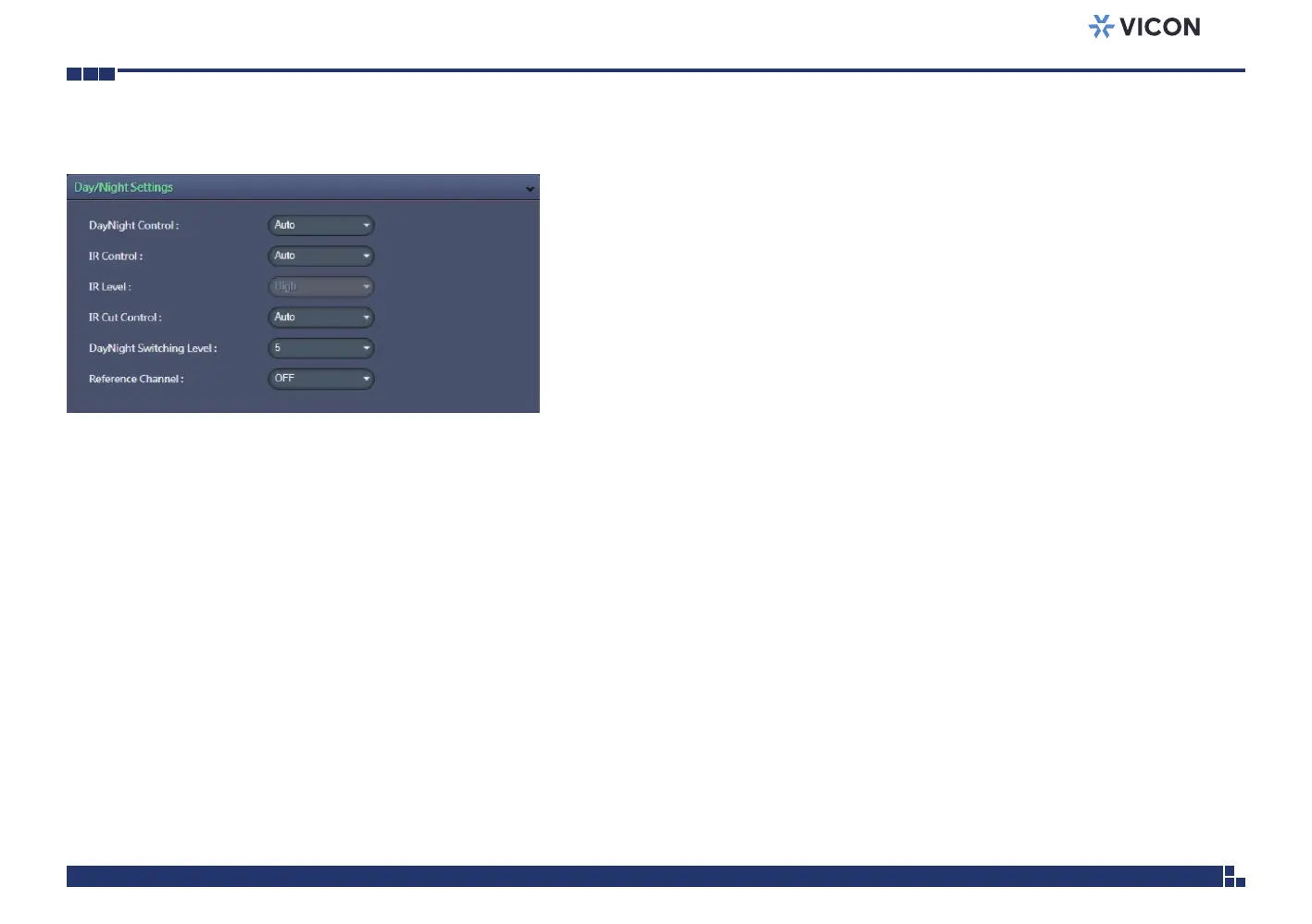
Day/Night Settings
DayNight Control
Select the Day and Night control mode. The available options are Auto,
Force Day and Force Night.
IR Control
Select the IR Control mode to use. The available options are Auto, OFF and
ON.
IR Level
When IR Control is set to ON, the available options are Low, Medium and
High.
IR Cut Control
Select the IR Cut Control mode to use. The available options are Auto,
Force Day and Force Night.
DayNight Switching Level
Select the desired level to sense and switch between day and night mode;
the range is 1~10.
Reference Channel
OFF means each channel individually and automatically adjusts the DayNight
setting. The other available options are 1, 2, 3 and 4.
Save
Save button to apply the configurations; click on this button once and all the
settings are confirmed for the new changes to take effect.
Reset
Reset button to discard all the settings and revert to the previous settings.



 To Next Page