53
Multi-Sensor 360 User Manual
Chapter 2: Camera Configuration
Copyright © 2021 Vicon Industires Inc. All Rights Reserved.
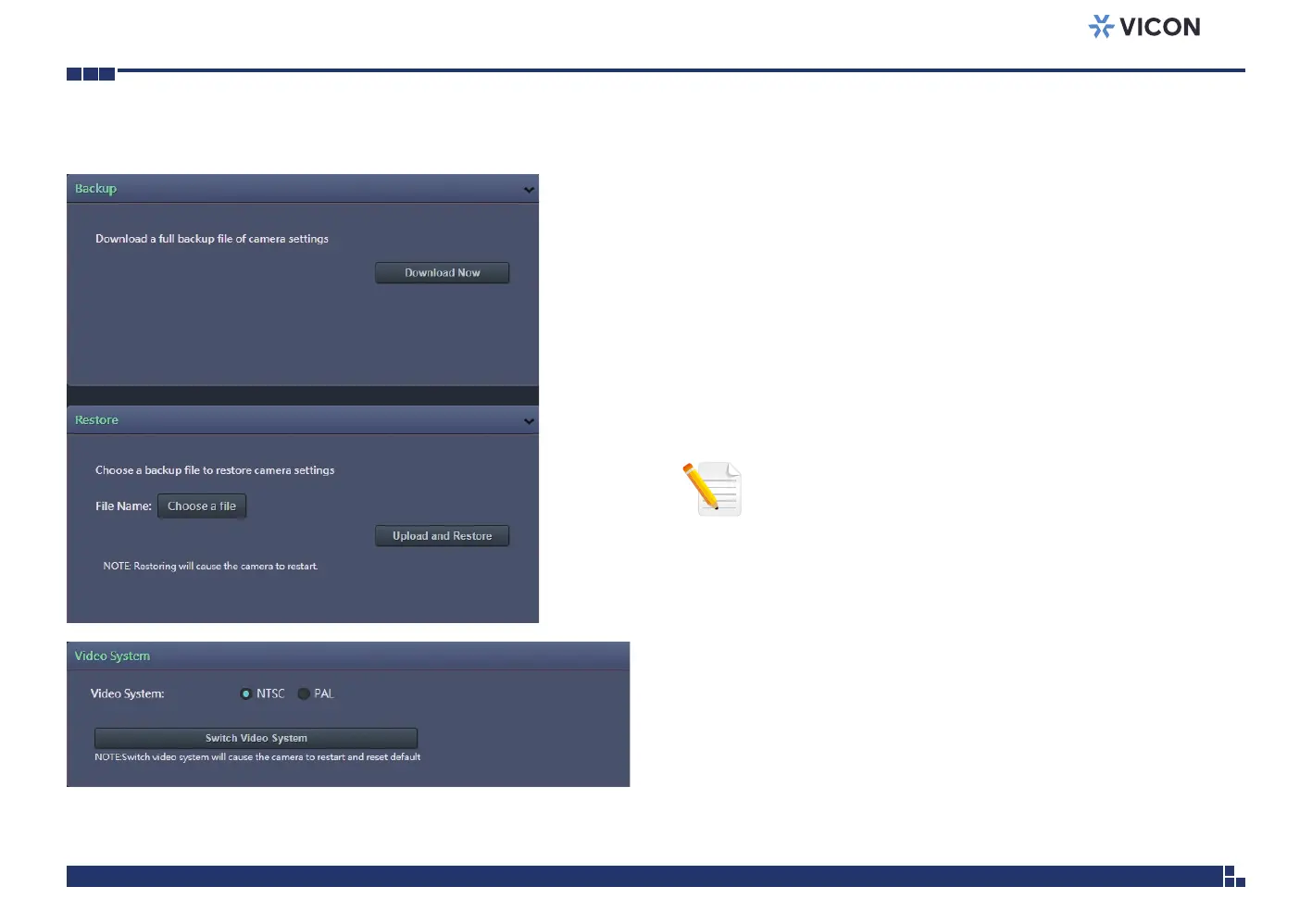
Backup
Download Now
Downloads the current camera settings to a backup file.
Restore
Update and Restore
Click on the Choose a file button and locate the backup file; once the file is
selected, press the Update and Restore button to restore camera settings.
Video System
Switch Video System
Select the desired video system type.
Maintenance Cont.
Note: Switching the video system type will cause the camera to
restart and reset to default.



 To Next Page