37
Multi-Sensor 360 User Manual
Chapter 2: Camera Configuration
Copyright © 2021 Vicon Industires Inc. All Rights Reserved.
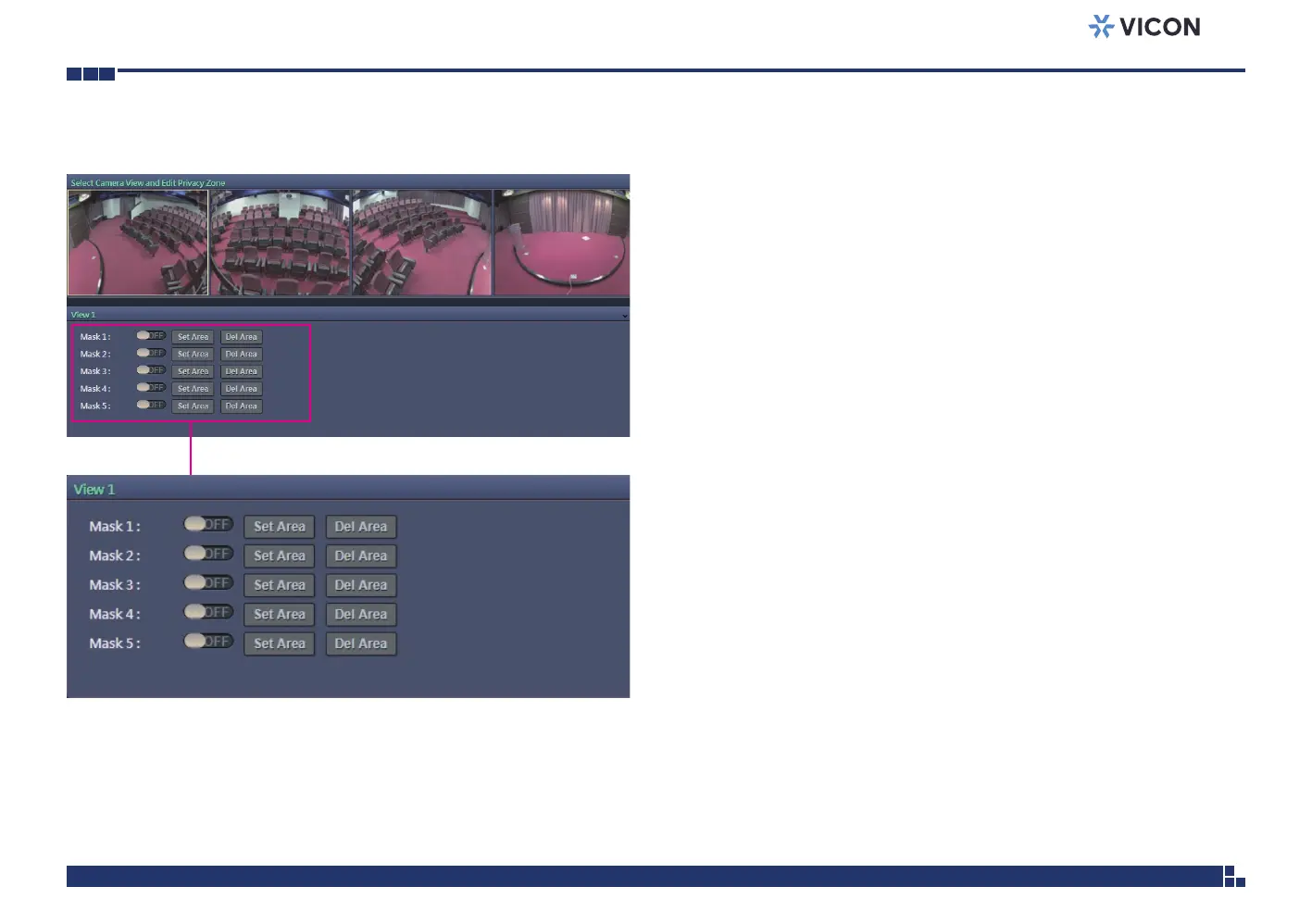
Image - Privacy Zone
Configurations
Configures which area of the video stream will be masked for privacy. There
are 5 privacy zones that can be configured.
1. Select ON to enable Privacy Zone function. The default is OFF. Each
channel can be edited individually.
2. Select the area to set the privacy zone by holding down the mouse
button and drag to make a rectangular square; release the button once
the desired area is covered.
3. Press the Set Area button for the setting to take effect. The masked
area will be filled with black and the label Mask will be seen on the
video stream.
4. Press the Del Area button or select OFF to delete the privacy zone.



 To Next Page