35
Multi-Sensor 360 User Manual
Chapter 2: Camera Configuration
Copyright © 2021 Vicon Industires Inc. All Rights Reserved.
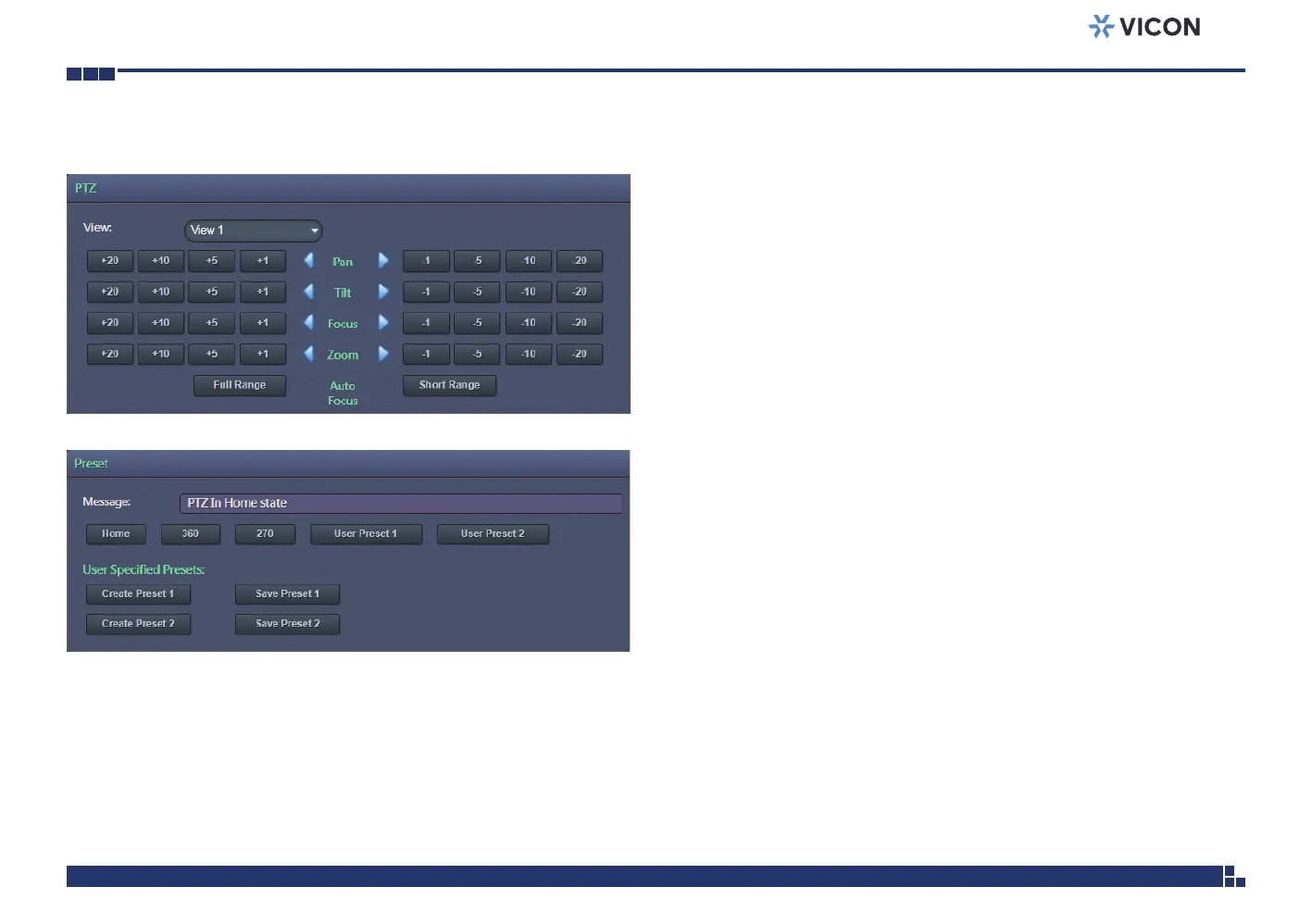
Image - PTZ
PTZ
Allows users to adjust the Focus/Pan/Tilt/Zoom positions for each individual
module or for all four modules. The available options are View1, View2,
View3, View4 and All. After adjusting zoom, either full or short range
focus is selected.
Full Range/Short Range: Short Range is applied when the camera focus
appears to be a little blurry; the focusing time is shorter. Full Range function
is applied when camera doesn’t focus on a clear image and is focusing for
the full focal length; the focusing time is longer.
Preset
The available options for the preset buttons are Home, 360, 270, User
Preset 1 and User Preset 2.
User Specified Presets: Users can set up custom preset configurations. The
available options are Create Preset 1, Save Preset 1, Create Preset 2 and
Save Preset 2.
Note that this is not a traditional PTZ. In order to create a precise preset
position, the must first select Create Preset. The modules will go back to
the Home position. (Home is for calibration purposes only. This will index all
the camera modules to module 4 into a position where they are all directly
adjacent to each other.) Then move each module to adjust tilt and zoom to
achieve desired field of view for the preset. Then select Save Preset.



 To Next Page