General Operation
VTM-2000 Installation and Operation Handbook
3-11
Waveform Front Panel Selections
The following controls directly affect the waveform display.
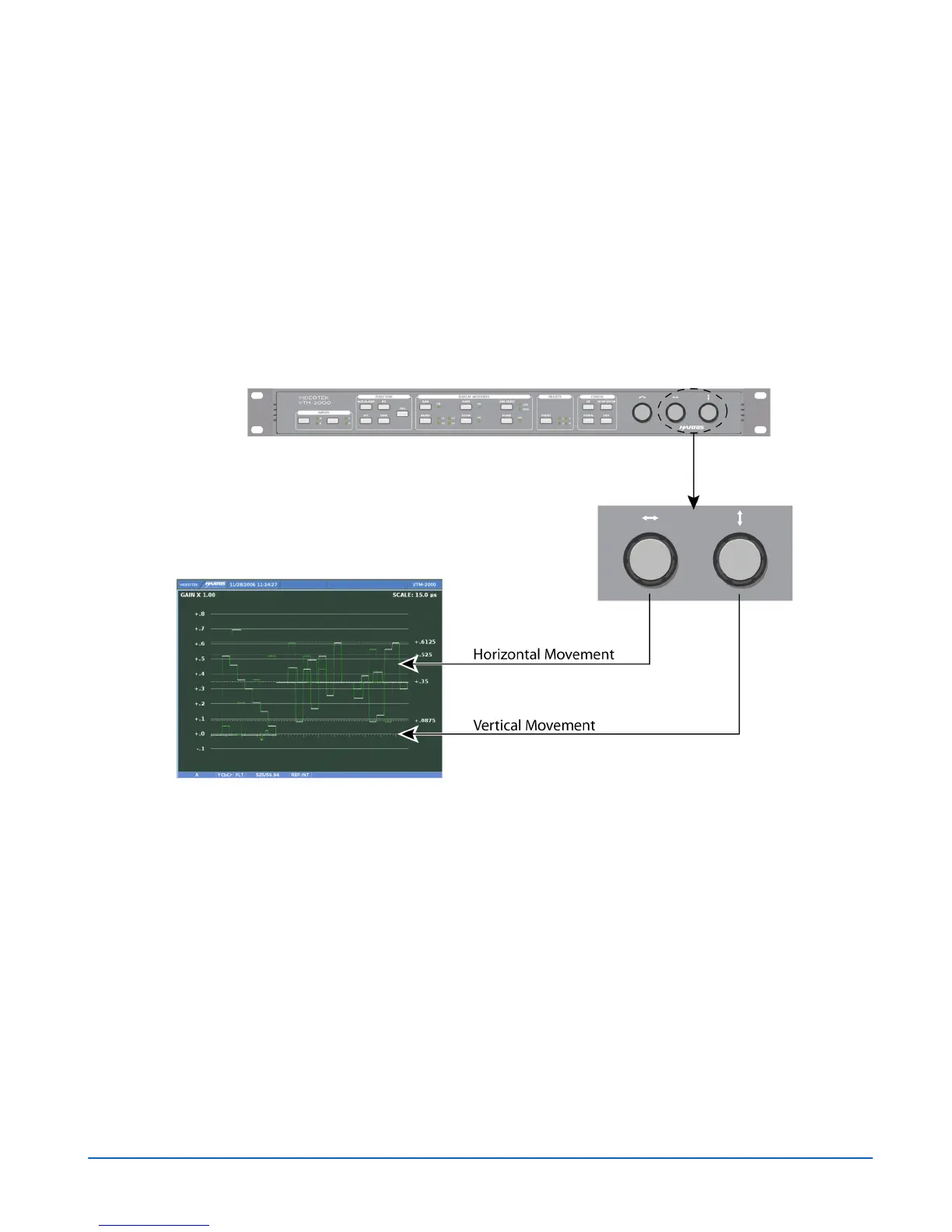
Moving the Waveform using the Setup Knobs
Move the Waveform display relative to the graticule by using the LEFT/RIGHT
NAVIGATION knob (for horizontal movement) and the UP/DOWN NAVIGATION
knob (for vertical movement), as shown in Figure 3-10. Centering the waveform is
performed by using the Waveform pane menu (by pressing and holding the WFM
button).
Figure 3-10. Moving the Waveform
Sweep Button
The Sweep button is used to determine the sweep rate scale. The scale is displayed in the
upper-right area of the waveform pane, as shown in Figure 3-11.



 To Next Page