Global Setup Menu Functions
VTM-2000 Installation and Operation Handbook
4-22
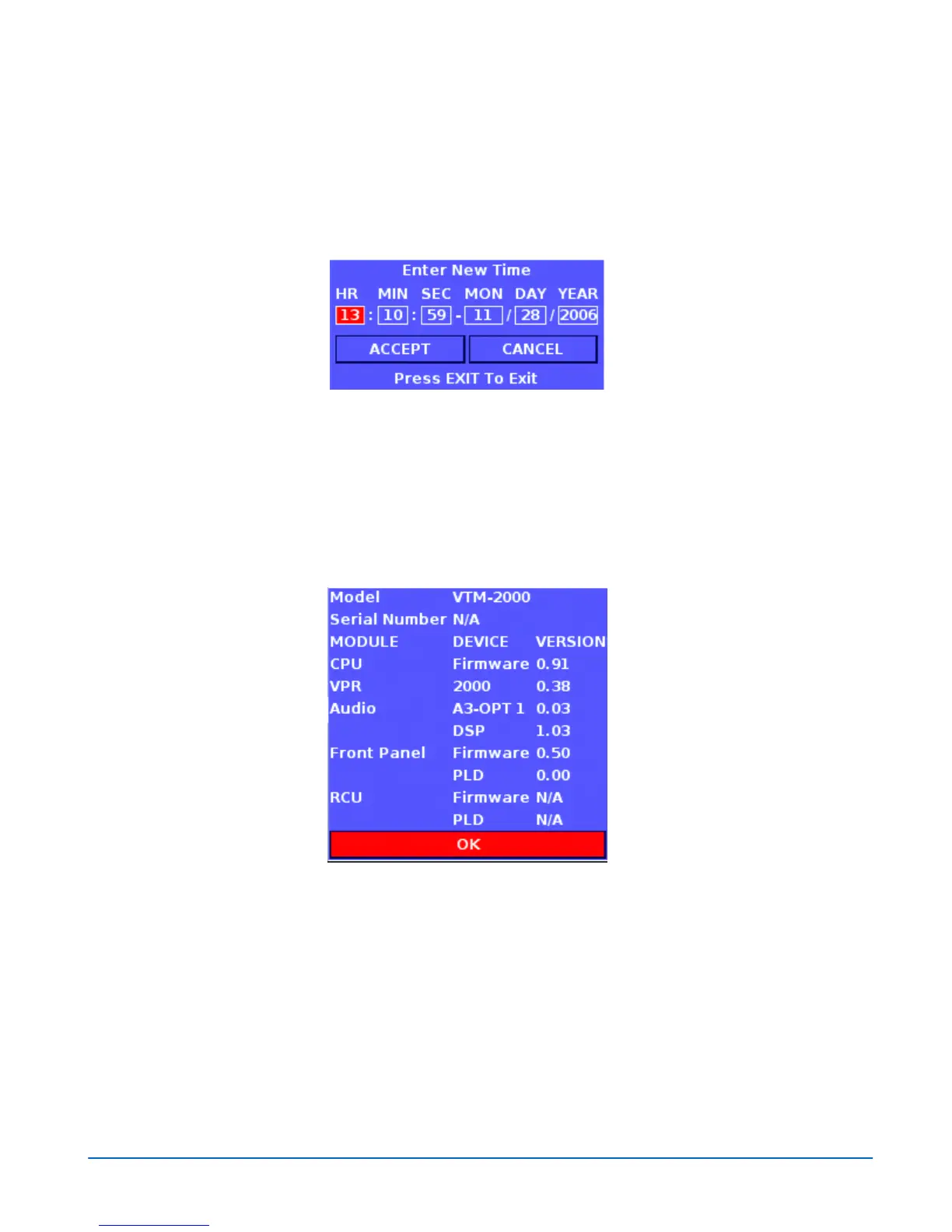
values of each time selection. Press the SETUP/ENTER button (or rotate the
LEFT/RIGHT NAVIGATION knob) to move between the Hour, Minute, Second,
Month, Day, Year, ACCEPT, and CANCEL selections. Once the internal date and
time is entered, press the SETUP/ENTER when the ACCEPT button is highlighted to
save the settings.
Figure 4-3. Enter New Time Screen
About
The About Screen, shown in Figure 4-4, contains the model, serial number, module,
device, and version. Press the EXIT or SETUP/ENTER, or turn the LEFT/RIGHT
control knob to exit from the screen.
Figure 4-4. About Screen



 To Next Page