General Operation
VTM-2000 Installation and Operation Handbook
3-22
Controlling the Vector
(For Composite analog video input only) When in Composite, the
default LED is on. Line Select will turn the LED off. Press the
PHASE button to turn it on. Turn the CURVED ARROW knob to
control the phase of the vector.
Gain Button
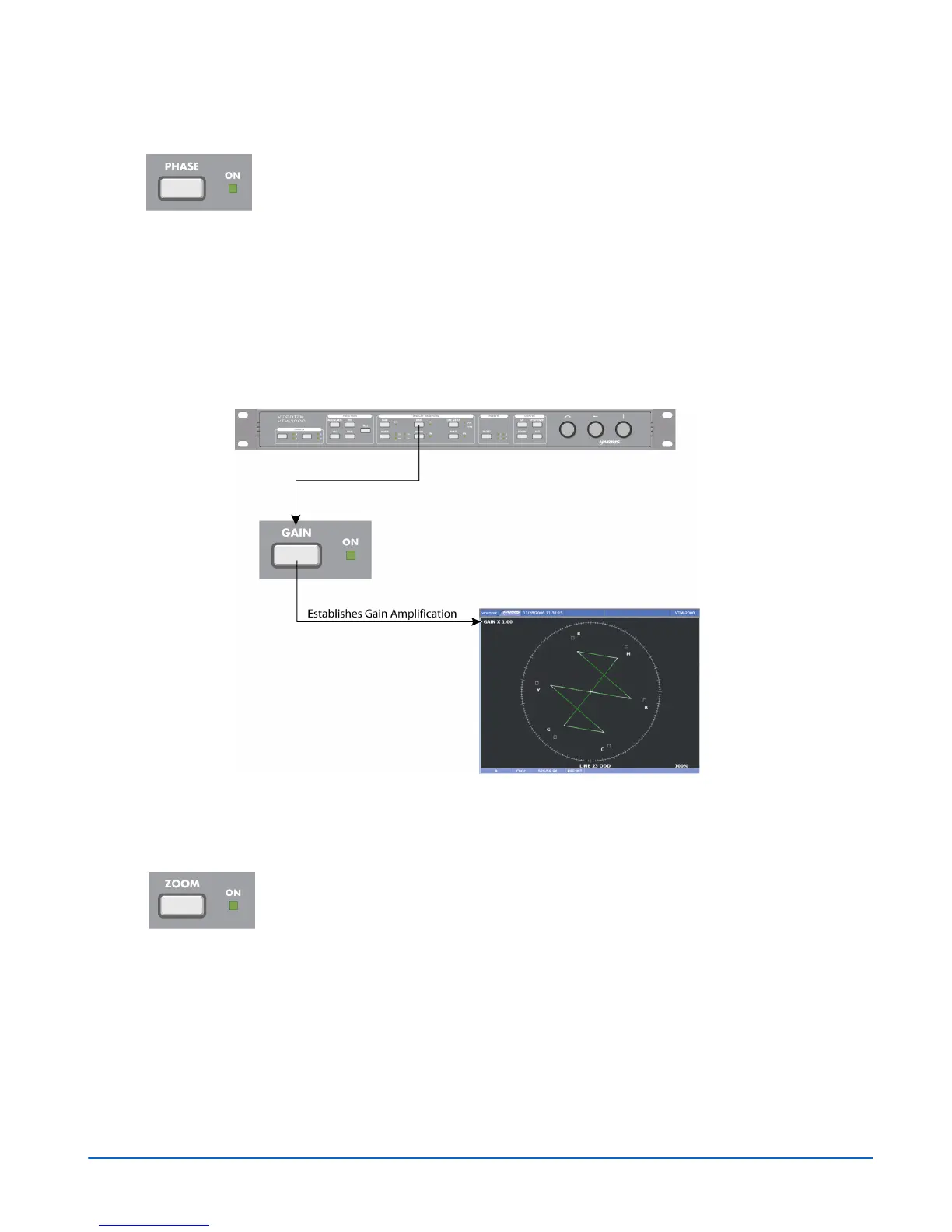
The standard gain in the vector is x1.0. The VTM-2000 can be used to set the gain
amplification in the video signal using the Gain button. The gain setting appears in the
upper-left portion of the vector pane, as shown in Figure 3-22.
Figure 3-22. Establishing the Vector Gain
Press the GAIN button to step through the available gain selections x1.0, x2.5, and x5.0.
Zoom Button
Press ZOOM to cycle through one of six displays:
• Expand the center
• Expand the upper-left quadrant
• Expand the upper-right quadrant
• Expand the lower-right quadrant
• Expand the lower-left quadrant
• Normal



 To Next Page