General Operation
VTM-2000 Installation and Operation Handbook
3-25
Picture Display
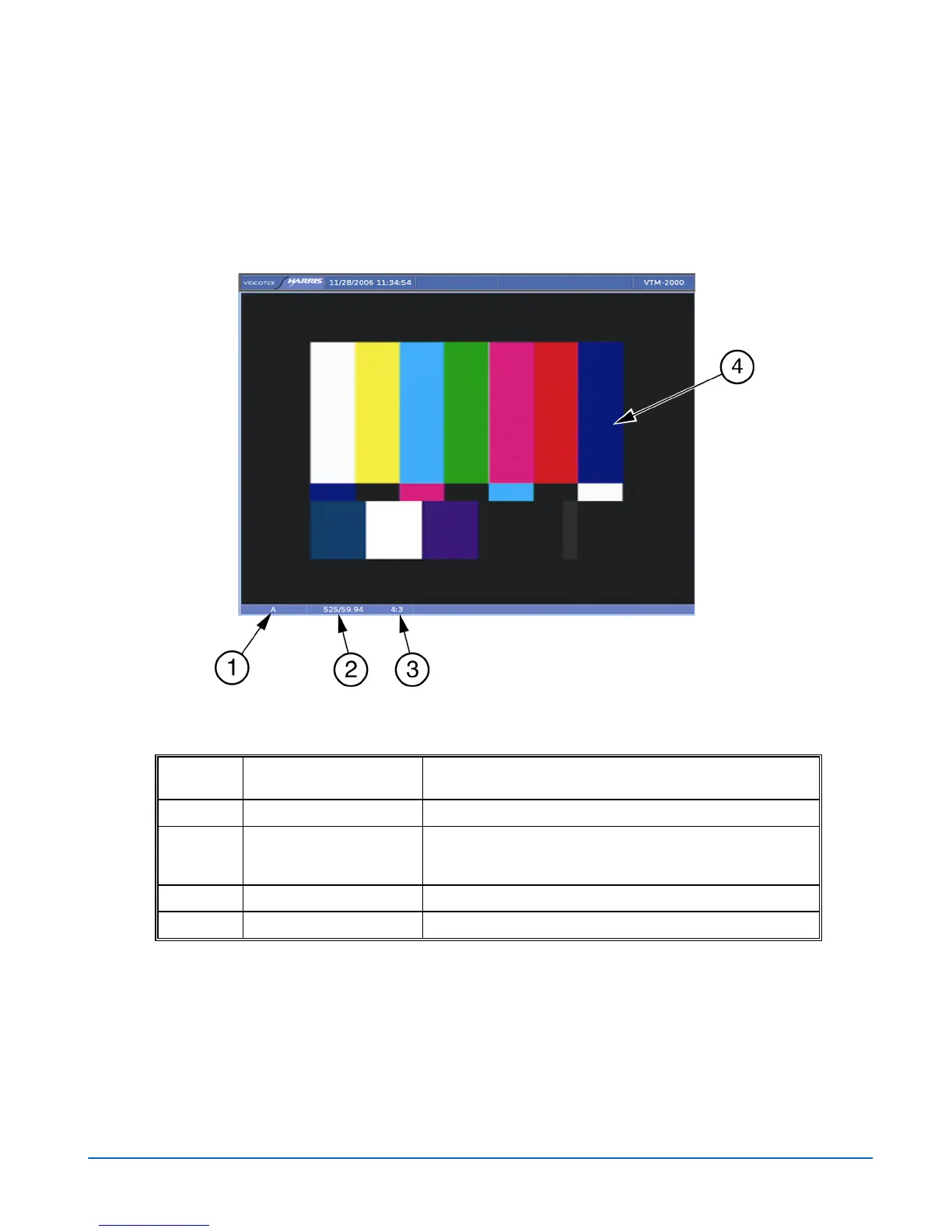
The picture display pane is used to show the picture of the selected input. Press the
PIC button to highlight the picture pane. A Picture display diagram is shown in
Figure 3-24 and described in Table 3-12.
Figure 3-24. Picture Display Diagram
Table 3-12. Description of Picture Display Diagram
Field
Identifier
Field information
Nomenclature
1
Input Displays the input.
2
Standard Displays the Line Rate/Frame Rate [525/59.94]. Select the
Standard in the VIDEO FORMAT\VIDEO A thru D
CONFIGURE menu.
3
Aspect Ratio Displays the aspect ratio.
4
Picture Displays the picture of the selected video input.



 To Next Page