General Operation
VTM-2000 Installation and Operation Handbook
3-18
Table 3-10. Description of Vector Display Diagram (continued)
Field
Identifier
Field information
Nomenclature
5
Gain Displays the gain where Gain is 1.00, 2.50, 5.00. This is
changed by pressing the GAIN button.
6
Line select information Line select is shown as Line and the number with the ODD or
EVEN field.
7
Vector Standard Displayed as 75% or 100%. This is selected in the Vector
Pane setup submenu called SD STANDARD.
8
Zoom
Zoom (when enabled)
Blank when disabled
Press the ZOOM button to cycle through the Zoom
modes.
9
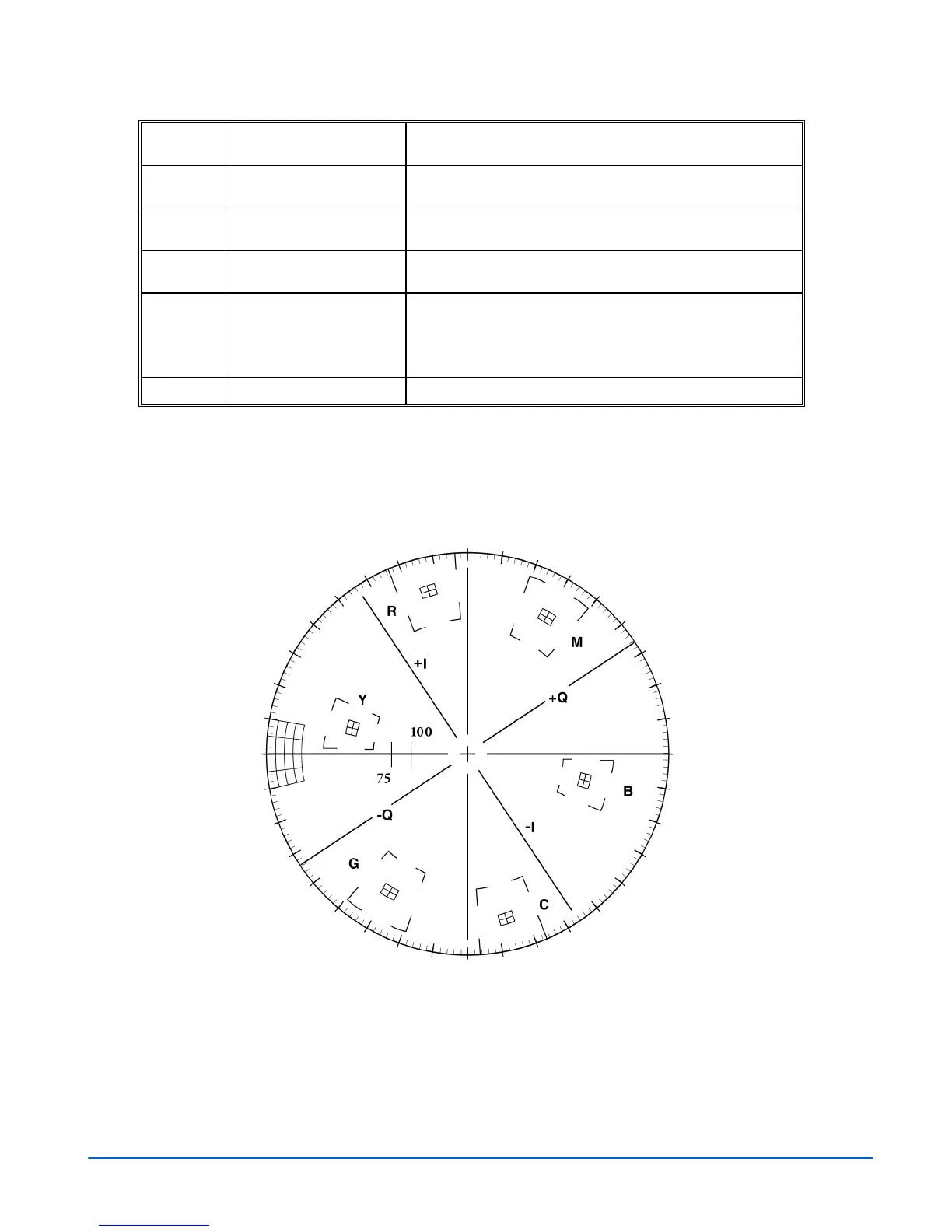
Vector graticule Shows the Vector graticule.
Graticules are configured by selecting the Video Input Format along with the
appropriate Vector Setup standard.
Some graticule scales are illustrated in Figure 3-15 to Figure 3-21.
Figure 3-15. Vector NTSC Graticule



 To Next Page