VIVOTEK - Built with Reliability
User's Manual - 119
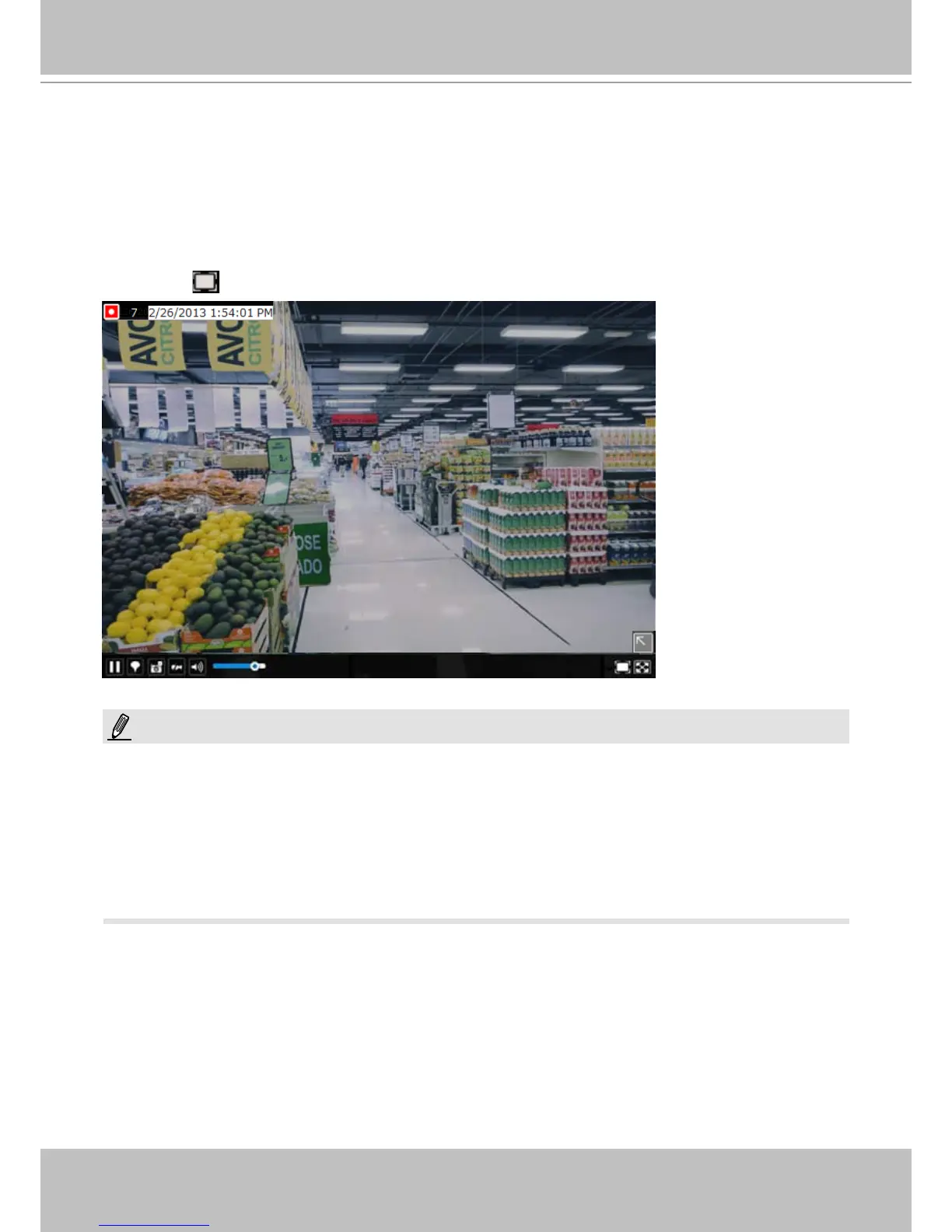
To access live view control,
1. Click on a view cell. The view cell will become a focused view cell. The streaming control
buttons will be listed at the bottom of a view cell. These buttons have been discussed on
page 37.
2. The 2nd click on a view cell enlarges it to the full of the live view area. The 3rd click
reduces its size to the original focused view.
3. To deselect a view cell, you can click on another view cell in the display area or click on the
Restore
button.
A selected, focused,
view cell.
If you have concerns with the display quality and frame rate per second, refer to page 79 for
how to congure video feeds for live viewing as well as for video recording. The conguration
options can be found in Settings > Camera > Video.
Note that the constant bit rate methodology is applied in this system and it sets an upper
threshold on the size of IP packets sent with the video streams. Image quality will be slightly
compromized if reaching the ceiling of allowable bandwidth.
NOTE:



 To Next Page