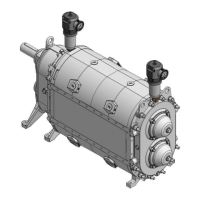
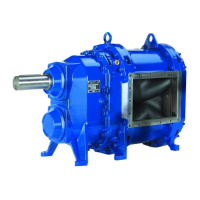
VX100Q/VX136Q/VX186Q, VX136QD/VX186QD, VX136QDM2/VX186QDM2
Pos: 197 /Übersc hriften/Überschrif t 2 /Schließ en des QD-Dec kels @ 5\mod_ 11640994630 32_48.doc @ 23 657 @ 2 @ 1
8.6 Closing the cover plate for QD/QD Marathon-pumps
Pos: 198 /WBV/P umpen/Instandse tzung/002 Sc hließen des QD- Deckels (P umpen) @ 11\ mod_117273911 9665_48.doc @ 37435 @ @ 1
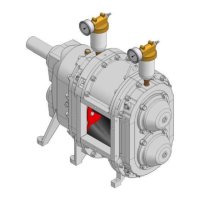
Fig. "Open/Close the QD-cover plate"
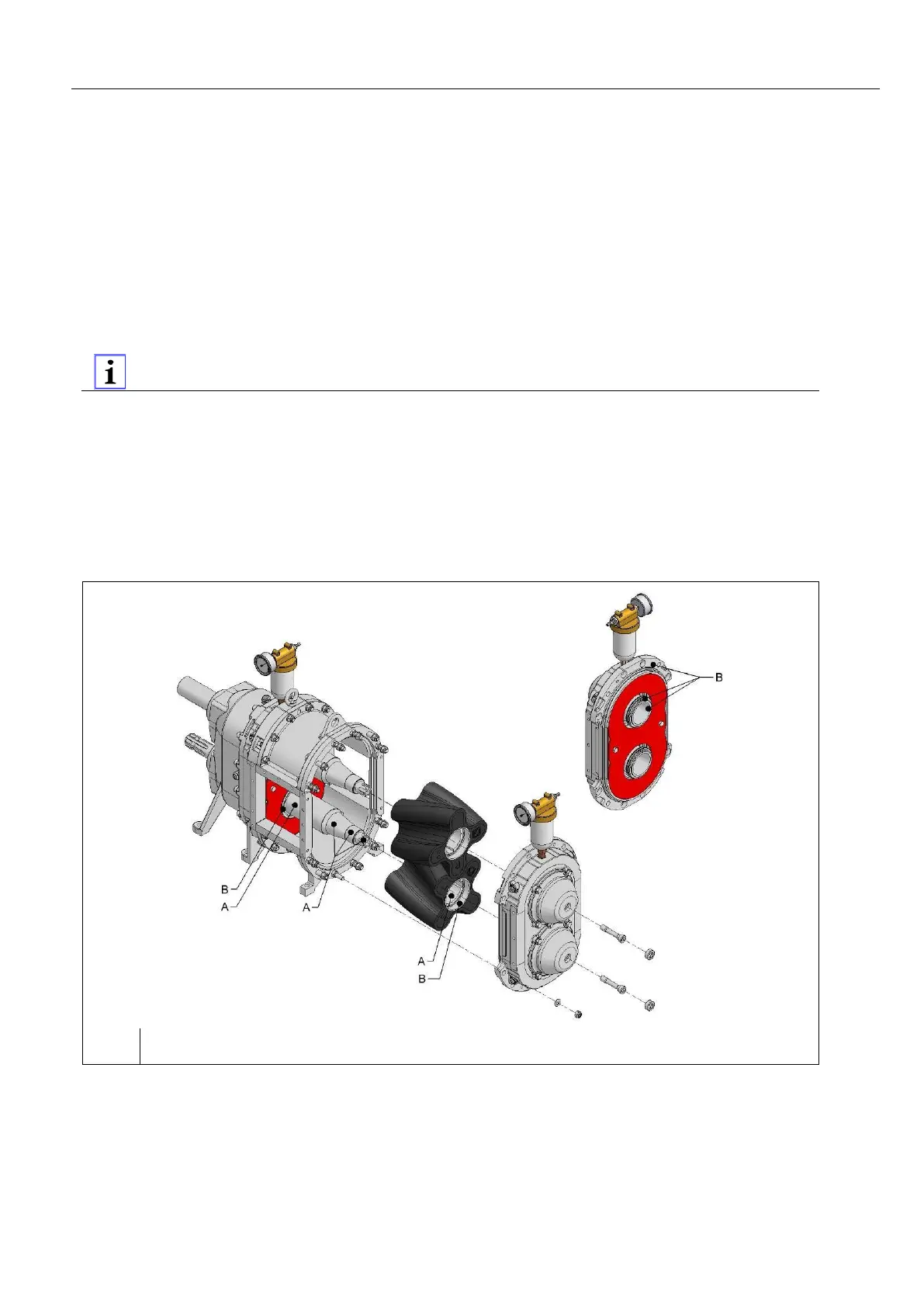
1. Before assembly of the QD-cover (5) thoroughly clean the components and also oil them if necessary
Fig. "Cleaning before the QD cover assembly" .
2. Pull O-ring (6) onto the QD cover.
3. Set QD cover in place.
4. Screw in loosely but do not tighten the two strain screws (3).
5. Tighten hex nuts (1) of the twelve hex head screws or threaded rods (note tightening torques).
Attention! Do not tilt the cover while doing this, but press it evenly "by hand"! Watch for
correct seating of the O-ring.
Series VX136: M10 (10.9) 70 Nm
M10 (A4 70) 40 Nm
Series VX186: M12 (12.9) 140 Nm
M12 (A4 70 - stainless steel) 60 Nm
6. Tighten strain screws (3) chap. "Tightening torques of the hex socket head screws or strain screws
for installation of the pressure disk".
7. Install the hex head screw plugs (2).
8. Pressurise the buffer chamber.
Pos: 199 /Grafi ken/Pumpen/ WBV/Instandsetzung /Öffnen / Schlie ßen Pu mpendeckel/VX Rei nigung vor QD- Deckel Mo ntage @ 19\mo d_119374103842 1_48.doc @ 6 9803 @ @ 1
Fig.
: Cleaning before QD cover assembly
Pos: 200 /---Seitenum bruch--- @ 21\mod_12 01696136229 _0.doc @ 805 75 @ @ 1


 To Next Page