TOIATO
-
EC21OB
886186
VOLVO
EC2IOB
S86 187
4
S86038
Instruments and controls
52
Instrument panel
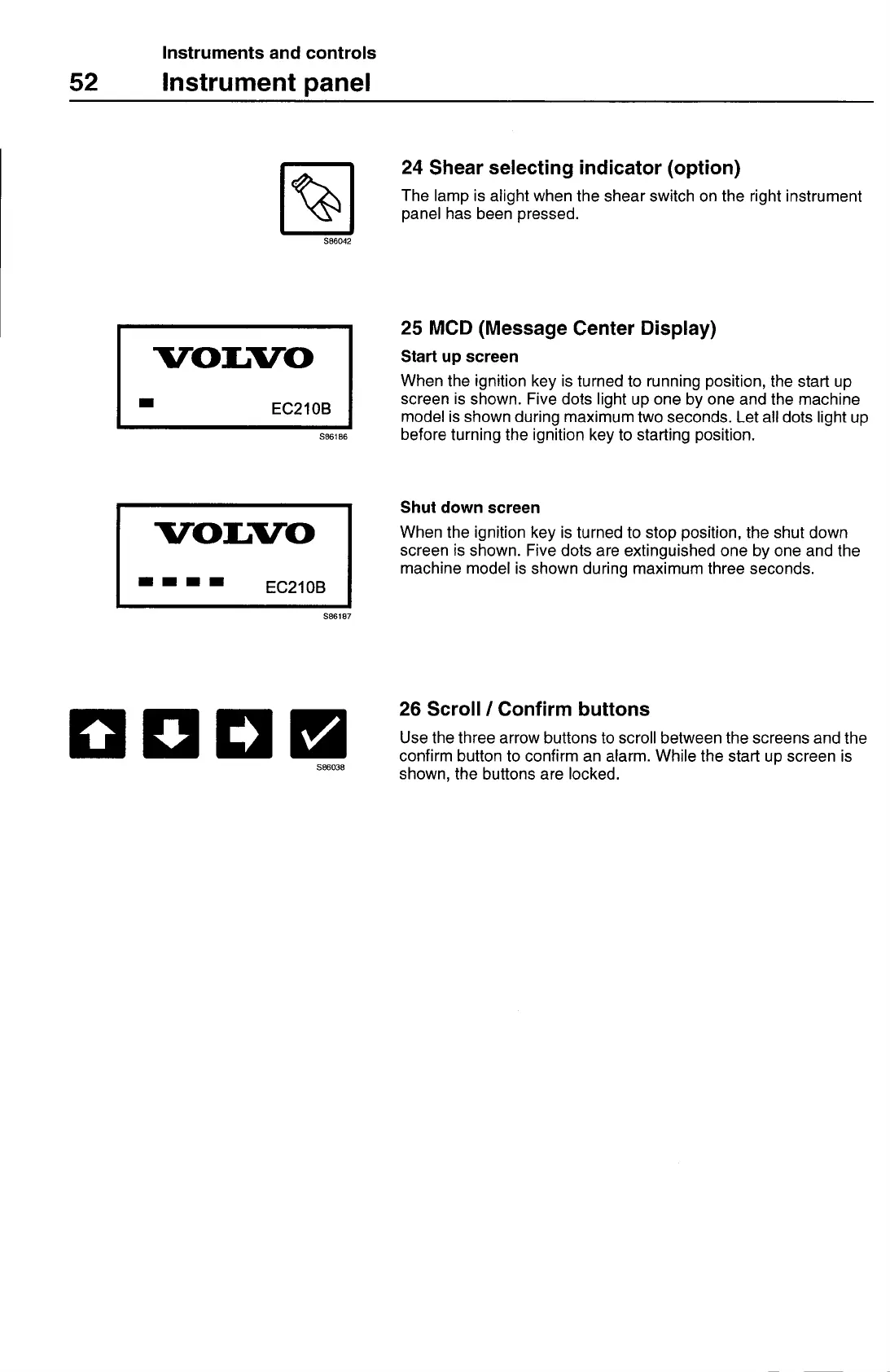
24 Shear selecting indicator (option)
The lamp is alight when the shear switch on the right instrument
panel has been pressed.
S86042
25 MCD (Message Center Display)
Start up screen
When the ignition key is turned to running position, the start up
screen is shown. Five dots light up one by one and the machine
model is shown during maximum two seconds. Let all dots light up
before turning the ignition key to starting position.
Shut down screen
When the ignition key is turned to stop position, the shut down
screen is shown. Five dots are extinguished one by one and the
machine model is shown during maximum three seconds.
26 Scroll
I
Confirm buttons
Use the three arrow buttons to scroll between the screens and the
confirm button to confirm an alarm. While the start up screen is
shown, the buttons are locked.



 To Next Page