DD-MM-'WY
23:02.2002
Setup time and date
S86078
DO
Instruments and controls
Instrument panel
57
S86077
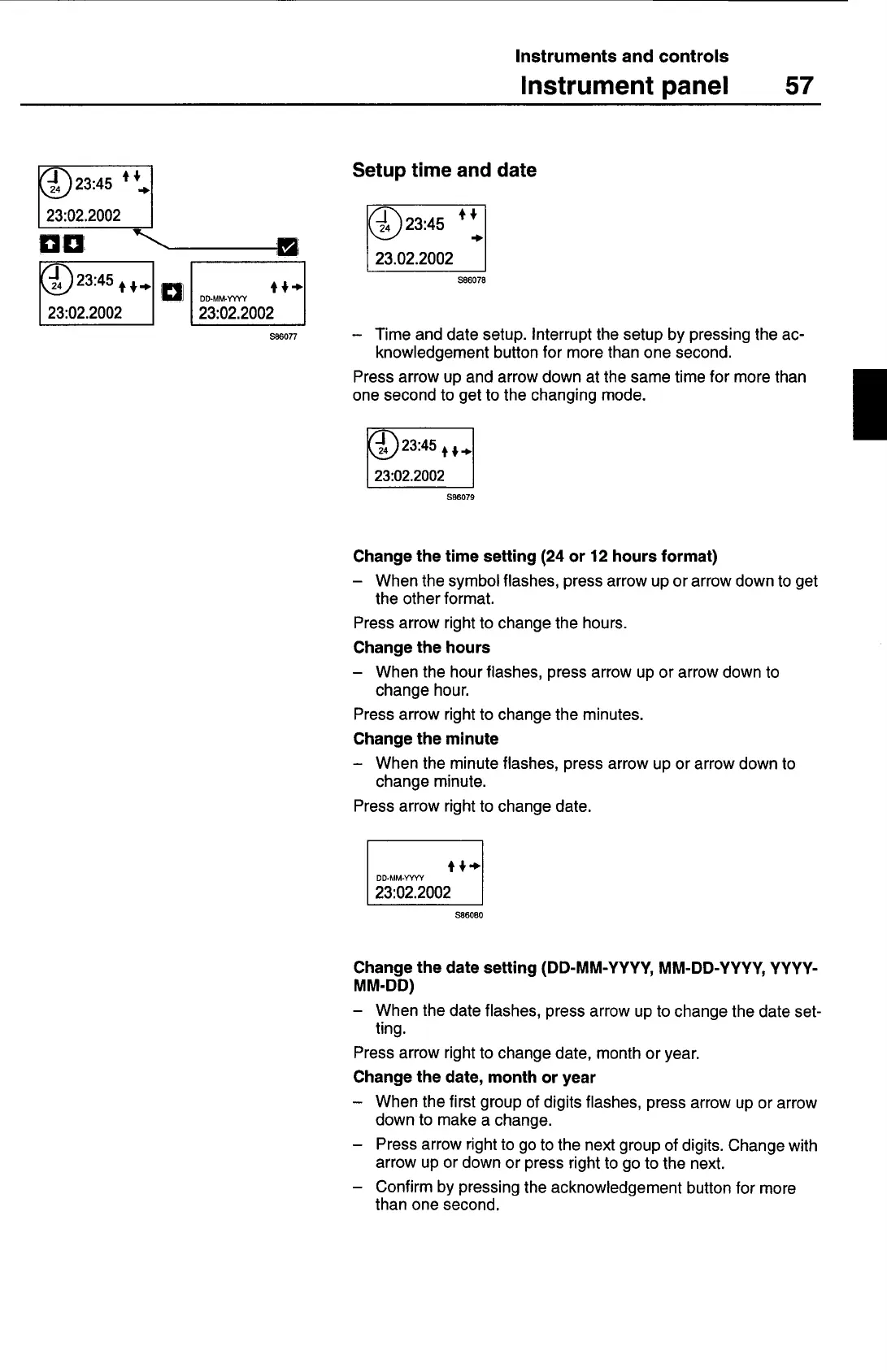
— Time and date setup. Interrupt the setup by pressing the ac-
knowledgement button for more than one second.
Press arrow up and arrow down at the same time for more than
one second to get to the changing mode.
S86079
Change the time setting (24 or 12 hours format)
— When the symbol flashes, press arrow up or arrow down to get
the other format.
Press arrow right to change the hours.
Change the hours
— When the hour flashes, press arrow up or arrow down to
change hour.
Press arrow right to change the minutes.
Change the minute
— When the minute flashes, press arrow up or arrow down to
change minute.
Press arrow right to change date.
fG+
DD-MM-Yr,'Y
23:02.2002
S86080
Change the date setting (DD-MM-YYYY, MM-DD-YYYY, YYYY-
MM-DD)
— When the date flashes, press arrow up to change the date set-
ting.
Press arrow right to change date, month or year.
Change the date, month or year
— When the first group of digits flashes, press arrow up or arrow
down to make a change.
— Press arrow right to go to the next group of digits. Change with
arrow up or down or press right to go to the next.
— Confirm by pressing the acknowledgement button for more
than one second.



 To Next Page