Instruments and controls
48 Description of instrument panel
VOE 2134355130
Presetting heating time starting
The preset heating time can be selected for 3 different times every
day or once a week.
1 Each preset time can be certified when program switch (B) is
pressed.
2 Press program switch (B) and memory indicator changes to 1.
3 Preset the time by pressing forward switch (E) or backward
switch (D), when current time / program time blinks.
4 Repeat the above steps and memory indicator (G) will change
to 2 and then to 3.
Heating ON / OFF switch (C) only blinks in the display window (F),
when memory indicator (G) is ON and at one of the preset operat-
ing times.
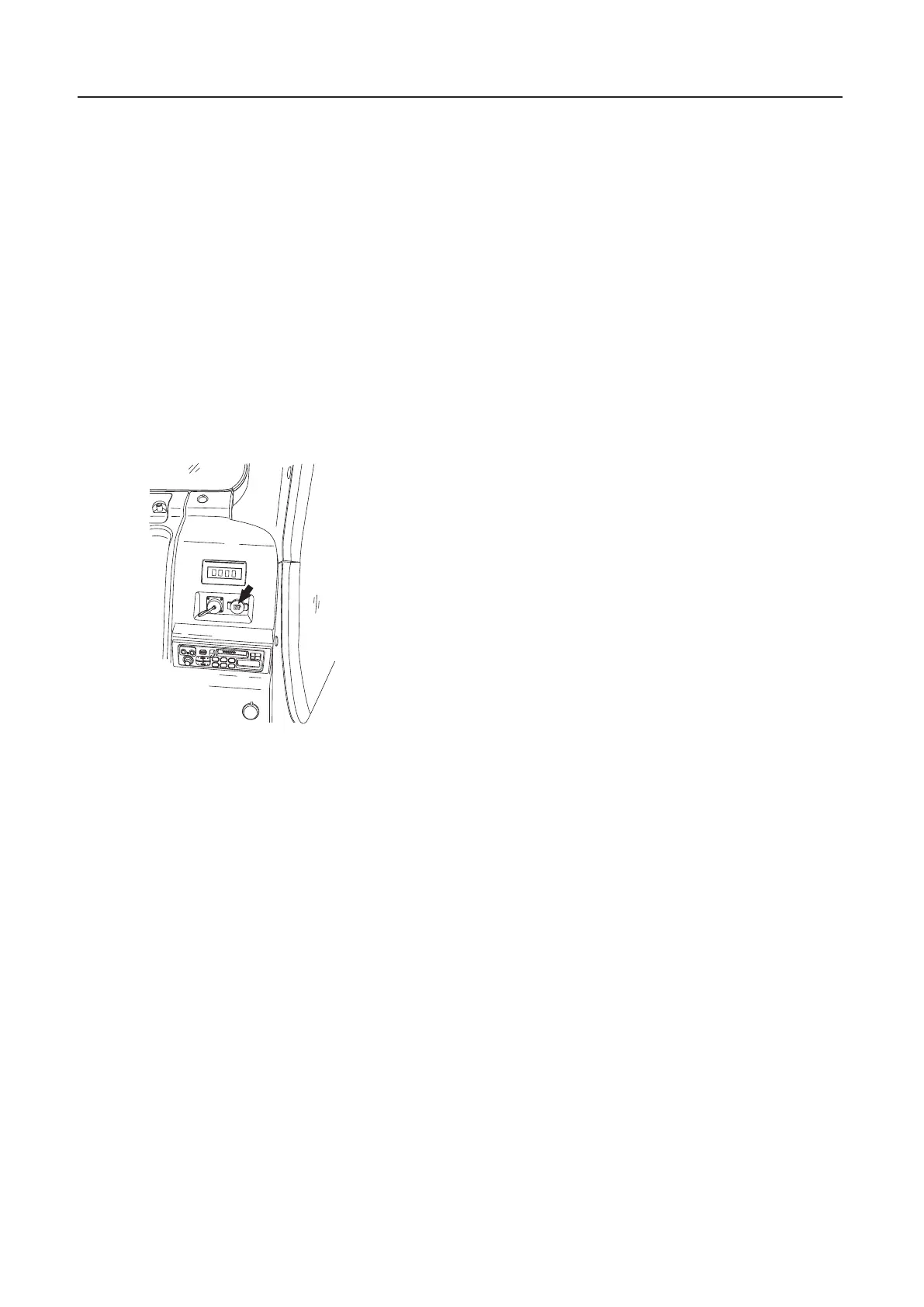
32 Power socket
This socket is for electrical appliances like mobile phone charger.
Capacity: under 12 V (4 A)
S82265D
1
2
3
6
5
4


 To Next Page
 Loading...






