OM 803 us – Edition 3.7 * 803b340.fm 3-69
Operation
Changeover from diesel to HPU operation
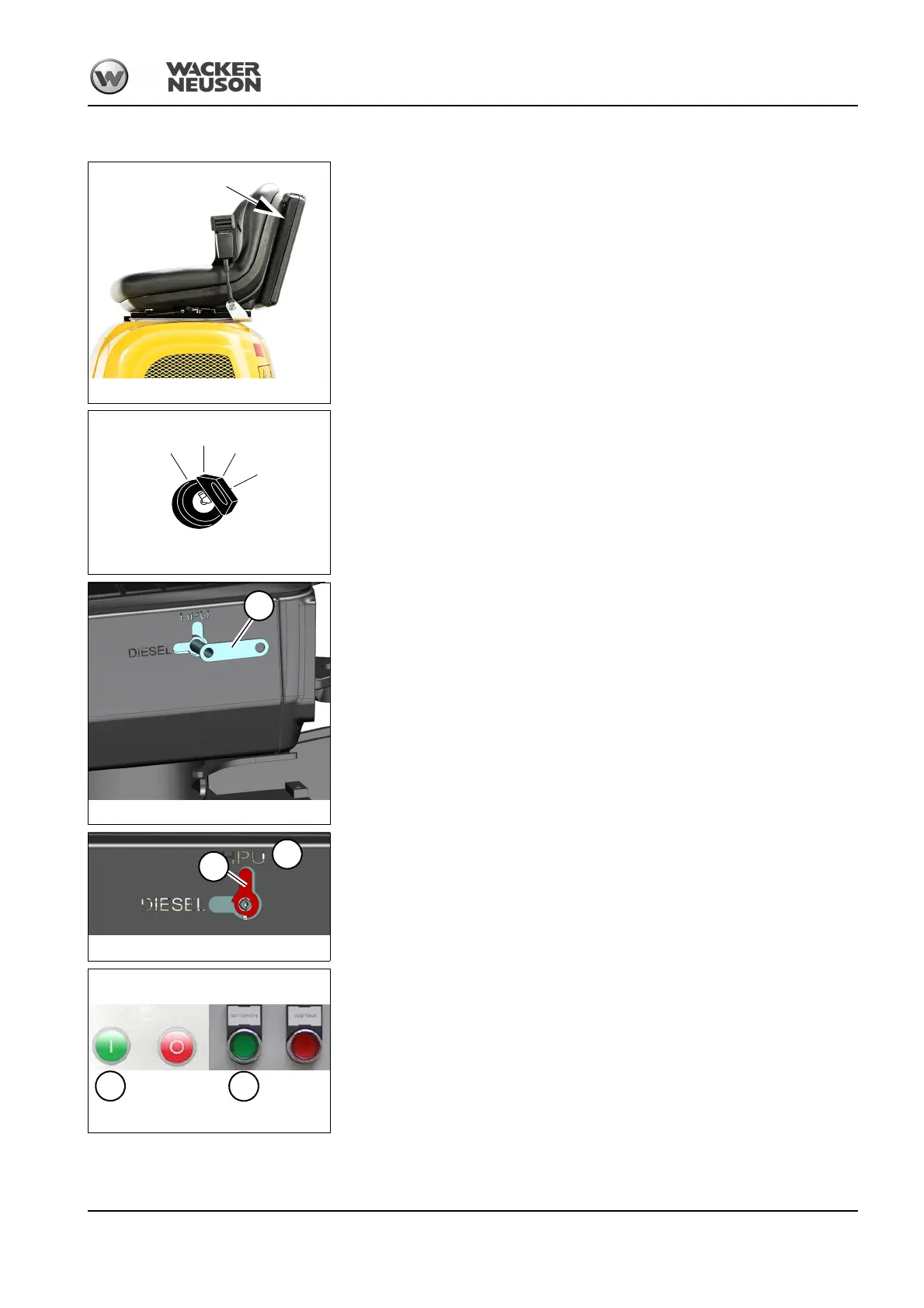
Key A for changing over between HPU and diesel operation is located in the document
box behind the operator seat.
1 Stop the diesel engine: turn the starting key to position 0.
2 Insert key A and turn it clockwise to position 2.
3 Remove key A and store it in the document box.
➥Indication B must be in position 2.
Switch on the HPU: press the green push button (G)
Fig. 157:
7.5 kW version 9 kW version
G
G







 To Next Page