COMMISSIONING INSTRUCTIONS
TR05A140.B1107
41
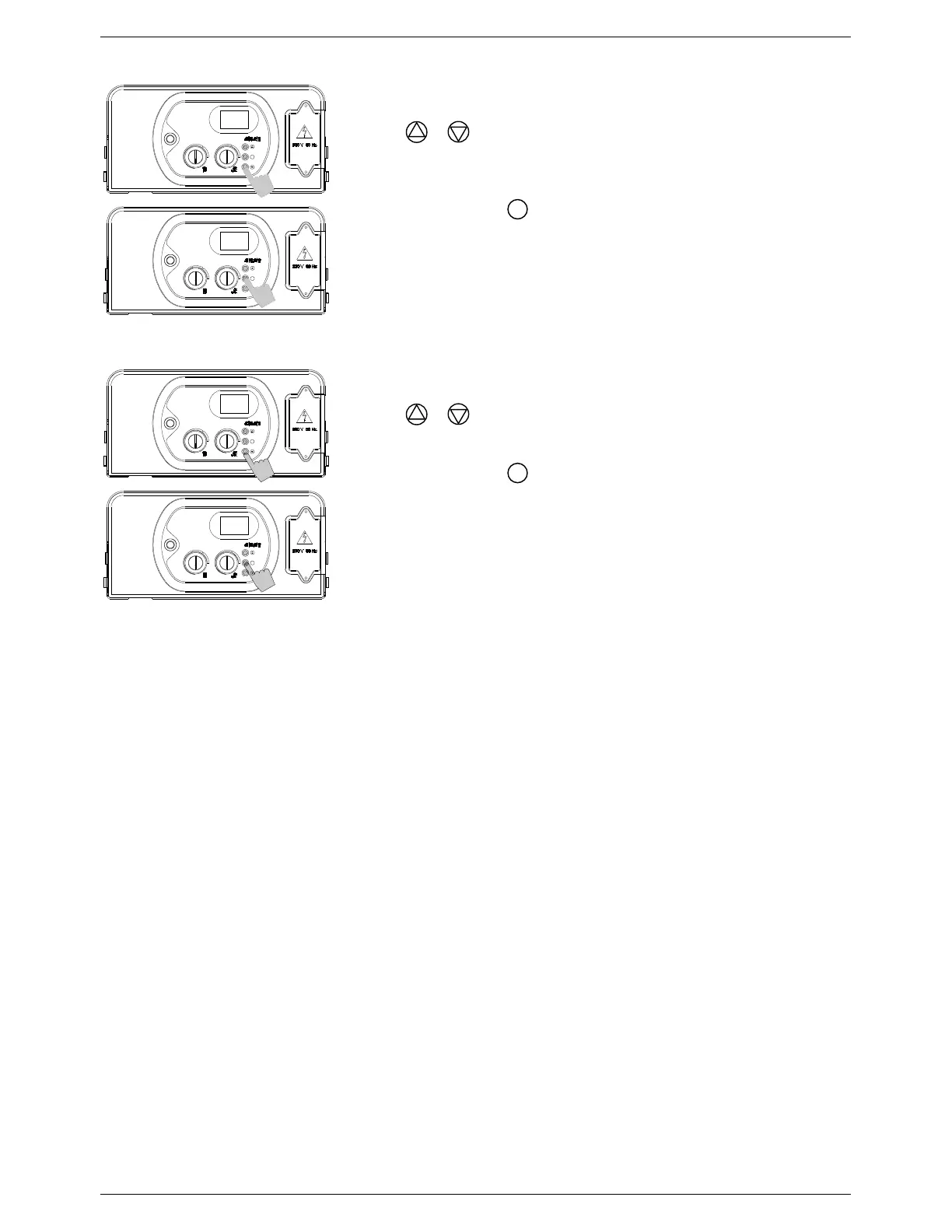
Parameter 21 – Ignition sequence fan speed
Access the parameters menu as described in Section 5.7.1.
Use the & buttons to adjust the parameter value:
Minimum value determined by Parameter 17
Maximum value determined by Parameter 18
Note: Factory preset to 110 = 110 Hz
Press and release the
button.
The parameter number (21) will appear on the display.
To store your changes, switch the appliance off then on again using
the ON/OFF button.
Parameter 22 – Fan speed display mode
Access the parameters menu as described in Section 5.7.1.
Use the & buttons to adjust the parameter value:
00 = Off
01 = On (Fan speed displayed for 10 minutes)
Press and release the
button.
The parameter number (22) will appear on the display.
To store your changes, switch the appliance off then on again using
the ON/OFF button.
S
S
21
110
00
22
S
S



 To Next Page