Setting Up the 600 as a PowerLine Controller 51
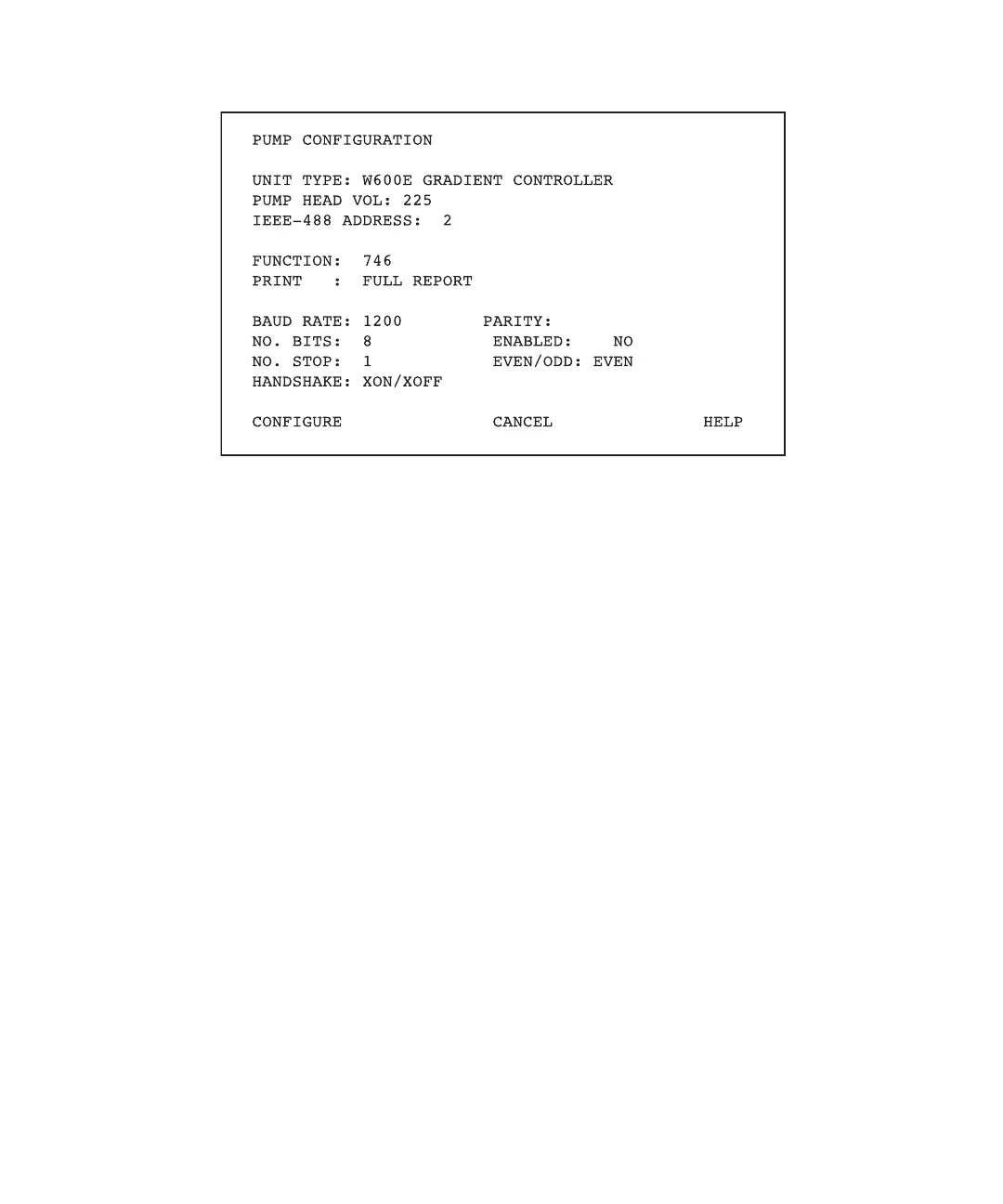
Figure 4-5 Gradient Controller Pump Configuration Screen
5. Move the cursor to the Unit Type field.
Note: Press the Help screen key to display the available controller configuration
options.
6. Type 1 to select the PowerLine controller configuration. Press Enter.
7. Press the Configure screen key to effect the change. The controller reboots and
returns to the Powerup screen. The Type field contains:
W600E PowerLine Controller
8. Continue with the following sections:
• Section 4.1.2, Selecting an Integrator
• Section 4.1.3, Selecting the Report Type
• Section 4.2, Verifying that PowerLine Devices Are Active
• Section 4.3, Setting Up the 600E Pump
4.1.2 Selecting an Integrator
This section describes how to set the parameters for an optional Waters 745B/746 Data
Module (integrator). An integrator allows you to print out a report at the conclusion of a
run.



 To Next Page