Verifying that PowerLine Devices Are Active 61
4.2 Verifying that PowerLine Devices Are Active
Verify that PowerLine devices are active only if you will be using a PowerLine
autoinjector (717plus autosampler) or a PowerLine detector (410 Refractive Index,
431/432 Conductivity, 486 Tunable Absorbance, or 490E Programmable
Multiwavelength) in your system. Continue with Section 4.3, Setting Up the 600E Pump,
if you are not using these devices.
Powerup Verification of PowerLine Devices
When you power up the 600 controller, it automatically scans the IEEE-488 bus to locate
active PowerLine devices.
The 600 can control one PowerLine autoinjector (Waters 717plus) and up to three
PowerLine detectors (Waters 410, 431/432, 486, or 490E) at one time.
For information on connecting PowerLine devices to the IEEE-488 bus, see the Waters
600E Multisolvent Delivery System Installation and Maintenance Guide, Section 3.3,
Making IEEE-488 Interface Connections.
Verifying PowerLine Devices
To verify that the PowerLine devices in your 600E system are active on the IEEE-488 bus:
1. Press the Setup function key to display the Pump Setup screen (Figure 4-6).
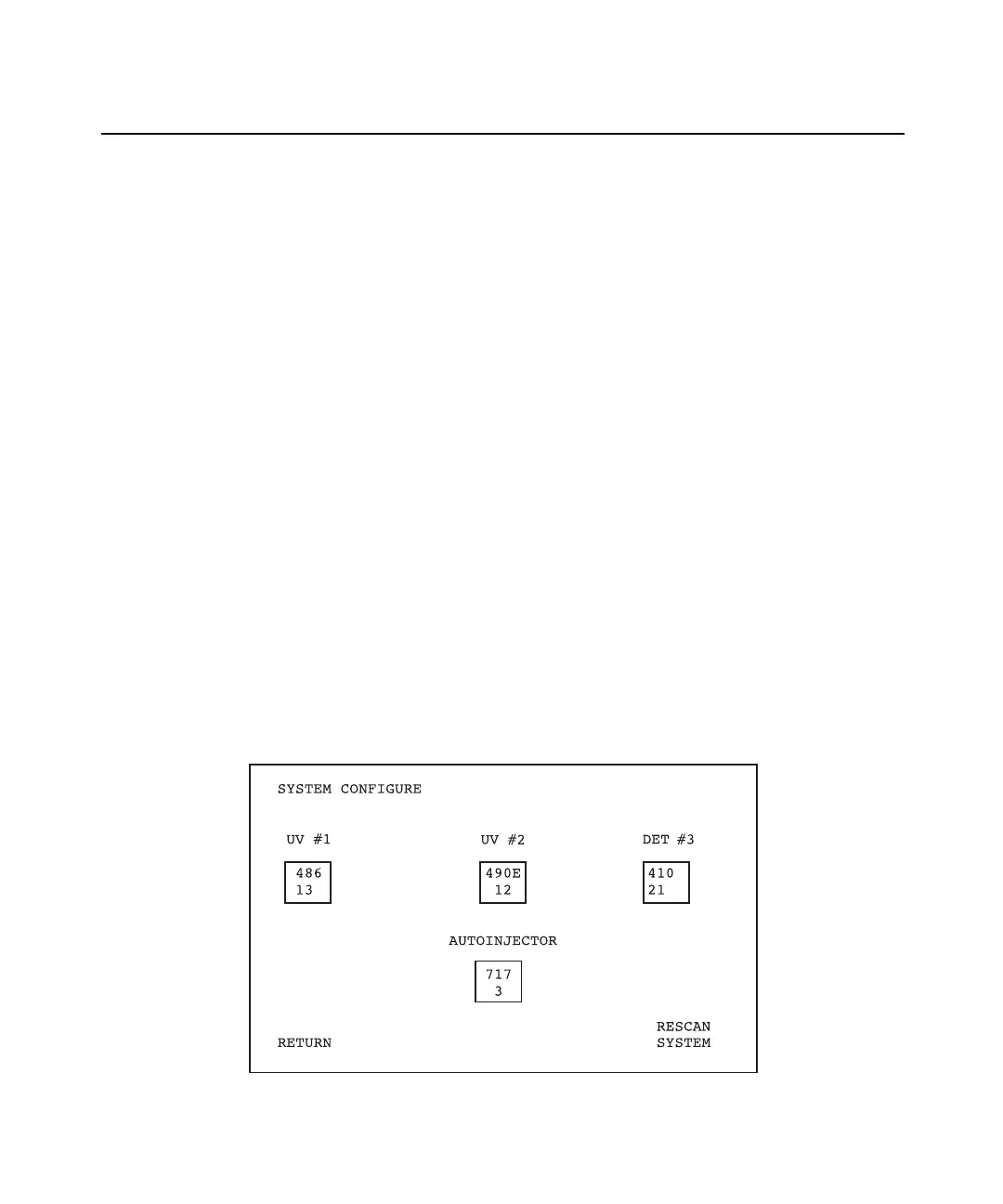
2. Press the System Config screen key from the Pump Setup screen to display the
System Configure screen (Figure 4-11).
Figure 4-11 System Configure Screen



 To Next Page