18 Installation
1
1.3.2 Setting the IEEE-488 Address
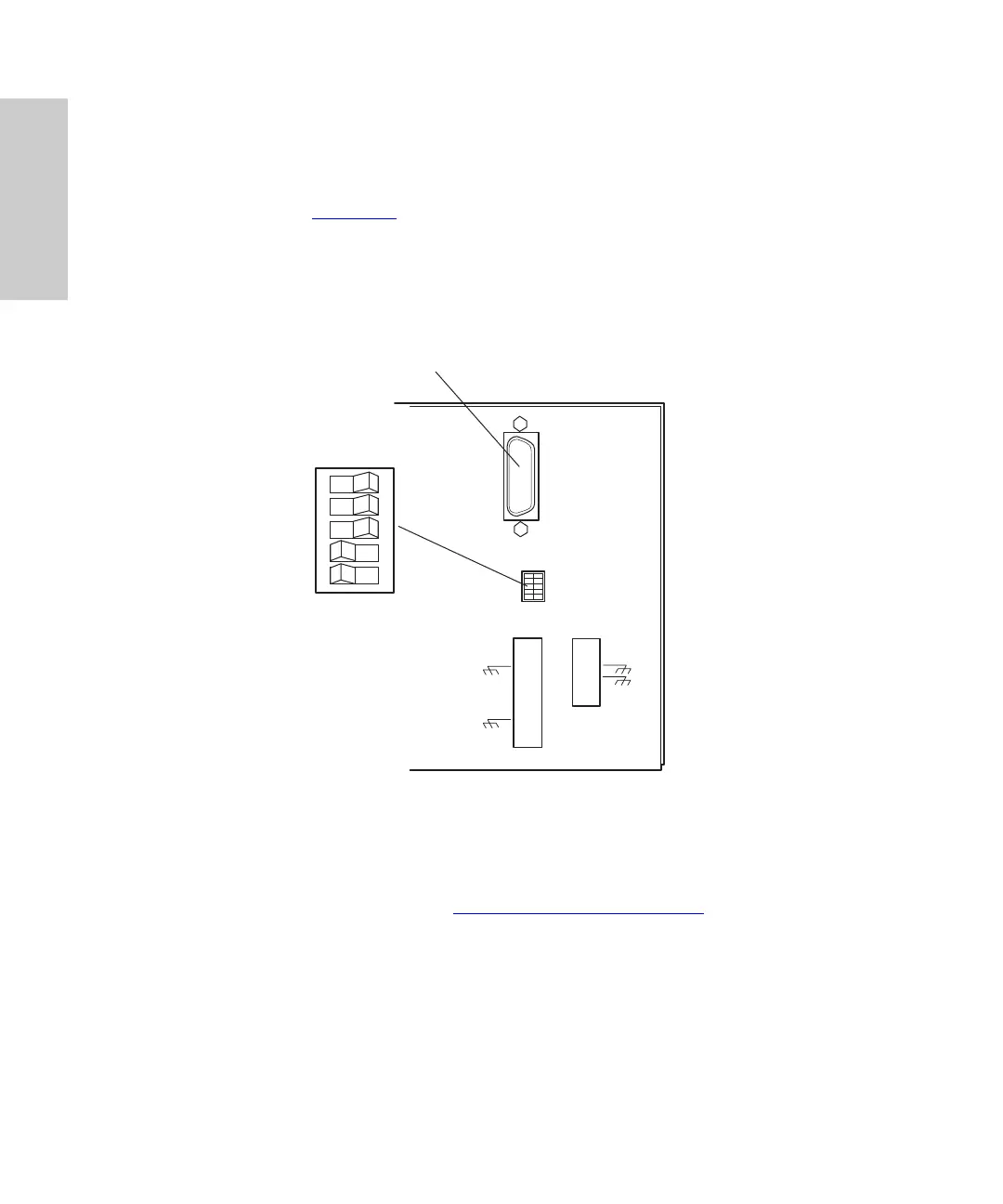
To set the IEEE-488 address for the 996 detector:
1. Use a small screwdriver (or similar device) to set the DIP switches on the detector
rear panel (Figure 1-4
) to the IEEE-488 address of the 996 detector. The address
must be a number from 2 to 29 and must be unique within your network.
Refer to the
Millennium
32
System Installation/Configuration Guide,
Section 2.3.1,
Connecting IEEE-488 Devices, for the correct IEEE-488 DIP switch settings.
Figure 1-4 Locating the IEEE-488 Address Switches
2. To instruct the 996 detector to accept the new IEEE-488 address, power off, then
power on the detector (see Section 1.6,
Startup/Shutdown).
IEE 488 ADDRESS
12345
– OPEN –
TP01457
IEEE-488 Cable
Connection
IEEE-488
Address
Switches



 To Next Page