28 Diagnostics and Calibration
2
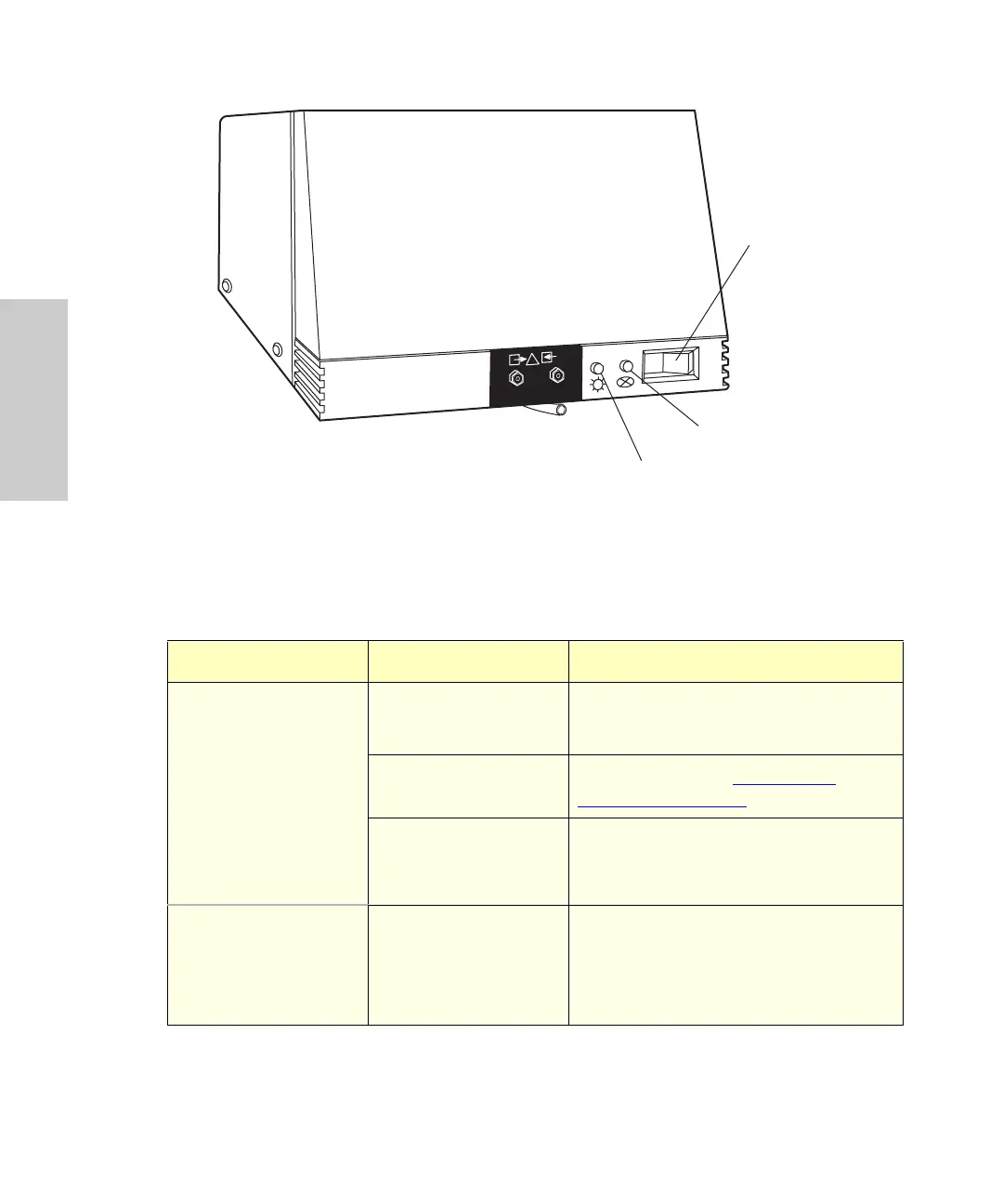
Figure 2-1 996 PDA Detector Indicator Lights
Table 2-1 996 Detector Troubleshooting
Symptom Possible Cause Corrective Action
Status light off No power. 1. Check line cord connections.
2. Check outlet for power.
Blown fuse. Replace fuse (see Section 3.3,
Replacing the Fuses).
Detector is still
performing
diagnostics
Wait for diagnostics to end.
Status light blinks and
lamp light off
Failed startup
diagnostics.
1. Check that lamp door is secure.
2. Replace lamp. If replacing the lamp
fails to correct the problem, contact
Waters Technical Service.
TP01460
LAMP
WATERS 996
Photodiode Array
Detector
On/Off
Switch
Status
Indicator
Lamp
Indicator



 To Next Page