Flow Cell Maintenance 35
3
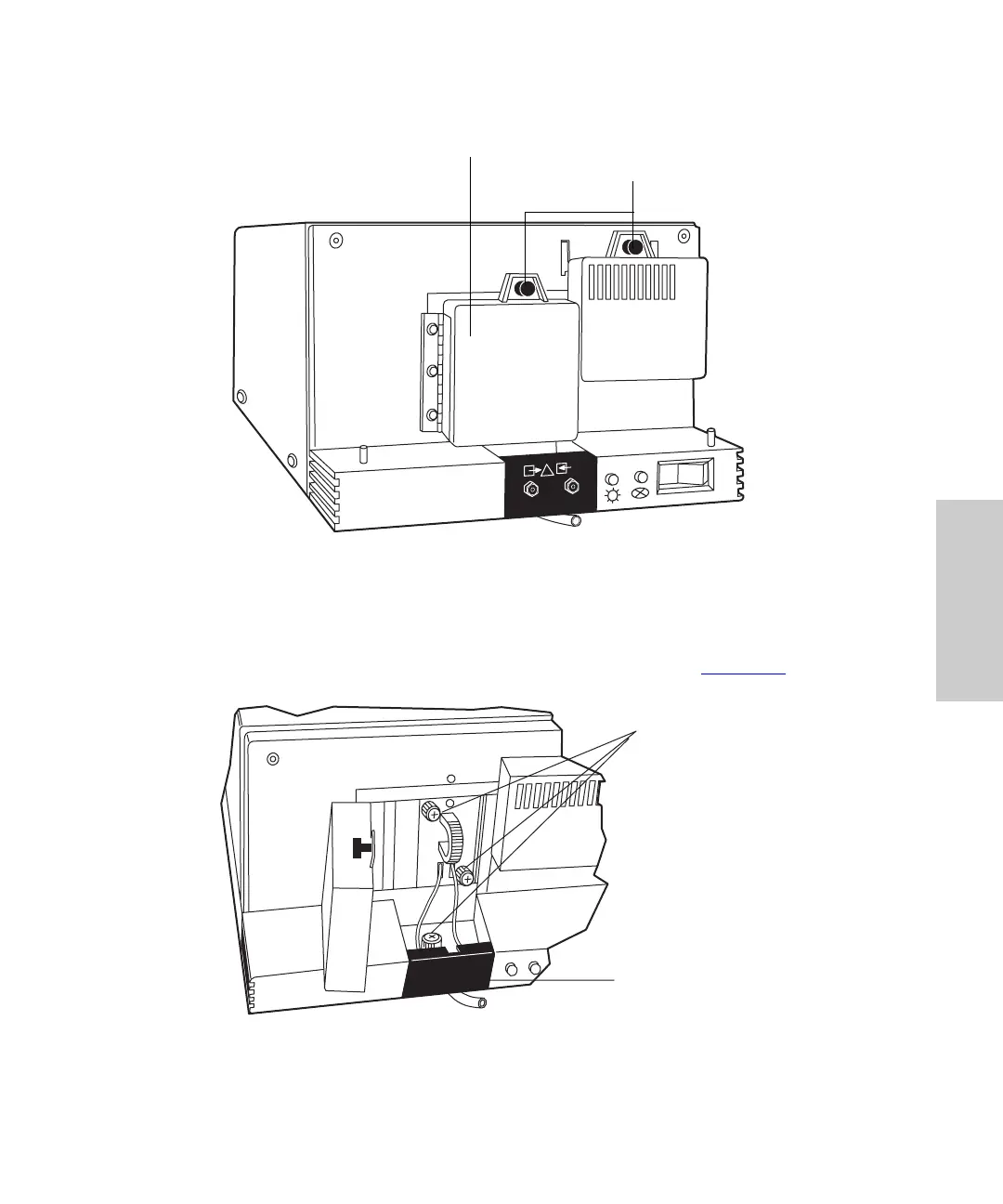
Figure 3-1 Flow Cell Access Door
6. Use the Phillips screwdriver to loosen the two thumbscrews that hold the flow
cell assembly to the optics bench and the thumbscrew that secures the bracket
holding the fluidic connections, then detach the bracket (Figure 3-2
).
Figure 3-2 Removing the Flow Cell Assembly
LAMP
STATUS
TP01461
Flow Cell Access
Door
Thumbtabs
TP01462
Thumbscrews
Holding Flow
Cell Assembly
and Bracket
Fluidic Connections
(Inside Bracket)



 To Next Page