Using the column compartments 107
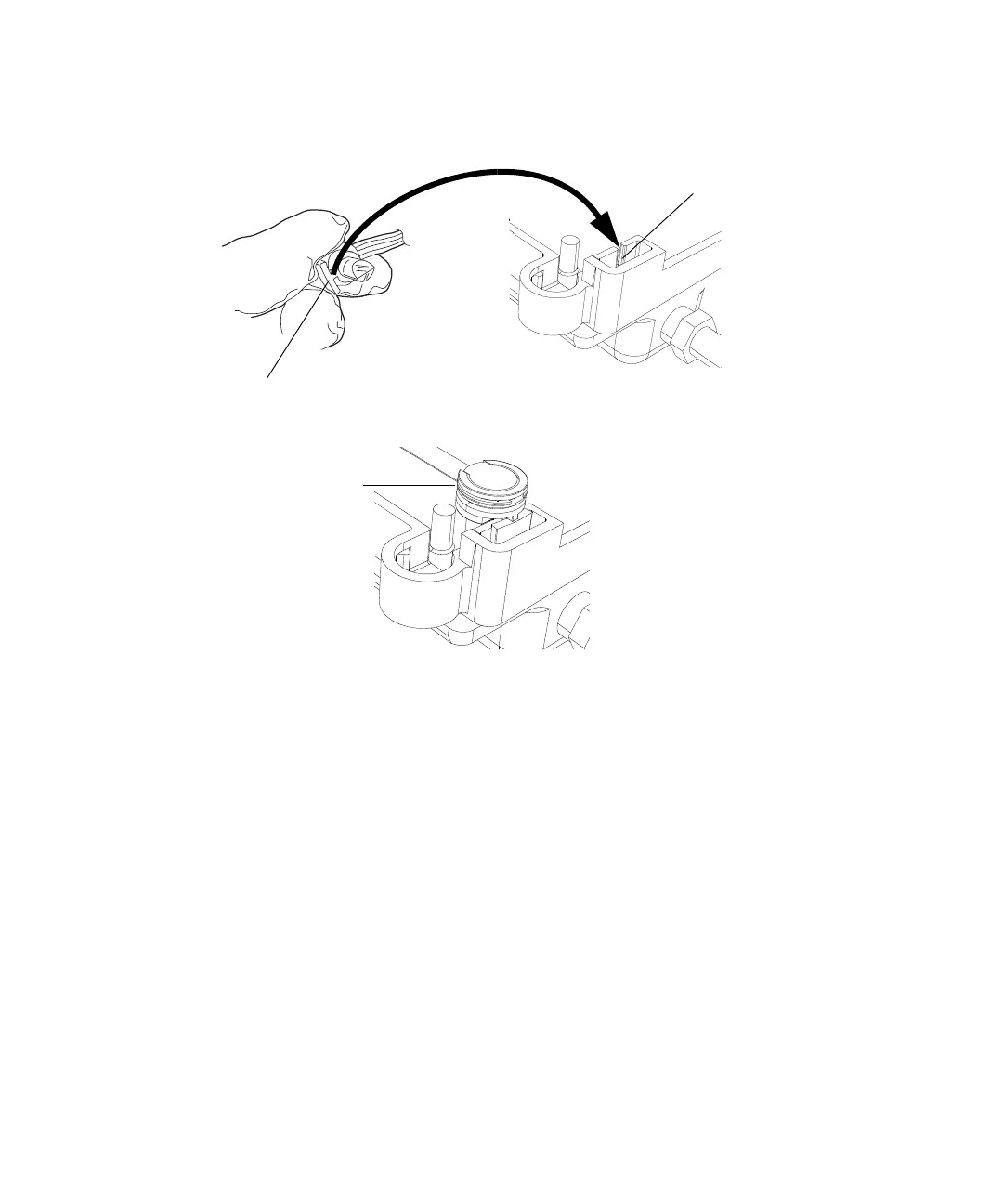
8. Align the leak sensor’s T-bar with the slot in the side of the leak sensor
reservoir, and slide the leak sensor into place.
9. In the ACQUITY UPLC Console, select Sample Manager FTN from the
system tree.
10. In the sample manager information window, click Control > Reset SM,
to reset the sample manager.
To resolve a column manager leak sensor error:
1. Power-off the column manager.
2. Open the column manager door.
3. Locate the source of the leak, and make the repairs necessary to stop it.
Tip: Liquid from a detector leak can accumulate in the column manager
leak sensor reservoir and cause the column manager leak sensor alarm
to sound. Always inspect the detector when attempting to locate the
source of a leak.
T-bar
Leak sensor
installed in
reservoir
Slot in leak
sensor reservoir












 To Next Page