108
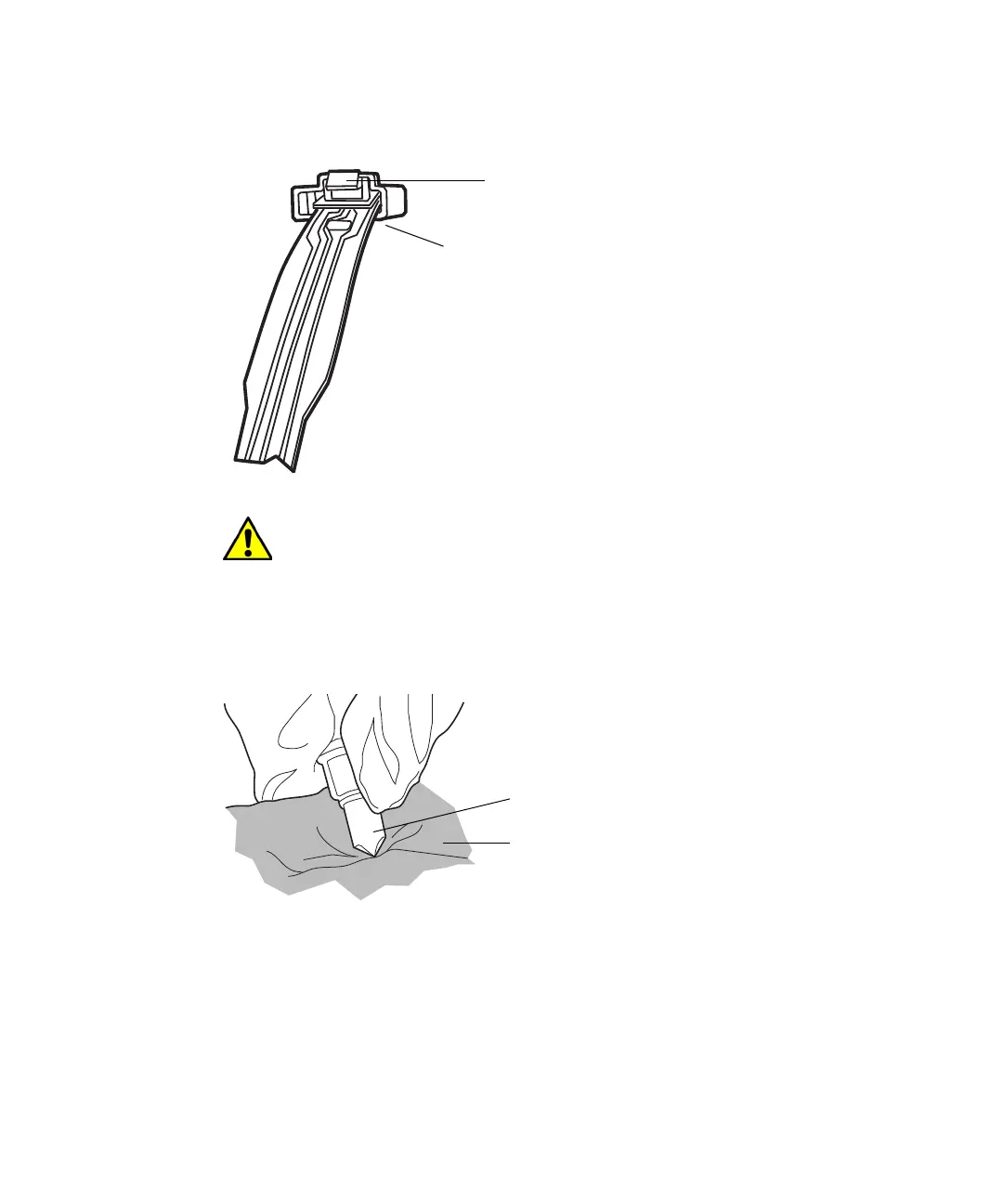
4. Detach the leak sensor connector from the front of the column manager
by pressing down on the tab and pulling it out of the receptacle.
5. Remove the leak sensor from its reservoir, grasping it by its serrations,
and pulling upward.
6. Use a nonabrasive, lint-free wipe to dry the leak sensor prism.
7. Roll up a nonabrasive, lint-free wipe, and use it to absorb the liquid from
the leak sensor reservoir and its surrounding area.
8. With a cotton swab, absorb any remaining liquid from the corners of the
leak sensor reservoir and its surrounding area.
Caution: To avoid damaging the leak sensor, do not grasp it by the
ribbon cable.
Leak sensor
connector
Press down on tab to
release connector












 To Next Page