120
Required materials
• Gloves: clean, powder-free, chemical-resistant
• New leak sensor
To replace the column manager’s or auxiliary column manager’s leak
sensor:
1. Power-off the column manager.
2. Open the column manager door.
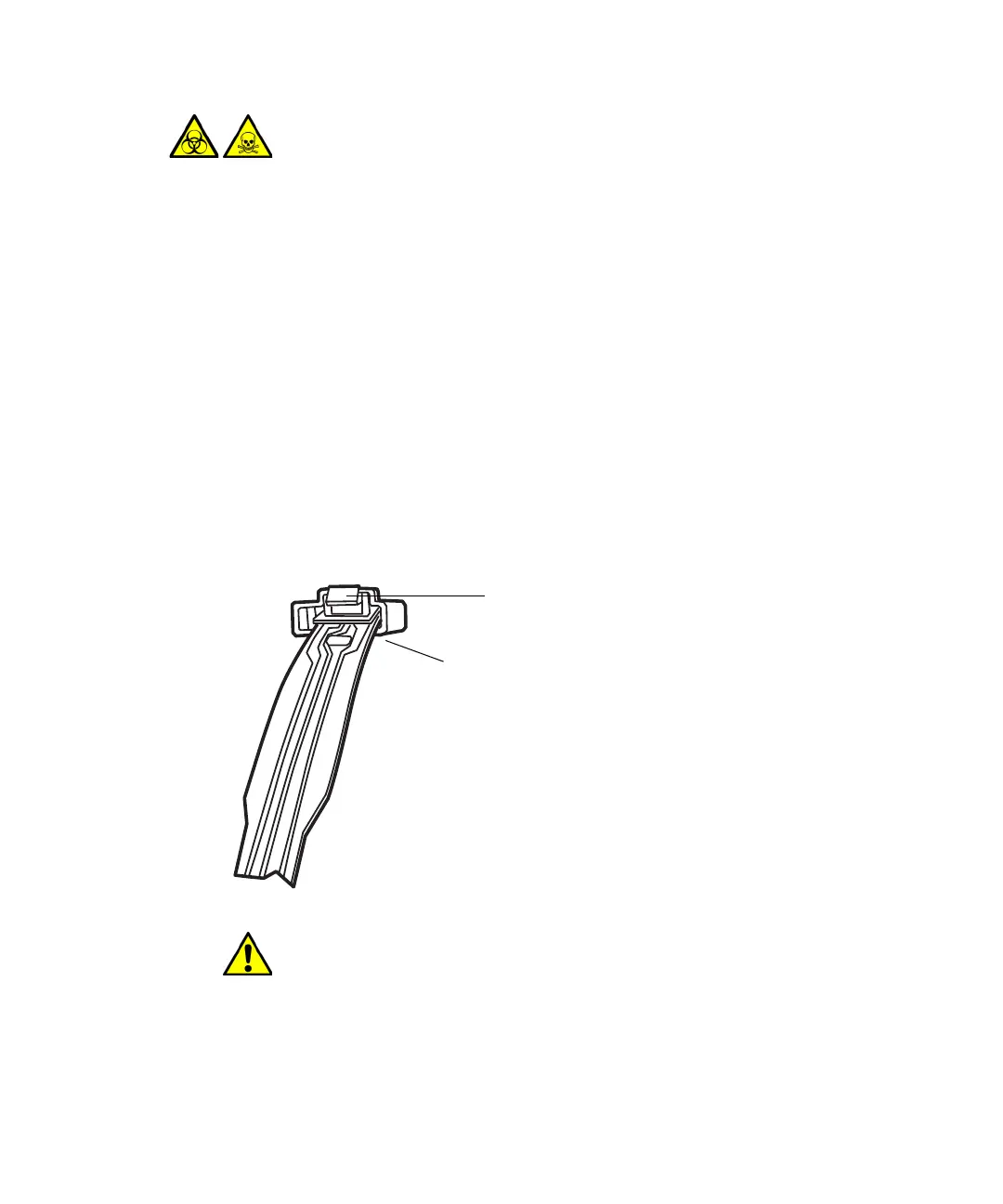
3. Press down on the tab, to detach the leak sensor connector from the
front of the instrument.
4. Remove the leak sensor from its reservoir, grasping it by its serrations,
and pulling upward on it.
5. Unpack the new leak sensor.
Warning: To avoid personal contamination from contact with
biologically hazardous or toxic materials, always wear clean,
chemical-resistant, powder-free gloves when performing this
procedure.
Caution: To avoid damaging the leak sensor, do not grasp it by the
ribbon cable.
Leak sensor
connector
Press down on tab to
release connector












 To Next Page