130
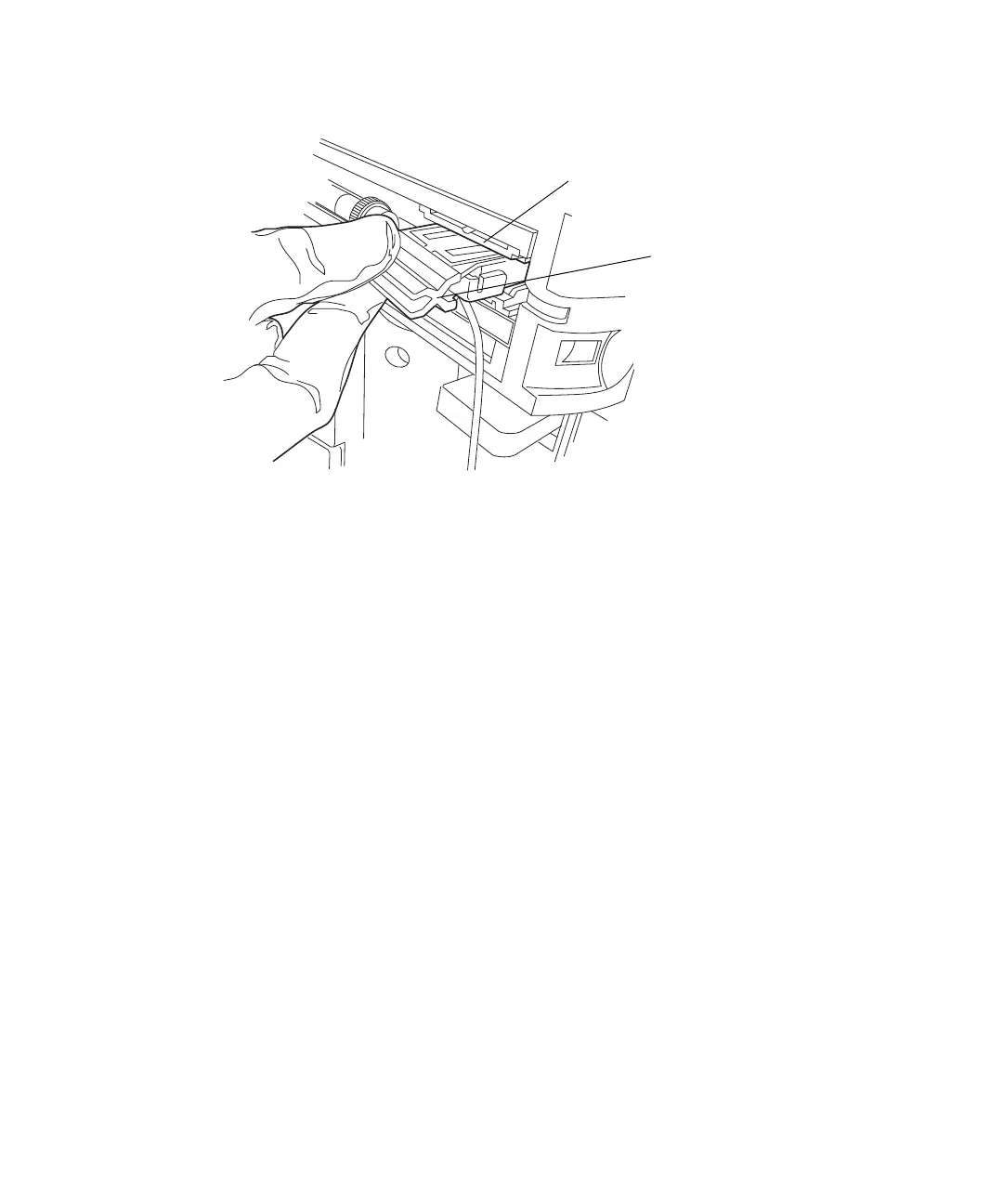
5. Remove the active preheater assembly from the retainer.
6. While holding the column, disconnect the column outlet tubing.
7. While holding the gold active preheater fitting, rotate the column off the
fitting.
Requirement: If you are installing the active preheater in a system with
pressures exceeding 103,421 kPa (1034 bar, 15,000 psi), use the 1/4-inch
and 5/16-inch open-end wrenches to disconnect the compression fitting
that attaches the active preheater assembly to the optional in-line filter
or to the column.
To install the new active preheater assembly:
1. Loosen the stainless steel cap nut from the gold fitting.
2. Finger tighten the gold fitting, with the ferrule, into the column.
3. Holding the active preheater’s dual-threaded fitting in place, rotate the
column or optional in-line filter onto the fitting until it is snug, and then
tighten an additional 3/8-turn.
Tip: For information on installing system fittings, see the table on
page 15.
Retainer
Active preheater
assembly












 To Next Page