Maintaining the column compartments 129
• Column manager – disconnect the tubing from the appropriate
injector port of the switching-valve. The port varies depending on
which active preheater you are replacing. See the figures on
page 46, page 69, page 70, page 71, and page 72.
• Auxiliary column manager – disconnect the tubing from the
appropriate injector port of the switching-valve, located in the
column manager. See the figures on page 46, page 69, page 70,
page 71, and page 72.
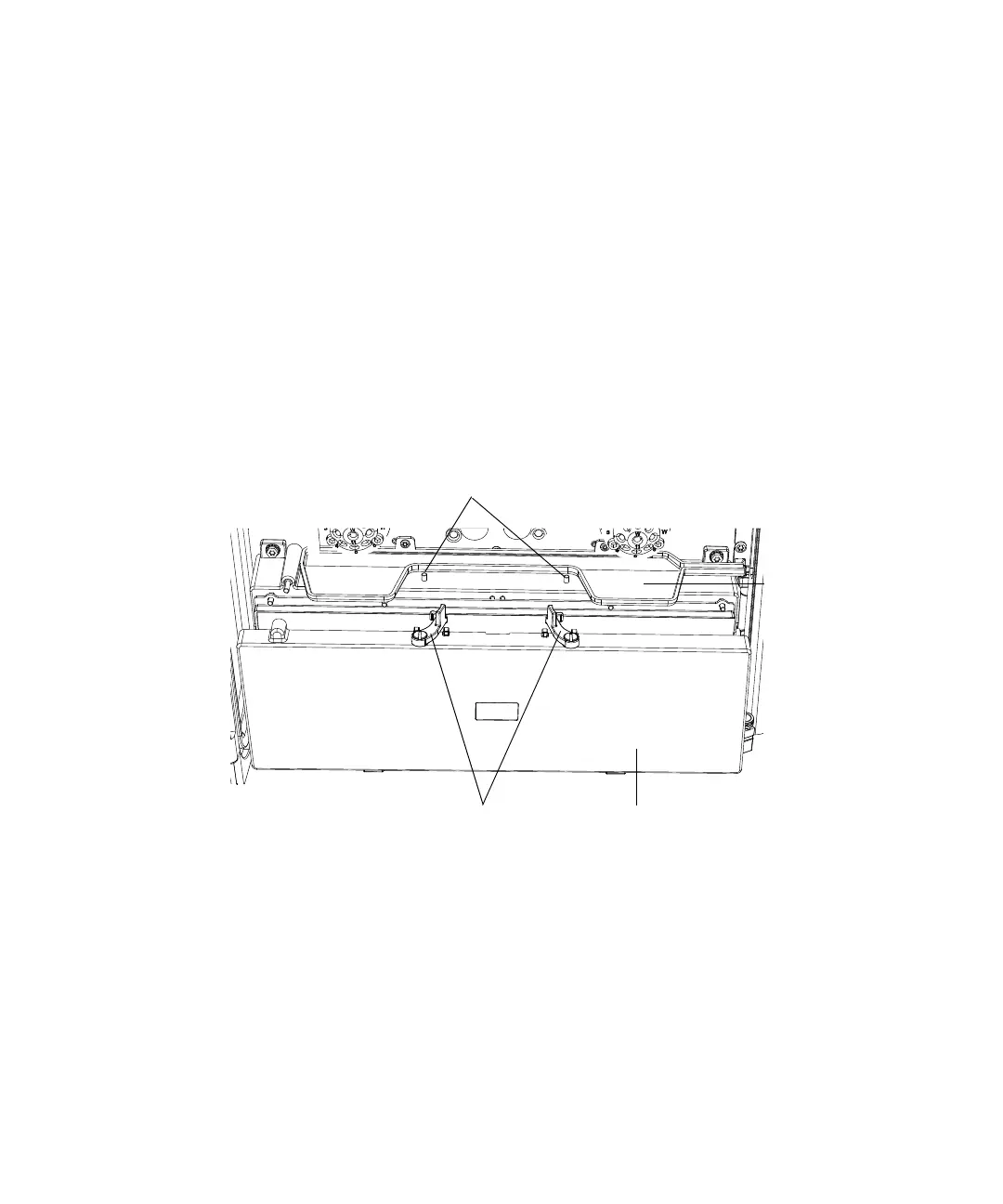
4. Follow these steps for a column manager or auxiliary column manager:
a. Push the latches on top of the column compartment cover inward, to
disengage them from the latch pins.
b. Tilt the column compartment cover forward just enough to clear the
valve drip tray.
c. Pull the column compartment cover up and away from the column
manager or auxiliary column manager.
Latches
Latch pins
Valve drip tray
Column compartment cover












 To Next Page