Preparing the column compartments 19
To install the MS-bracket:
1. Stop any currently running mobile phase.
2. Power-off the sample manager.
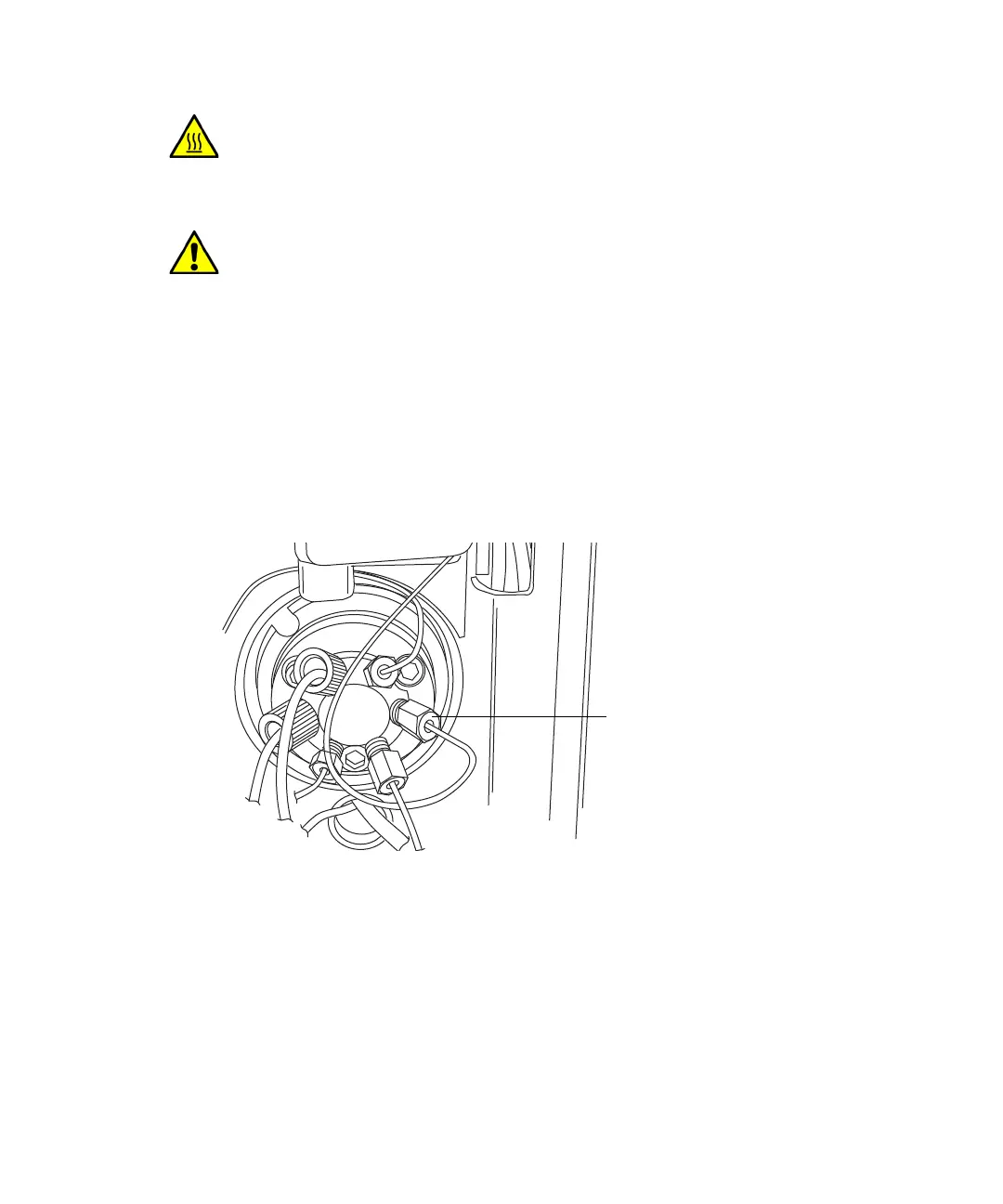
3. Using the 1/4-inch open-end wrench, disconnect the column inlet, active
preheater, or column stabilizer tubing from injector port 6 of the sample
manager.
4. Disconnect the column-outlet PEEK
®
tubing from the detector inlet.
5. Open the column heater door, and remove the column.
Warning: To prevent burn injuries, set the column temperature to Off,
and then allow the column compartment and its components to cool for
60 minutes before touching them. Monitor the column compartment
internal temperature to ensure all components are cool.
Caution: To prevent contaminating system components, wear clean,
chemical-resistant, powder-free gloves when preparing the column
heater for use with a mass spectrometer.
Column, active preheater, or
column-stabilizer-inlet tubing












 To Next Page