22
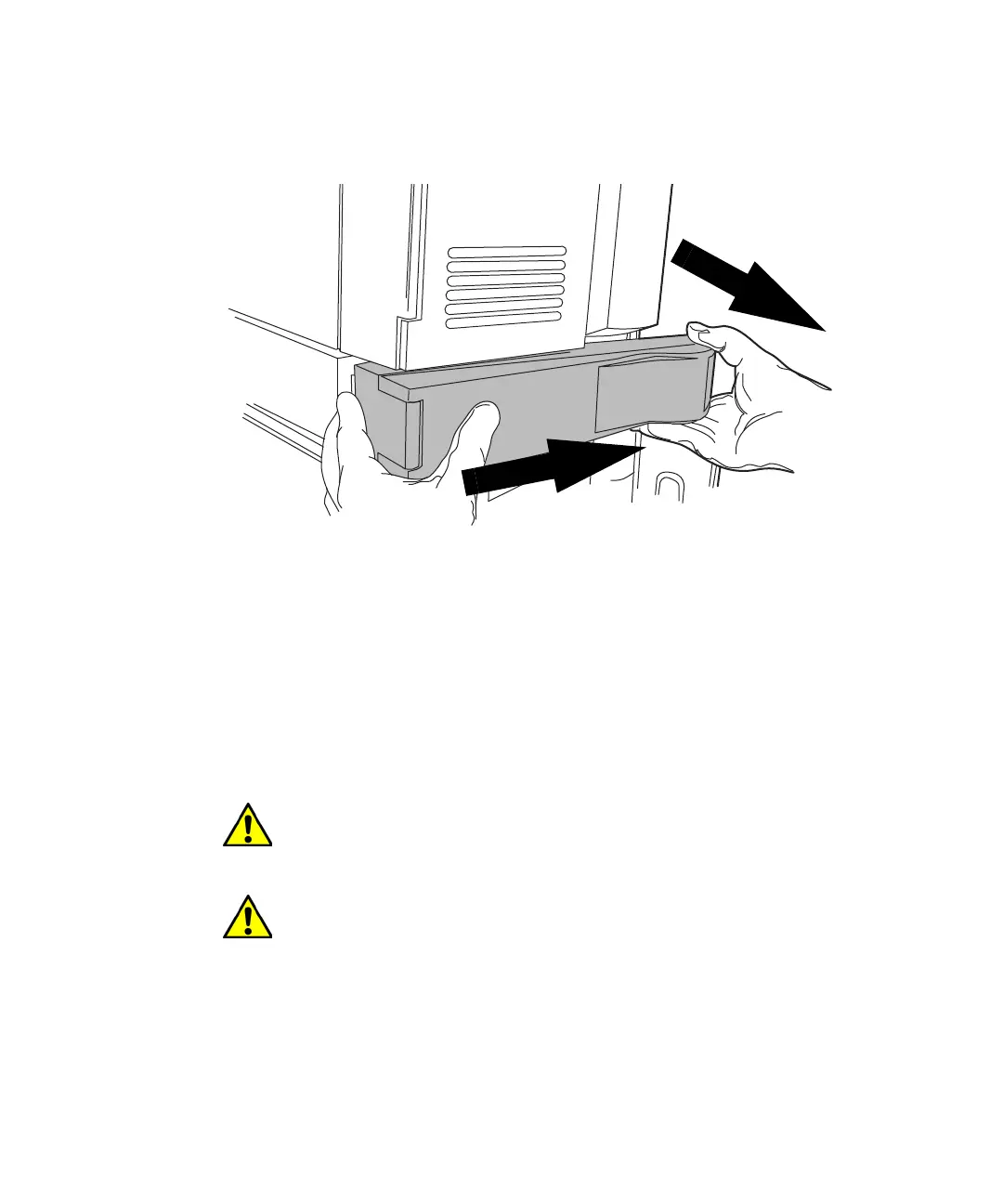
11. Gently pull the right-hand side of the column heater toward you, and
then slide it to the right, to unseat the tab on the left-hand side of the
column heater from the device’s chassis.
12. Remove the 25-pin cable from the receptacle on the back of the column
heater.
13. Set the column heater aside.
14. Ensure that the front left-hand foot of the column heater’s rear
enclosure locks into the retainer bracket on the sample manager below
it.
Alternative: If the retainer bracket is not installed on the sample
manager chassis, perform these tasks:
a. Remove the solvent tray and any system modules stacked atop the
column heater’s rear enclosure.
Warning: To avoid injuries arising from solvent spills, remove the
solvent bottles from the solvent tray before removing the solvent
tray.
Caution: To avoid spilling solvent when disassembling the system,
remove the solvent bottles first. Then remove the solvent tray, and
finally the modules, one at a time. Ask an assistant to help lift the
components off the system stack.












 To Next Page