Preparing the column compartments 31
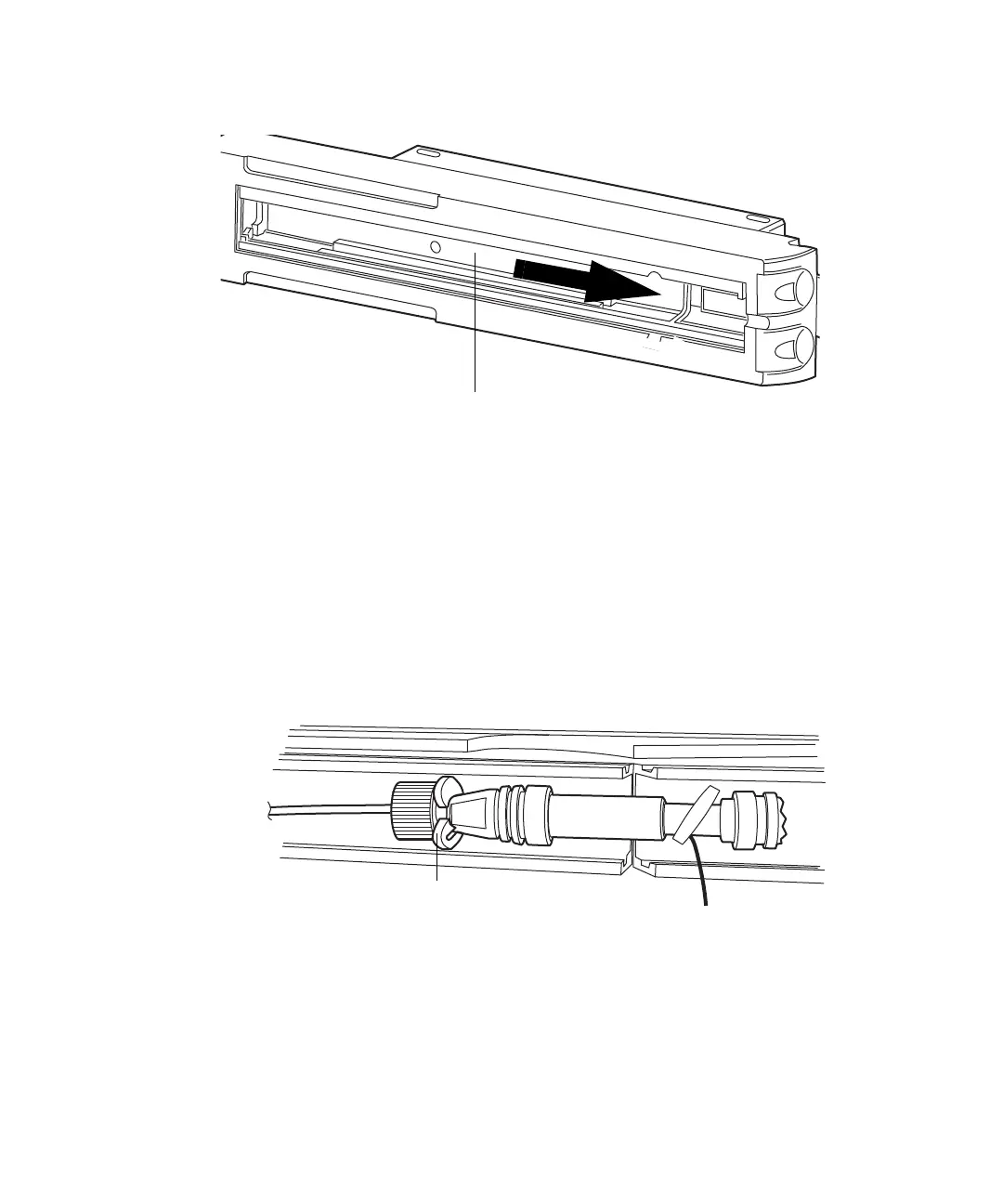
28. Slide the column compartment tray to the right.
29. If desired, install the active preheater assembly:
a. Gently compress the active preheater assembly retainer between
your thumb and forefinger, and push it into the left-hand side of the
column compartment until it snaps into place.
b. Install the active preheater assembly in the retainer.
30. Install the column in the column tray:
a. Snap the column support clips onto the body of the column (one
between the reusable fitting and column). Rotate the clips so that
the openings face forward.
b. Attach the mass spectrometer inlet tubing included with the system
to the column outlet.
c. Set the column into the column compartment.
Requirement: Ensure that the stainless steel tubing from the
sample manager is routed through the front notch on the lower,
left-hand side of the column compartment and that the PEEK












 To Next Page