Preparing the column compartments 57
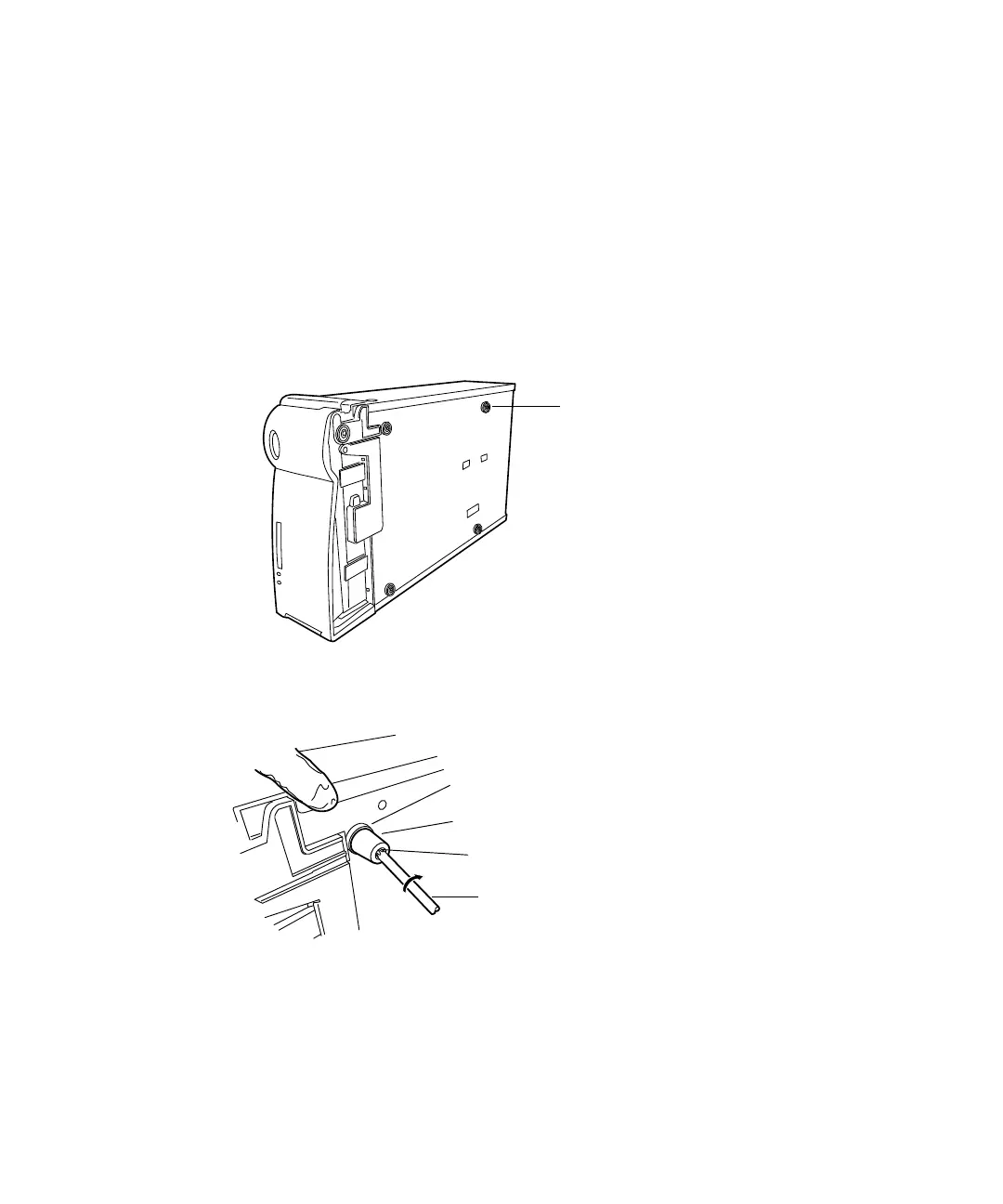
Installing the extended feet on the bottommost column module
The extended feet allow room for installation of the swivel drain. Verify that
the extended feet are installed on the bottommost column module, the CM-A
or the CM-Aux, in the system module configuration you choose.
To install the extended feet on a CM-A or a CM-Aux:
1. Turn the CM-A or CM-Aux so that it is resting on it’s side.
2. Using the T20 TORX driver, remove the screws that secure the four feet
to the bottom of the CM-A or CM-Aux.
3. Using the T20 TORX driver and M4 25-mm screws, fasten the short
and long rubber feet onto the bottom of the CM-A or CM-Aux.
4. Place the CM-A or CM-Aux (now the “lower” CM-Aux) on the bench, to
the right of the solvent manager, ensuring at least 3 inches space
remains between the modules, for ventilation.
Short rubber foot (4)
Long rubber foot (4)
T20 TORX driver
M4 25-mm screw (4)












 To Next Page