56
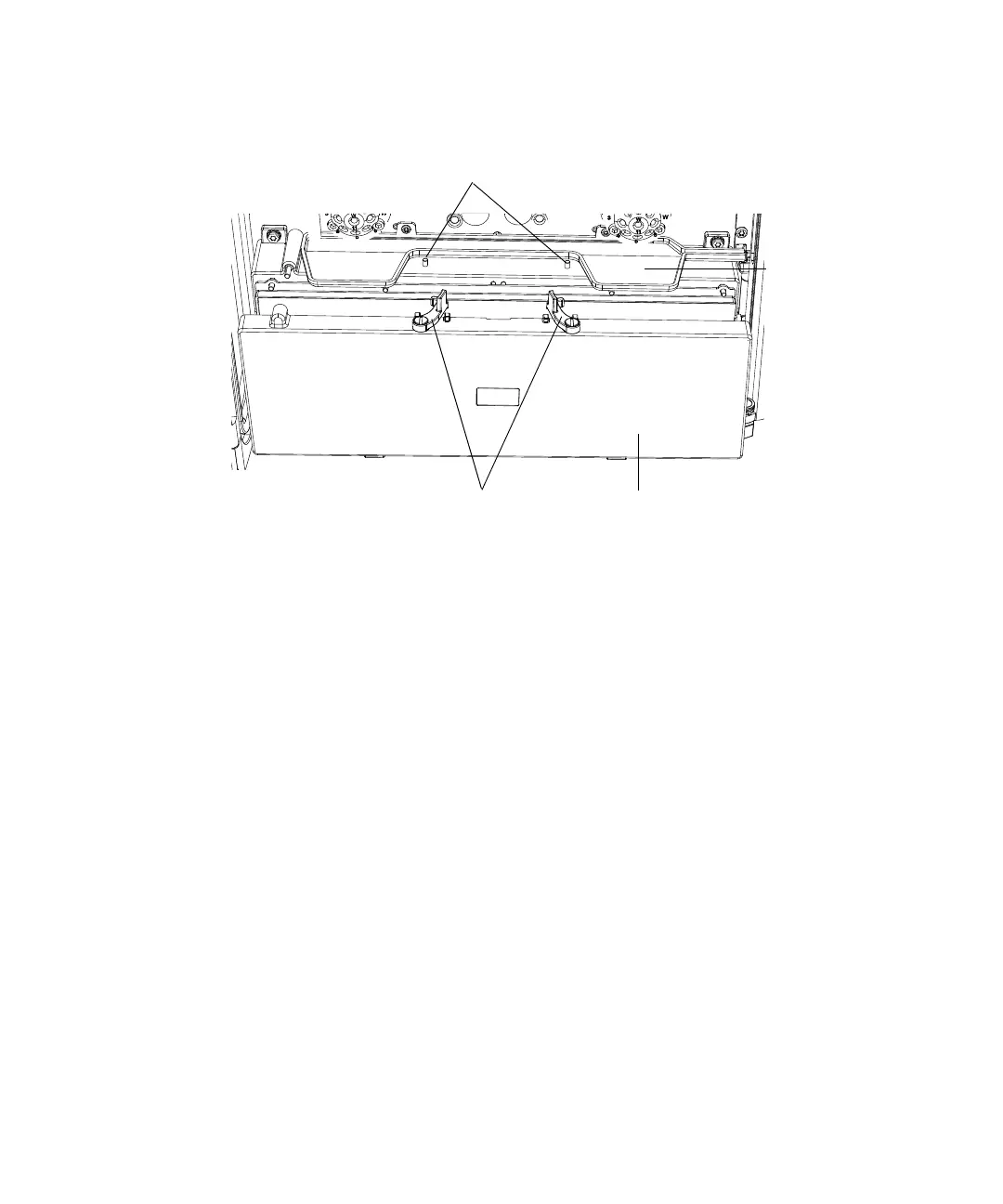
6. Tilt the column compartment cover forward, just enough to clear the
valve drip tray.
7. Pull the column compartment cover up and away from the CM-A.
8. For each fitting installed on the inlet and outlet valves of the CM-A,
mark the fitting with the number of the port to which it is connected.
9. Disconnect all fittings from the inlet and outlet valves.
10. Remove the columns and the active preheaters from the column troughs.
Selecting a system module configuration
To select a system module configuration:
1. Identify each instrument module in your system.
2. Referring to the diagram on page 11, select a system module
configuration that includes your new column compartment(s).
Latches
Latch pins
Valve drip tray
Column compartment cover












 To Next Page