Preparing the column compartments 91
3. Push the outlet end of the column in-line filter unit into the column inlet
until it stops.
4. Holding the finger-tight reusable fitting in place, rotate the column onto
the fitting until it is snug, and then tighten it up to an additional
1/6-turn.
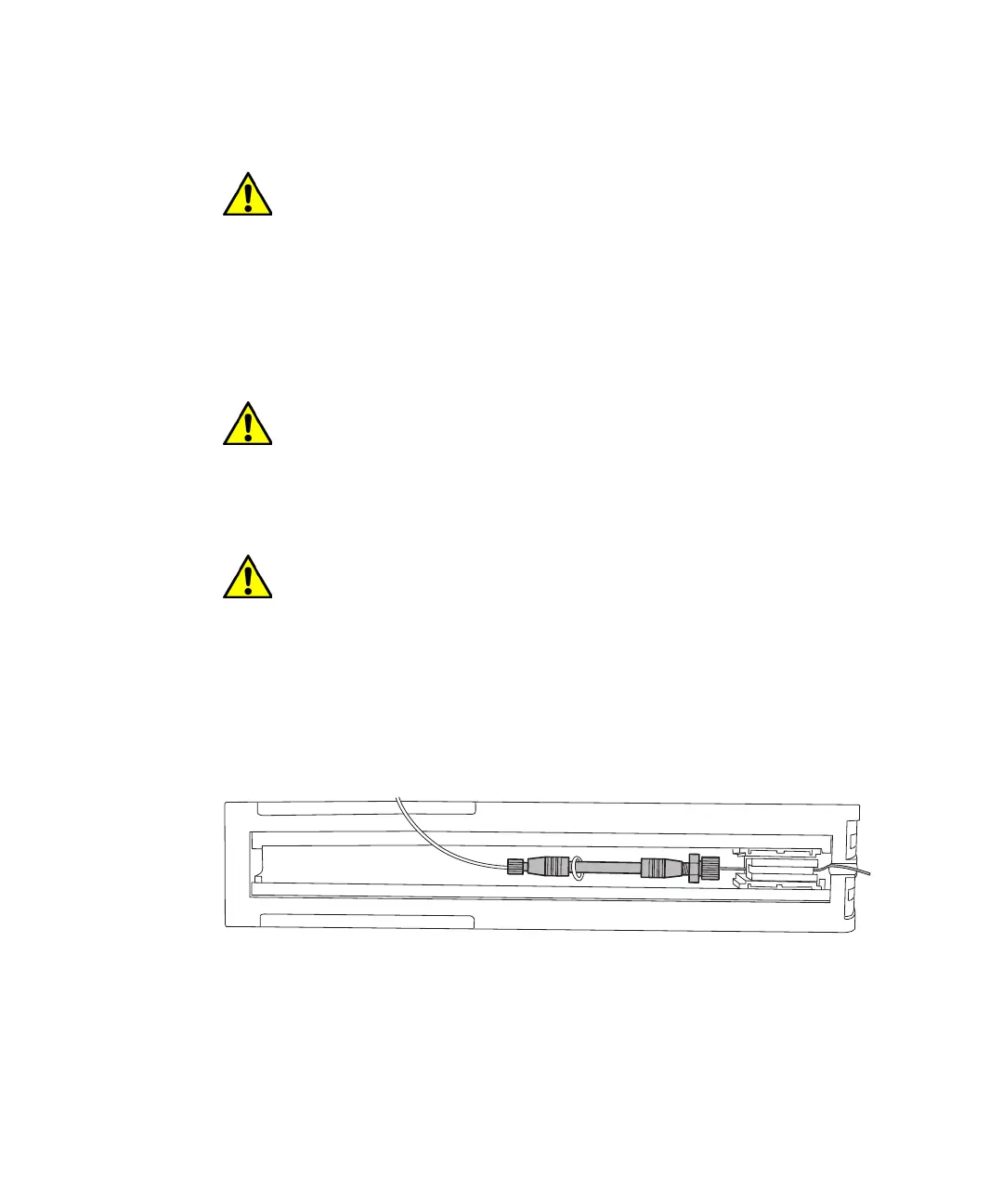
To install the PEEK tubing in the column outlet:
1. Insert the PEEK tubing into the high-temperature outlet fitting until it
stops.
2. Holding the PEEK tubing, thread the high-temperature outlet fitting
into the column outlet until it is finger-tight.
3. Using a 5/16-inch wrench to hold the column steady, use the
high-temperature outlet fitting wrench to give the outlet fitting 1/4-turn.
4. Carefully route the PEEK tubing through the column compartment.
Caution: To avoid damaging the tubing, use only your fingers to
tighten the fittings.
Caution: To avoid bandspreading, ensure that the tubing is fully
bottomed in the fitting hole before tightening it.
Caution: To avoid damaging the outlet fitting, do not overtighten
it with the outlet fitting wrench.












 To Next Page