92
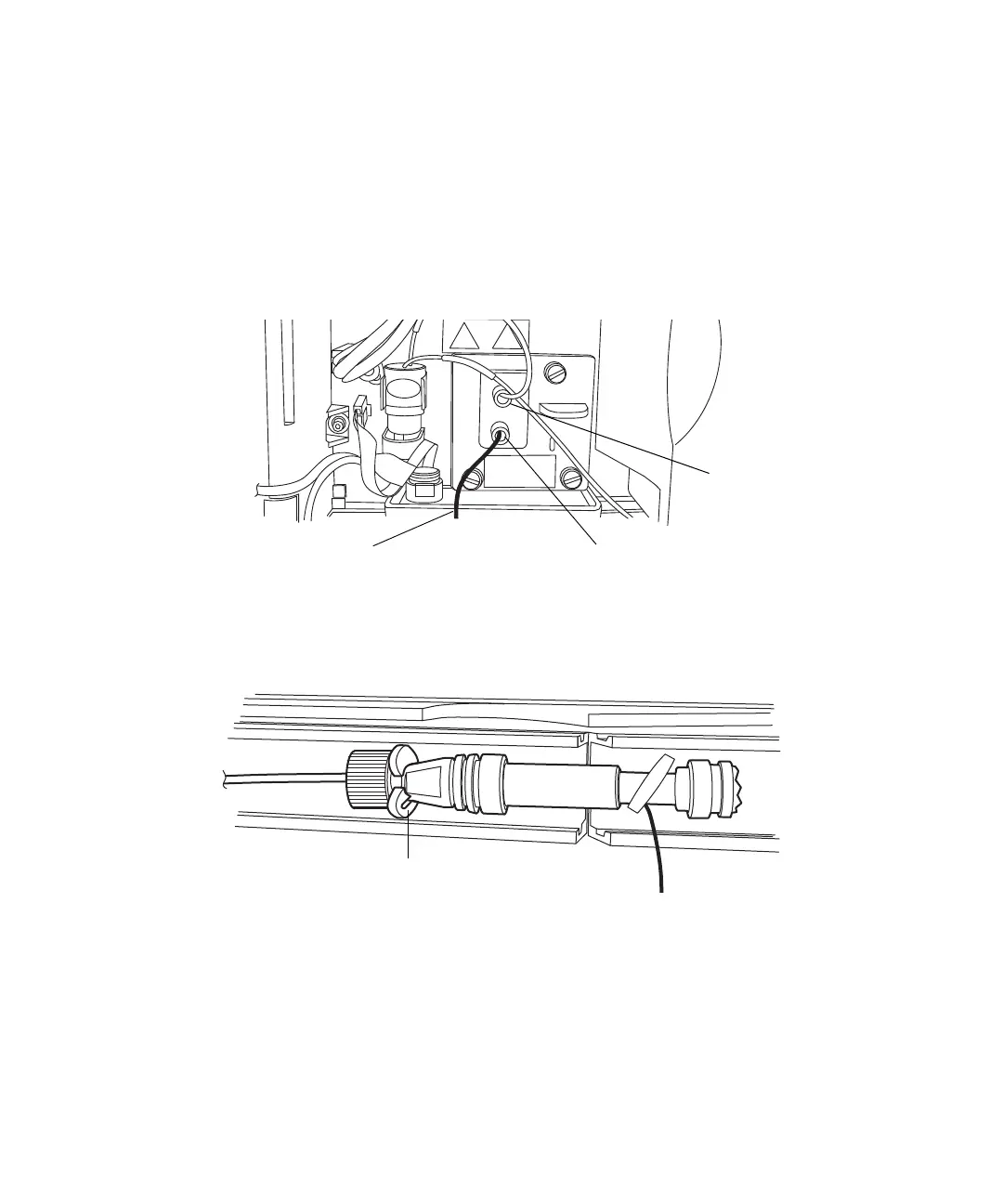
To connect the PEEK tubing to the detector:
1. Remove the protective cover from the PEEK tubing from the flow cell
inlet in the detector.
2. Ensure the label on the flow cell inlet tubing matches the type of
detector and flow cell in your system.
3. Attach the 0.004-inch or .0025-inch ID inlet tubing (included with the
flow cell or the stabilizer kit) to the column outlet.
4. Snap the column support clips onto the body of the column (one between
the reusable fitting and column, and rotate the clips so that their
openings face forward.
5. Place the column in the column compartment.
Detector inlet tubing
(PEEK) from column
Outlet
Inlet












 To Next Page