Step 2 Select channel ID.
Step 3 Click motion alarm button to enable motion alarm.
Step 4 Set motion area.
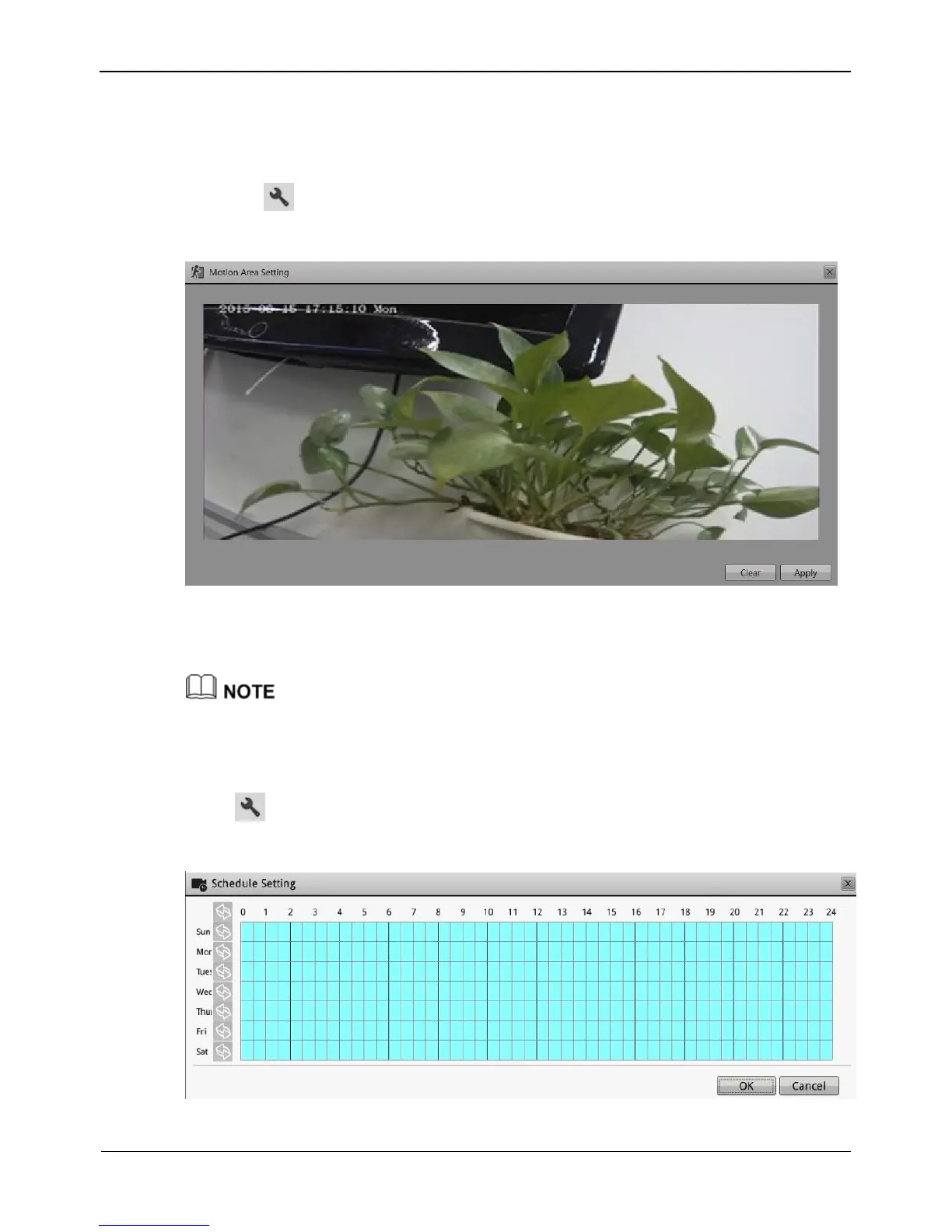
1. Click , the motion area setting interface is displayed, as shown in Figure 8-13.
Figure 8-13 Motion Area interface
2. Press and hold the left mouse button and drag on the preview image to create a
motion area.
Click Clear to clear the motion area.
Step 5 Set alarm interval and sensitivity.
Step 6 Set motion alarm schedule.
Step 7 Click , the schedule setting page is displayed, as shown in Figure 8-14.
Figure 8-14 schedule setting interface



 To Next Page