8.3 Channel
8.3.1 Manage Channel
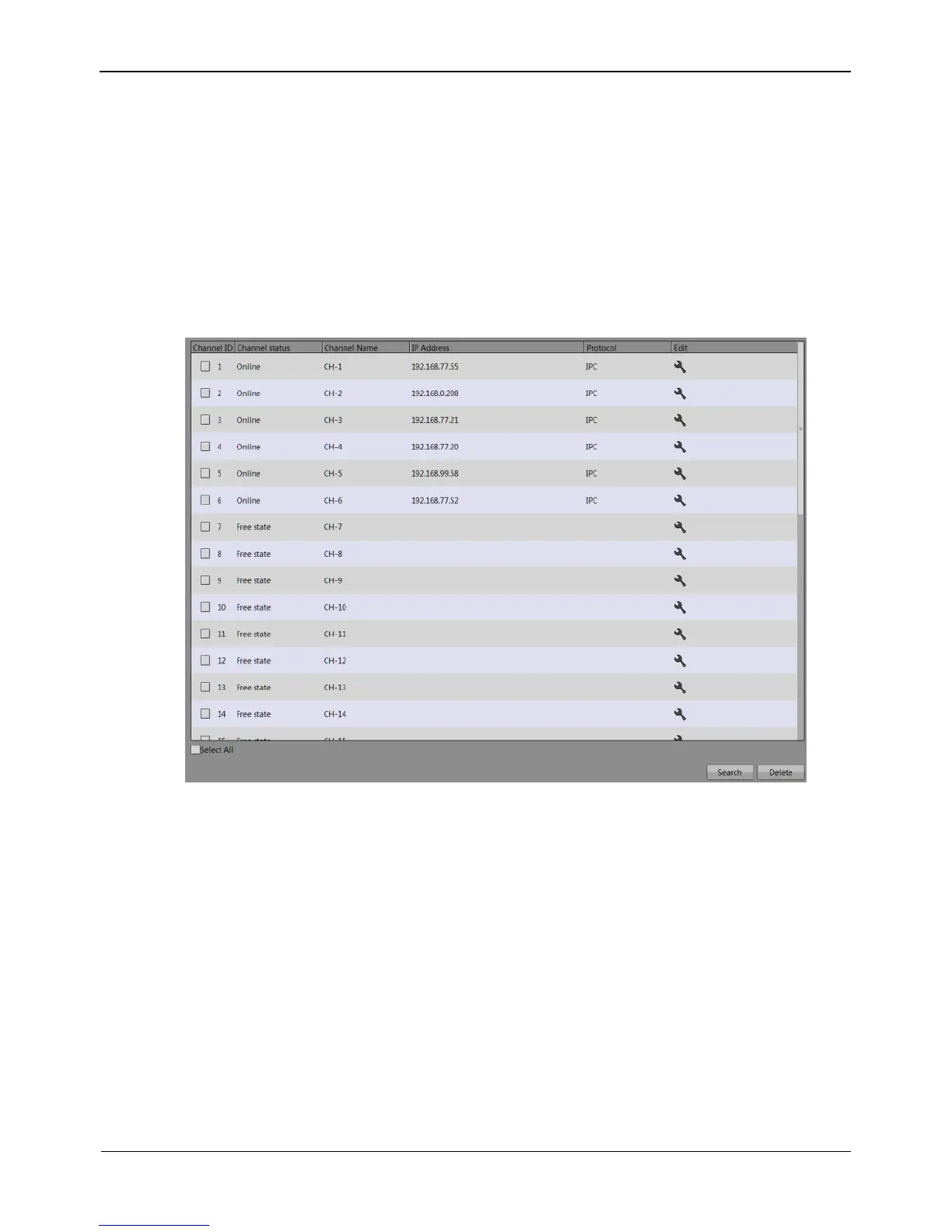
On the Manage Channel interface, you can add, and delete cameras.
Choose Setting >NVR Setup>Channel >Manage Channel.
The Manage Channel interface appears, as shown in Figure 8-6. It lists the front-end
devices connected to the NVR and shows related device information.
Figure 8-6 Manage Channel interface
Click Search to add new device. For details, see Chapter 4 “Quick Setup".
8.3.2 Camera Information
Choose Setting >NVR Setup>Channel >Camera Information.
The Camera Information interface appears, as shown in Figure 8-7.



 To Next Page