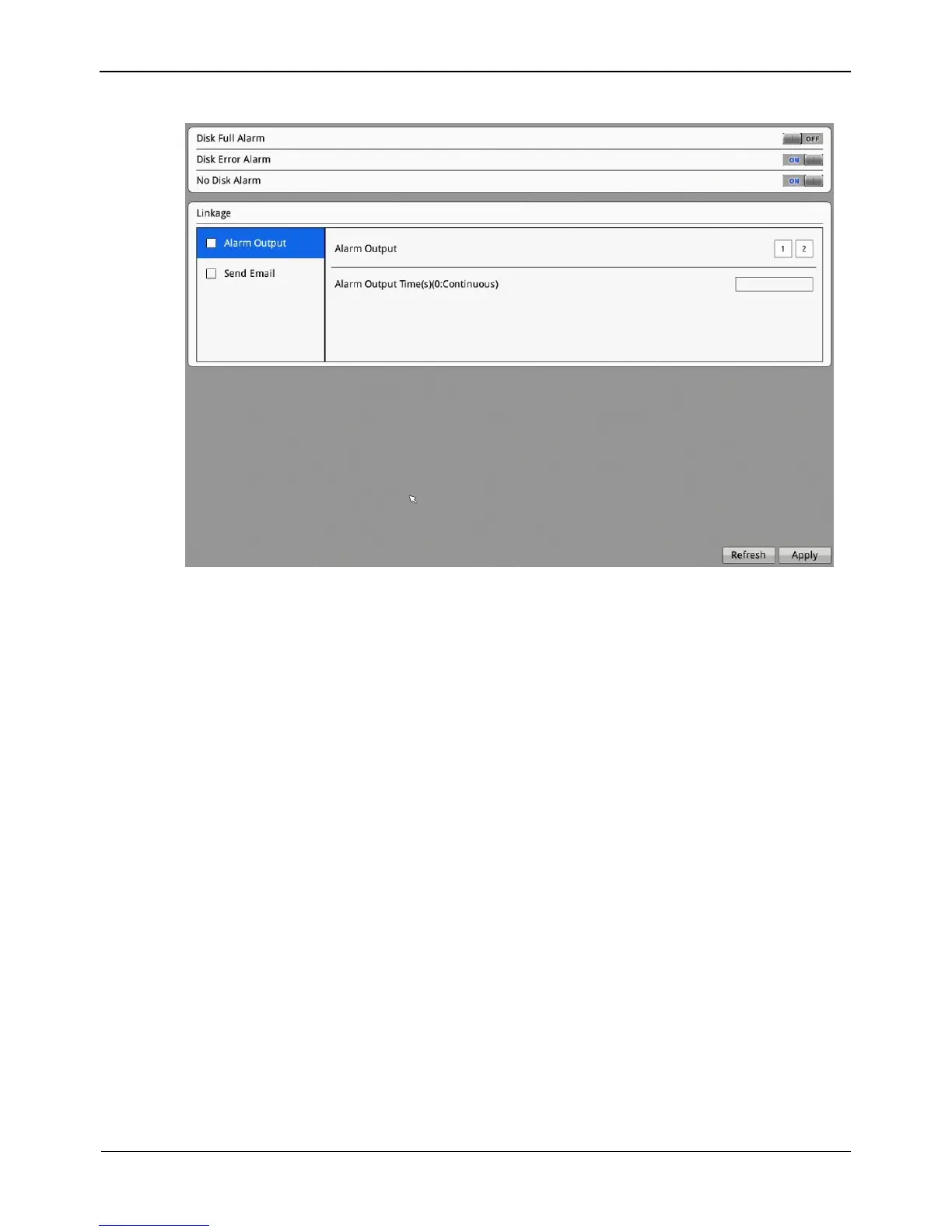
Figure 8-32 Disk Alarm interface
Step 2 Click the button ON to enable disk full alarm (disk error alarm, no disk alarm) function.
Step 3 Select the alarm output, then choose alarm output channel number and set the alarm out
time.
Step 4 Click Apply, the “Apply success” dialog box prompt.
Step 5 Click OK, the system saves the settings.
8.9 Privilege
Privilege group setting
User privileges include:
Video preview
Video control
Playback
Backup
Record policy
Disk configuration
Alarm Search
Device Management
Manage privilege



 To Next Page