EasyManua.ls Logo

WBOX Technologies 0E-4CHNVR2TB - Page 81

WBOX Technologies 0E-4CHNVR2TB
97 pages
Print Icon
To Next Page IconTo Next Page
To Previous Page IconTo Previous Page
Loading...
Setting
Network Video Recorder(NVR)
User Manual
Issue V1.0 (2018-05-11)
73
Device parameter configuration
System maintenance
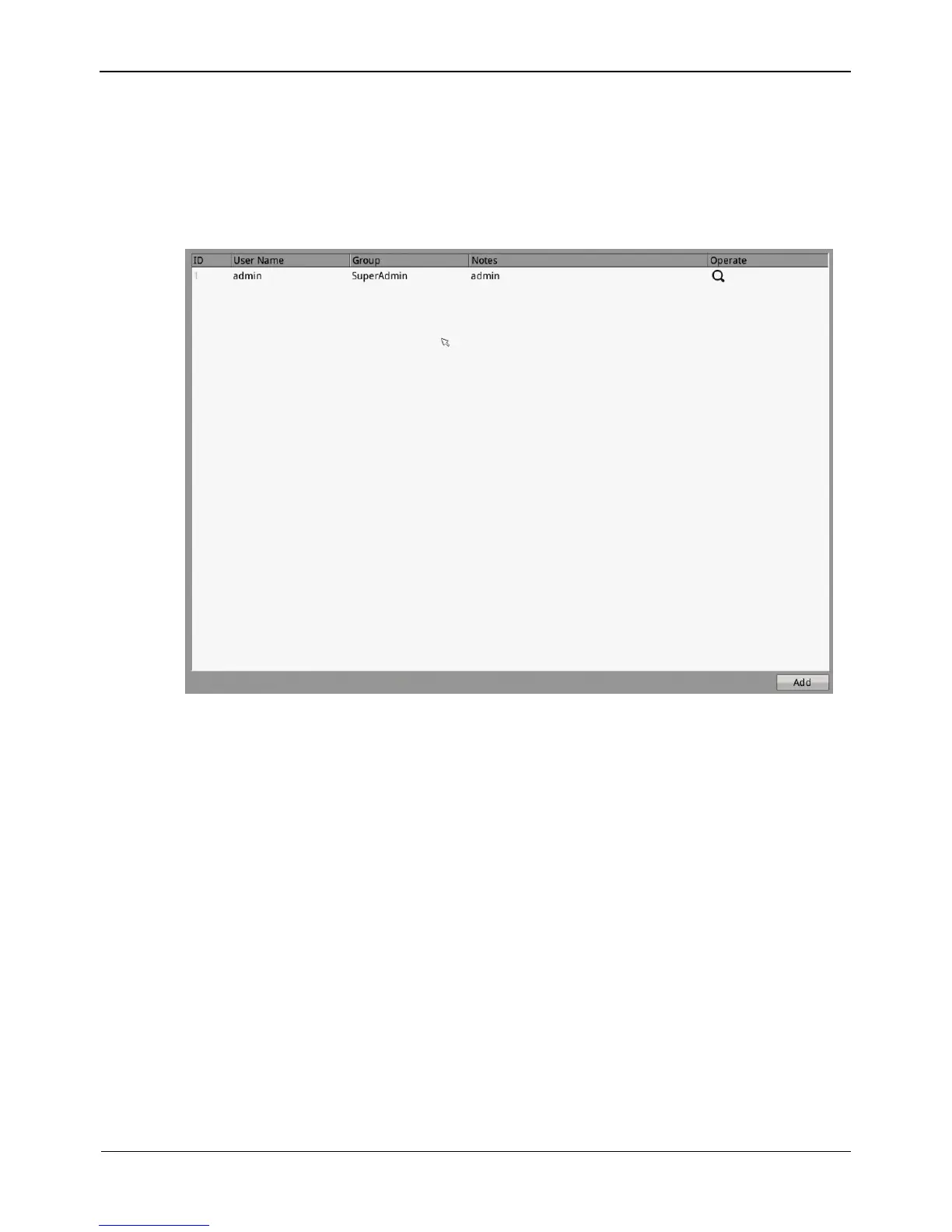
Step 1 Choose Setting>NVR Setup>Privilege.
The Privilege interface appears, as shown in Figure 8-33.
Figure 8-33 Privilege interface
Step 2 Add or delete a user.
Adding a user
1. Click Add.
The Add User dialog box appears, as shown in Figure 8-34.


Other manuals for WBOX Technologies 0E-4CHNVR2TB

Related product manuals