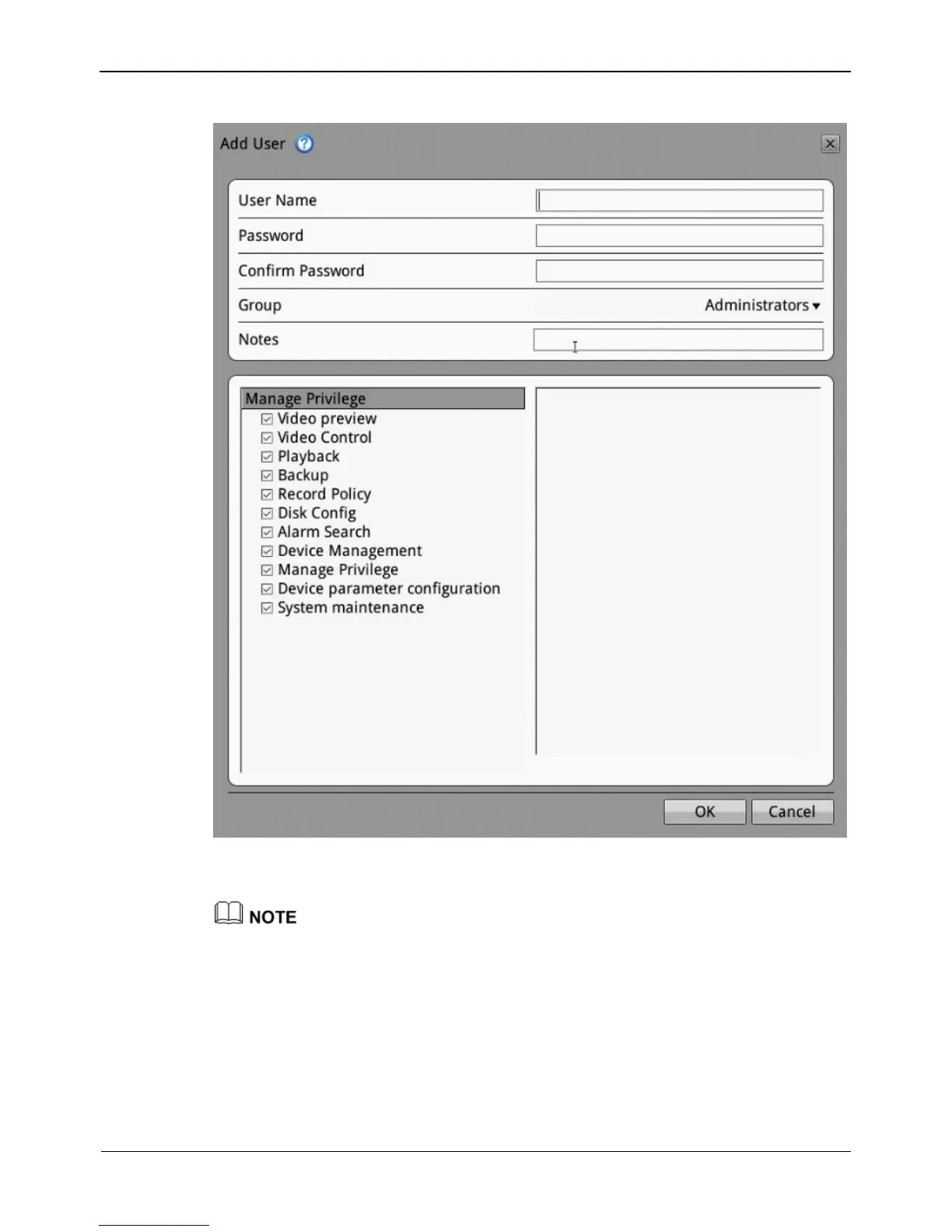
Figure 8-34 Add user interface
2. Enter a username, password and confirm password.
The password should include letter, character and number.
The password must be not less than 8.
3. Select a Group from the drop-down list box.
4. Enter value manually for notes.
5. Select the operation privileges in the left list of the add user interface and select the
channels in the right list.
6. Click OK.
The user is set successfully.



 To Next Page