Weatherdock AG Seite 14
www.easyAIS.com
8 Preparations
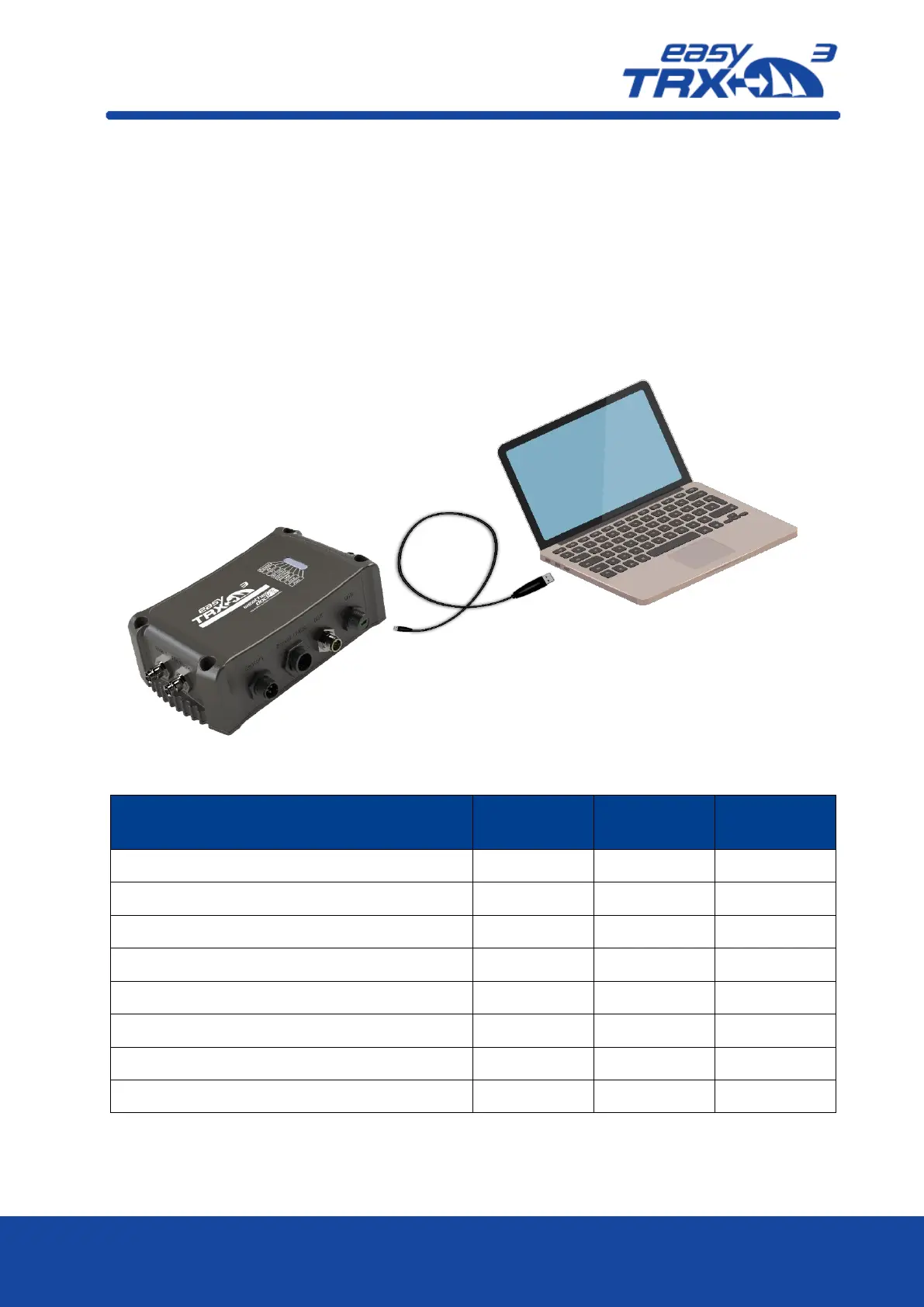
Configuration and Programming of the easyTRX3 can be done at home easily. You just have to
connect the USB cable, which is contained in the box, to your computer. There is no need for an
external power supply of the easyTRX3 for the programming of the unit. Power is given via USB.
Please note the following hint:
The easyTRX3 is not able to receive or transmit AIS data during USB
connection. GPS and WiFi will also do not work.
Figure: 8 Base connection by USB for programming
Access to programming software
Read-out of the stored AIS data
Figure: 9 Feature functionality while connected by USB for programming



 To Next Page