Weatherdock AG Seite 15
www.easyAIS.com
Access to the internal storage of the easyTRX3 is only possible via USB cable connection.
Important:
As soon as you want to use the WiFi functionality of your easyTRX3, you definitely need 12V DC
or 24V DC power supply. It is not possible to run WiFi with only USB connection.
Programming-Software for easyTRX3
With the basic settings you are able to create the fundamental assumption to use the easyTRX3
within the AIS technology.
There are different ways how to program:
8.1 Via USB Connection to PC/MAC/Laptop
To program your specific vessel data, please connect the USB cable with your computer.
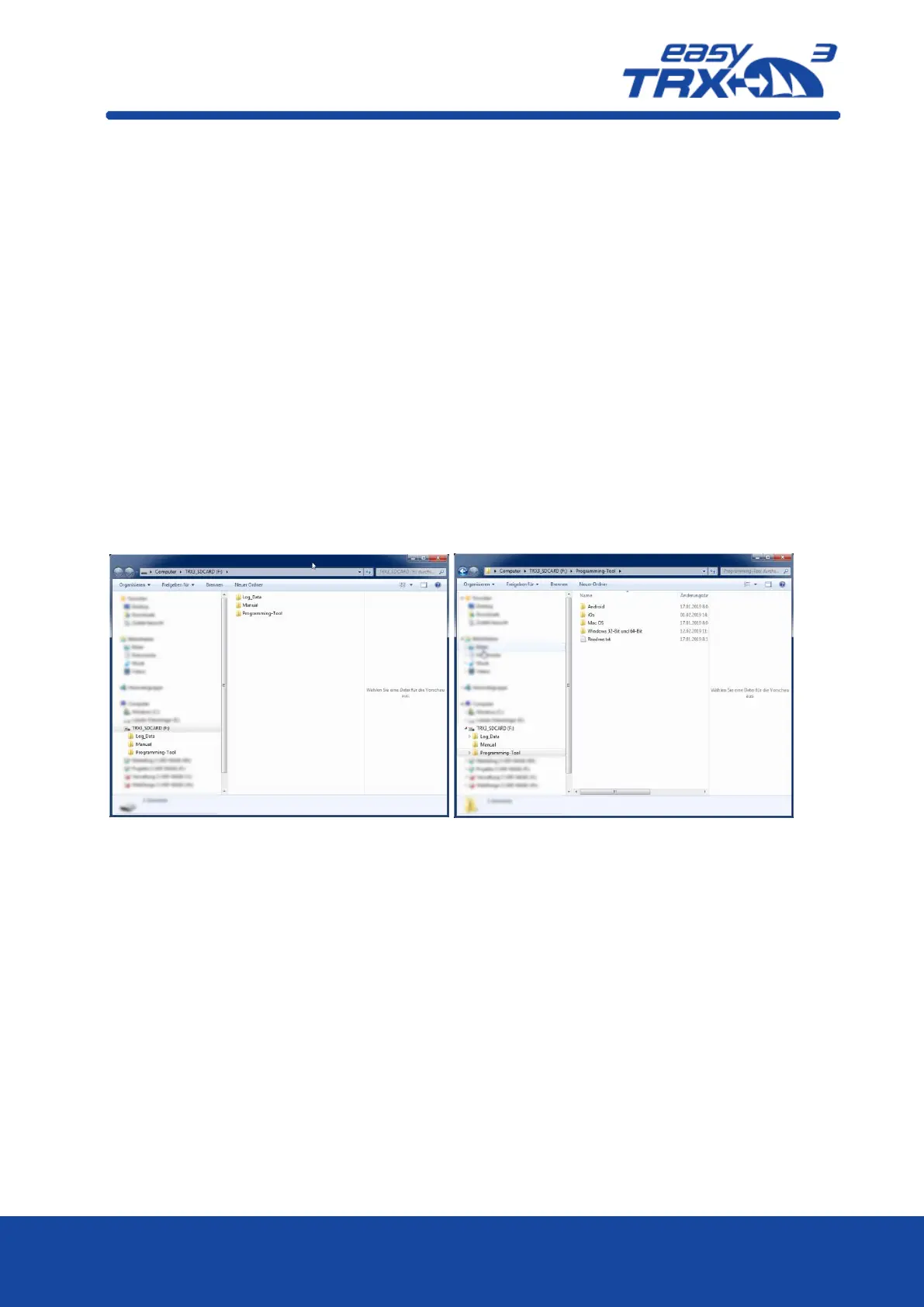
Windows Explorer or iOS Finder will automatically rout the easyTRX3 as an external mass storage
device (MSD).
In the folder which fits most to your computer system you will find the “.exe” file of the
programming tool software.
Figure: 10 directory information of internal storage of the easyTRX3
Please copy this file on your computer and install the software locally. After starting the
software you will see the start screen.


 To Next Page