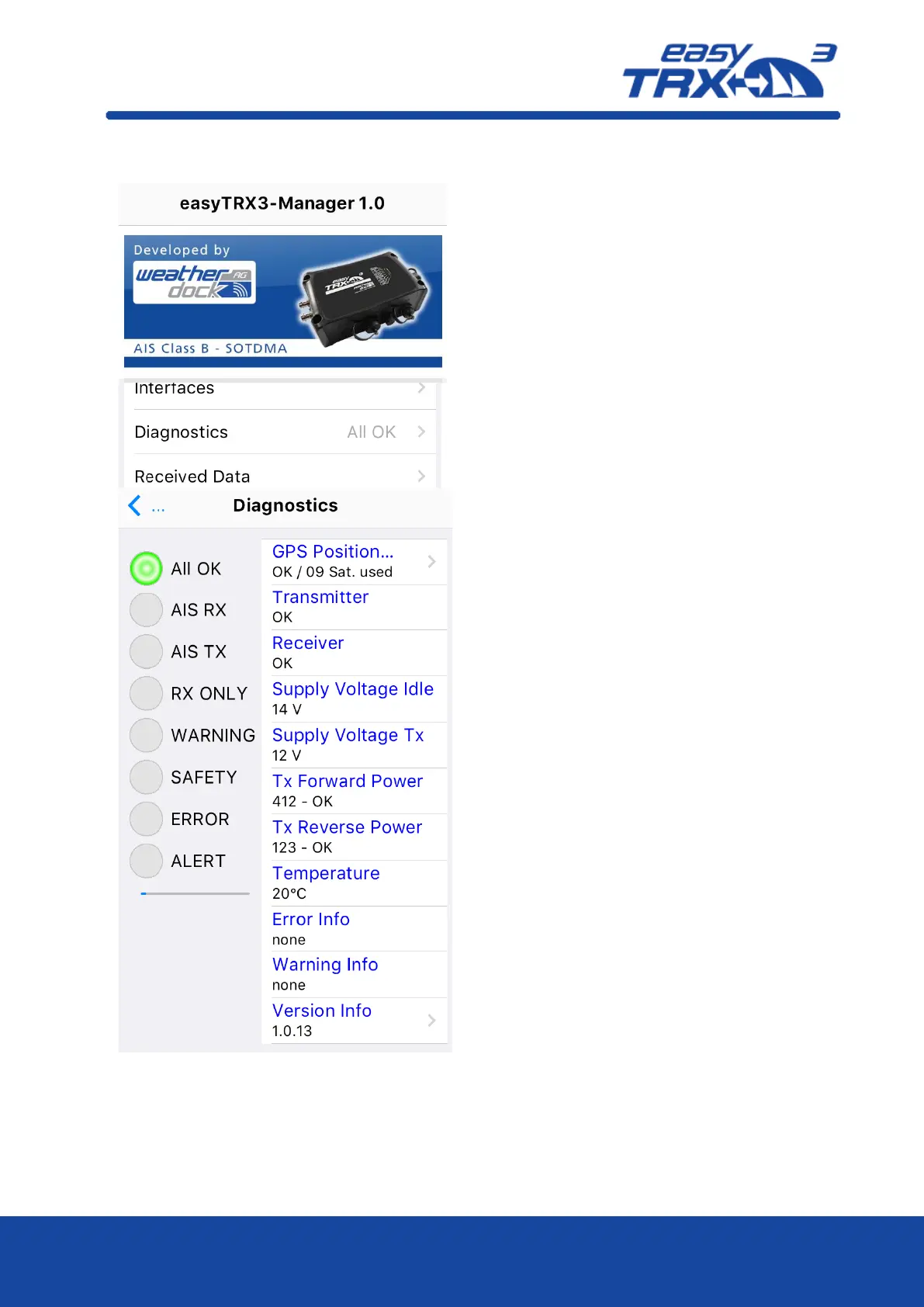
From the center screen you will reach the topic
„Diagnostics”.
Within this area you will get an overview about
current status of the easyTRX3 and the proper
functionality, as well as information about
possible Warning Messages or Error Messages.
All status LEDs you know from the top of the
easyTRX3 are displayed also within the
software.
In the right column you can see short
information to these points.
GPS Position
Here you can see an illustration about the
current given satellite constellation.
Tipp on it and you will get the following
display.



 To Next Page