Weatherdock AG Seite 16
www.easyAIS.com
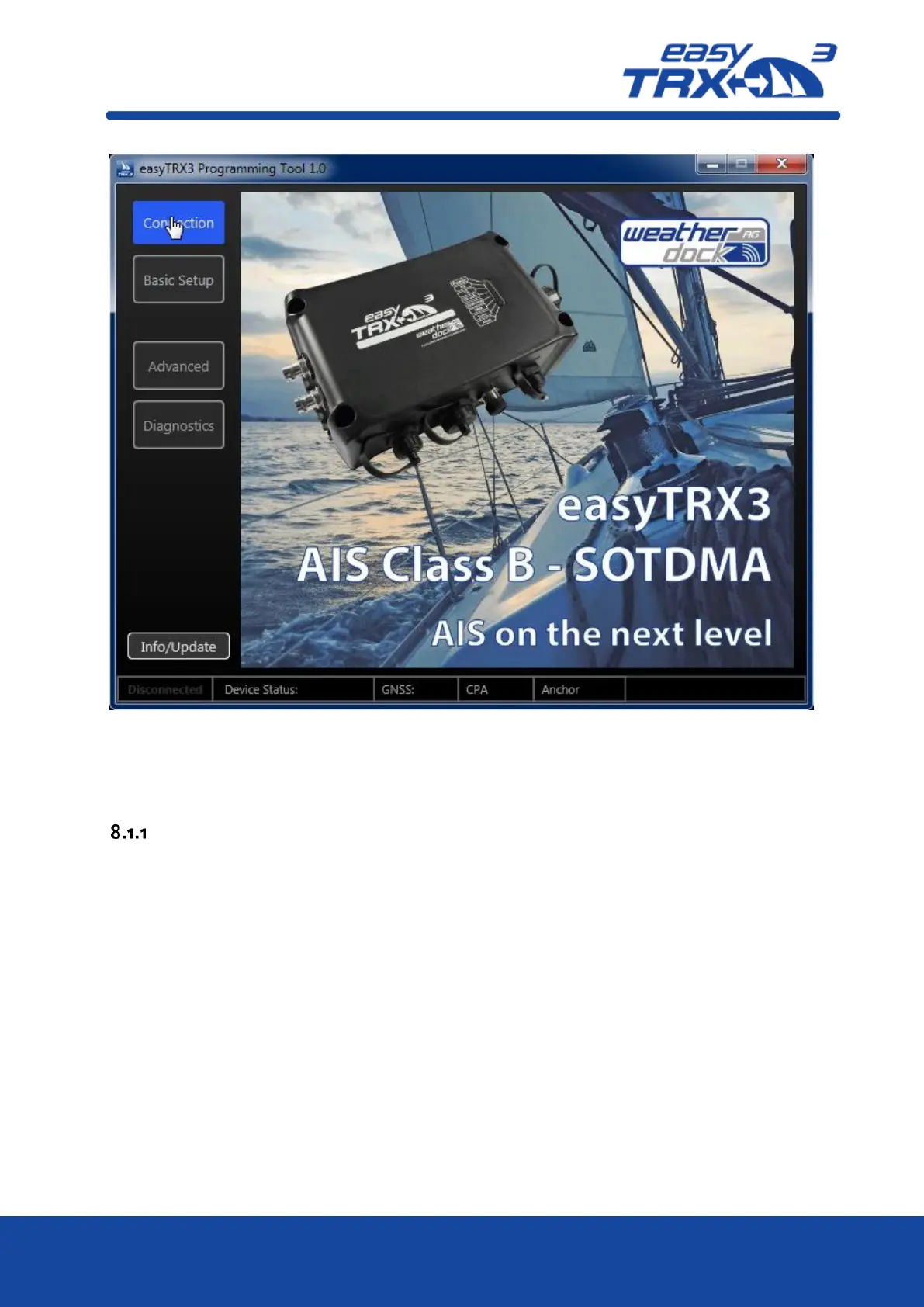
Figure: 11 start screen programming software
Click on “Connection”, to select and to establish the connection with the easyTRX3.
Connection
The connection via USB cable is pre-selected by default.
Select the COM-Port where the USB cable is plugged. Maybe you have to press the “re-fresh”
button if the right port is not in the drop-down-list.
Once you have chosen the right COM-port, please press “connect”. Now the connection is
established. In the lower window you can see incoming data rows.



 To Next Page