Weatherdock AG Seite 28
www.easyAIS.com
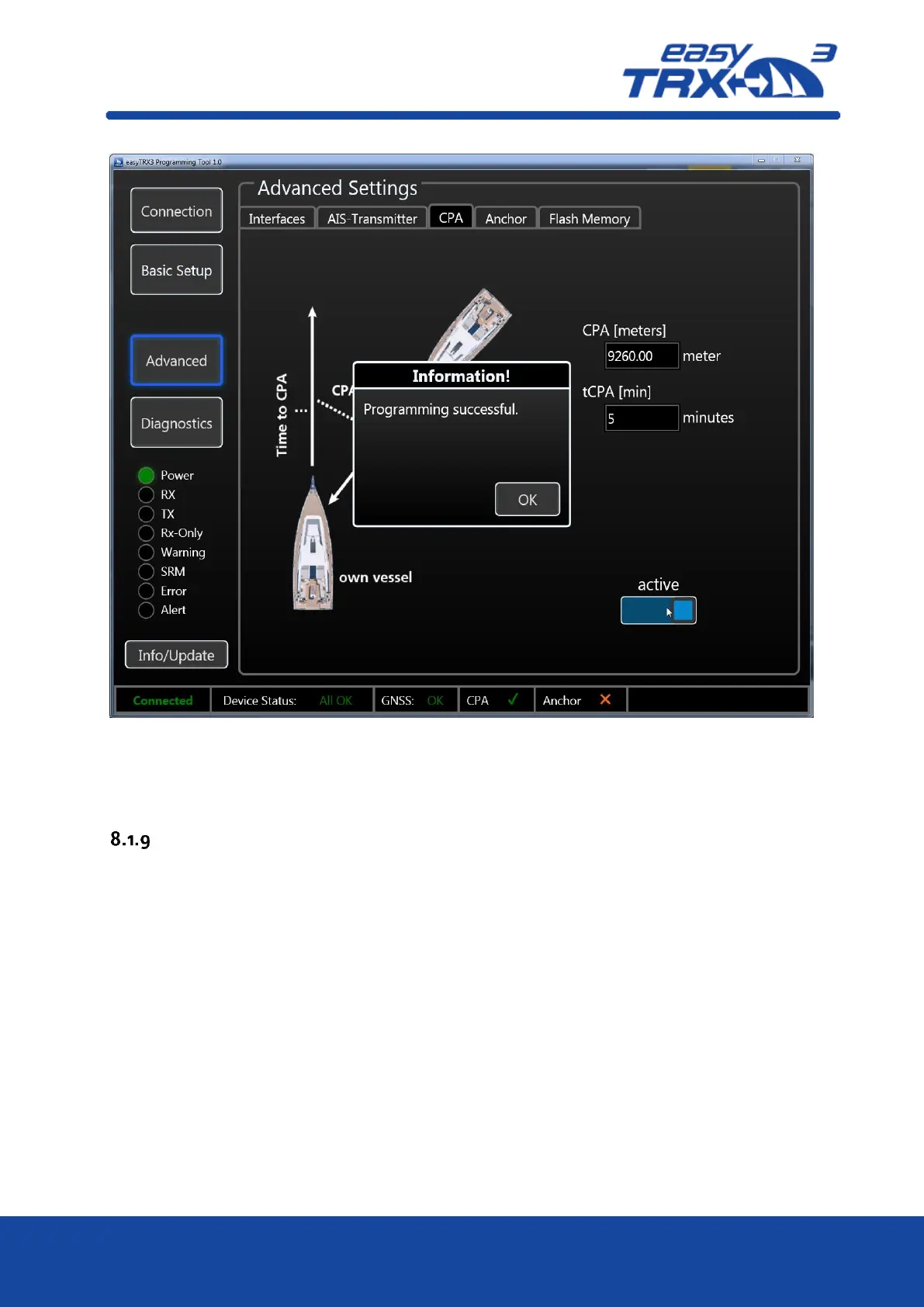
Figure: 25 CPA settings programming tool 2
After you have activated this functionality, a small confirmation window is coming-up which you
can close by pressing “OK”.
Anchor Alert
Here it is possible to create a kind of „anchor watch” functionality by software which is
deactivated by default.
You can set a distance as a radius around your anchor position. The radius to set is depending on
the sway at anchor of your vessel in wind and current and on the length of your given anchor
chain. Within this radius no alert has to be triggered. Once the radius line was step-over, the
Alert LED starts to glow.
To get the daily use of this functionality as convenient as possible, please take a look back to
chapter 7.3 “External switches – connecting possibilities” how to use switches and external signal
generators.
Please keep in mind that a switch, connected via the 18-pin cable harness (hardware), always
takes priority over software programming-settings.



 To Next Page