Weatherdock AG Seite 30
www.easyAIS.com
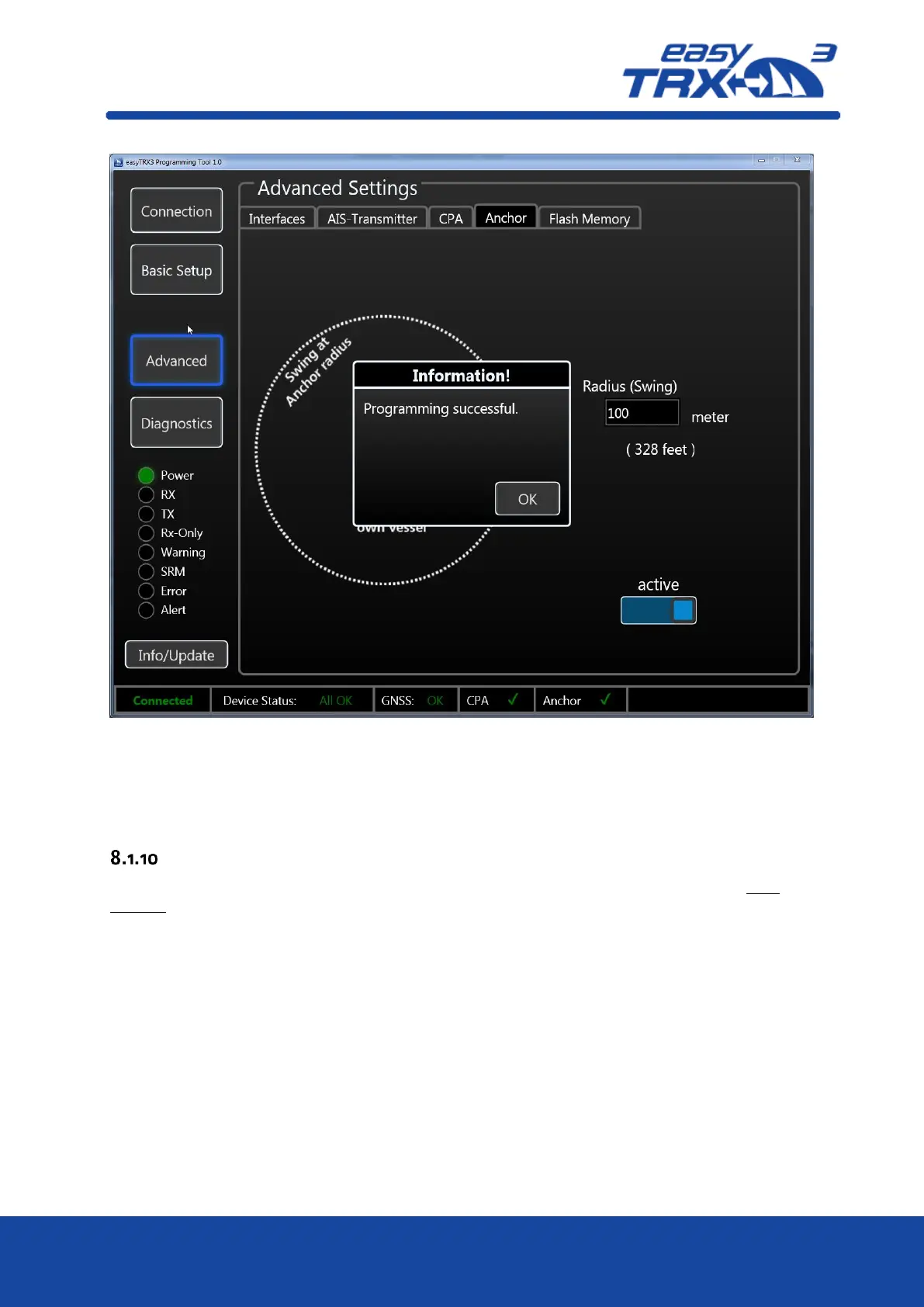
Figure: 27 Anchor Alert settings programming tool 2
After you have activated this functionality, a small confirmation window is coming-up which you
can close by pressing “OK”.
Internal Memory
The easyTRX3 default configuration by factory setting has got deactivated AIS and GPS data
logging functionality. The unit is set in that way, that the internal memory works as an directory
disk drive at your computer.”. This is good, because from there you can download the
programming tool as well as the manual. But, by means of that factory setting an AIS Data
Logging is de-activated.
If you want to log your AIS data, please see the below description



 To Next Page