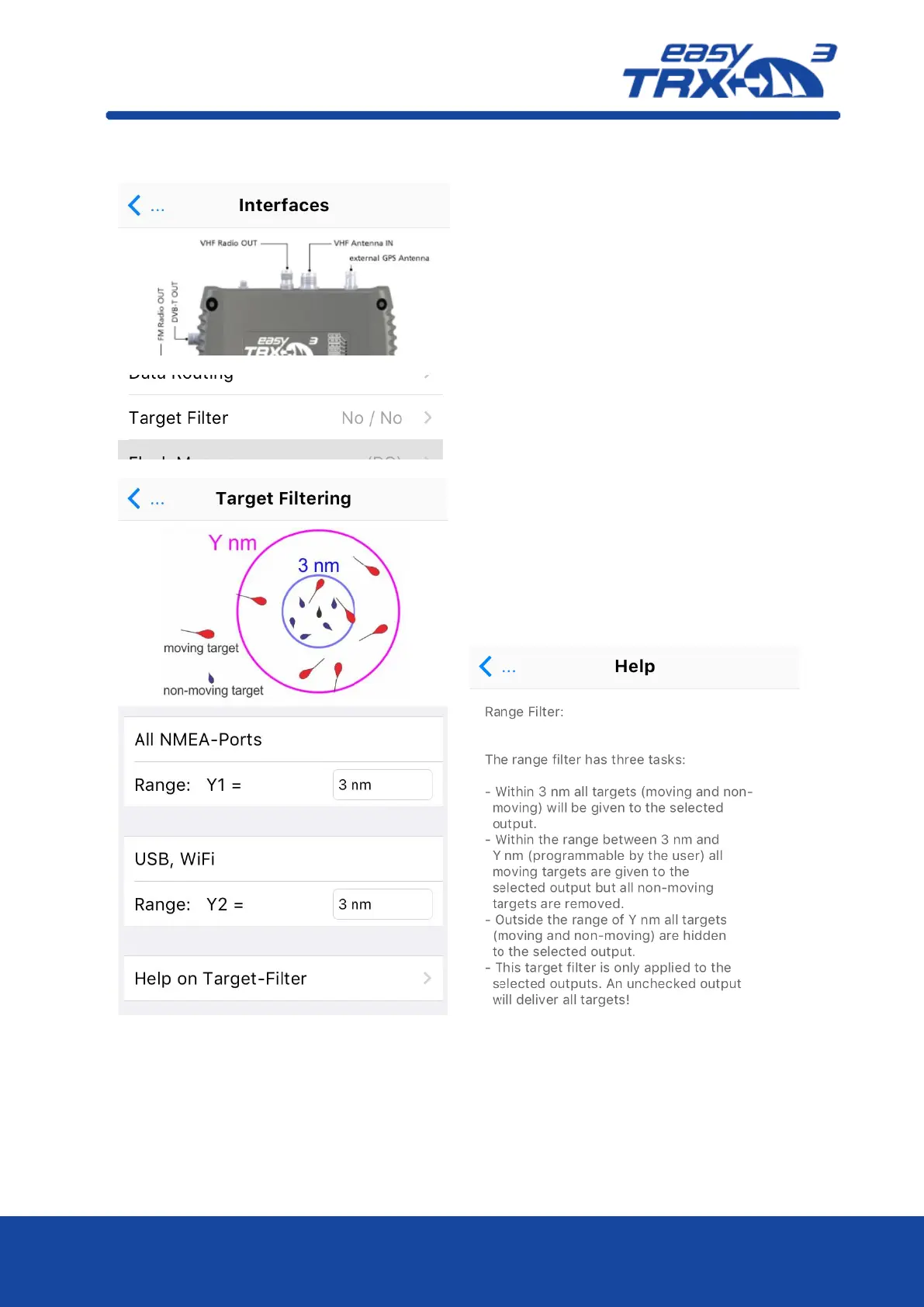
Additional there is the possibility to define
and activate a target filter.
With these settings, AIS data from outside the
selected distance will no longer be shown on
the chart plotters screen.
This might be helpful if you are in areas of
very high AIS traffic to reduce the amount of
AIS objects on the screen to a clear level.
The target filter can be used separately for
NMEA and USB/WiFi Output.
It is also possible to use only one of these
filters.
Once you have set your personal settings, you
can go back with the blue arrow.



 To Next Page