Weatherdock AG Seite 24
www.easyAIS.com
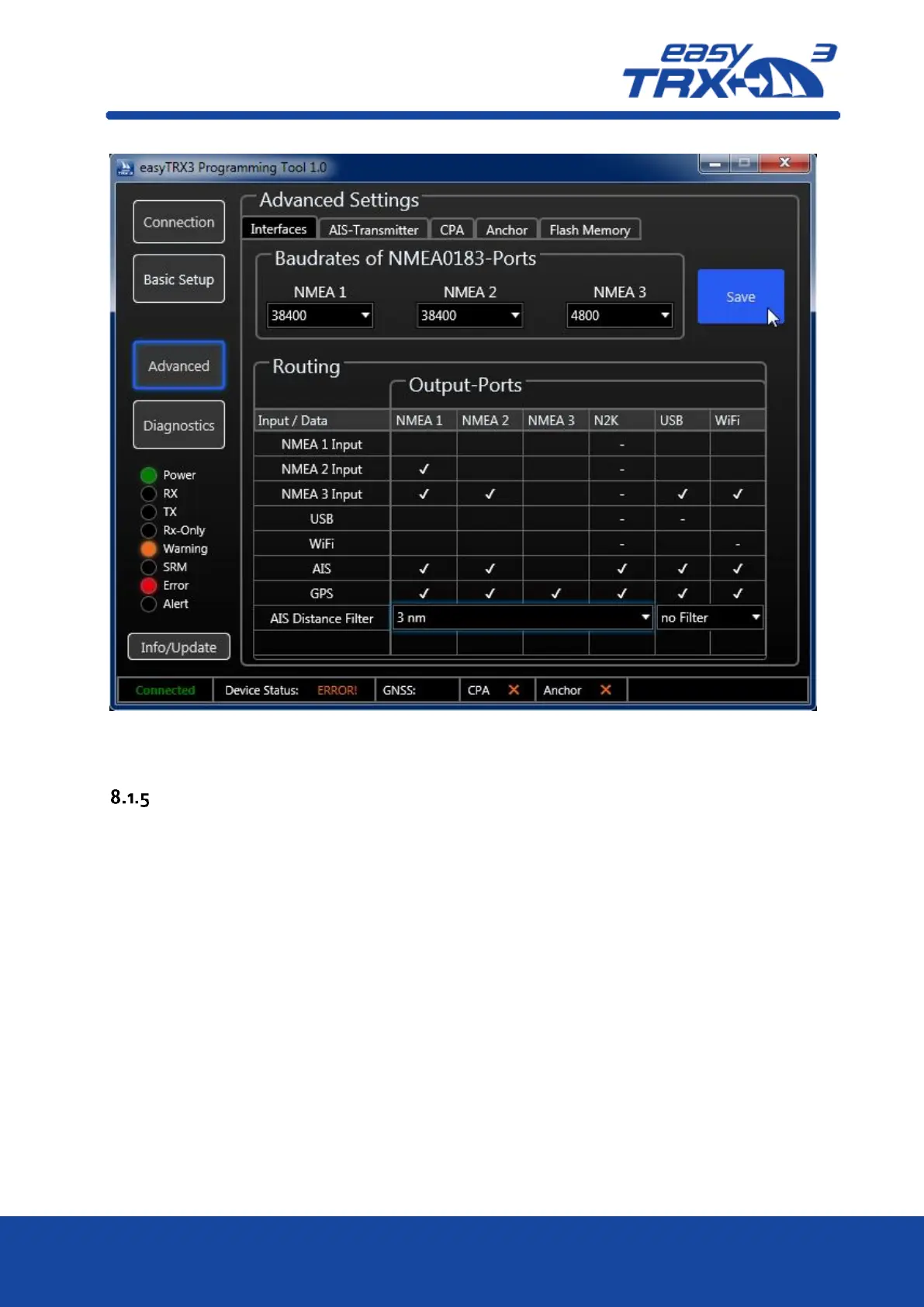
Figure: 19 Save screen progamming software
AIS-Transmitter
This chapter is about transmitting and receiving. It is possible to shut down the broadcasting
functionality by setting the easyTRX3 into pure receiving mode (RXonly).
Press “OFF” at “AIS Transmitter” to switch into “RXonly” mode.
On the left part of the screen you see the “RXonly” control-LED glowing immediately. As a
confirmation a small pop-up window appears which you can close by pressing “OK”.
You can terminate the programming by stepping back “Connection” and pressing “disconnect”,
or you go ahead with other special settings.



 To Next Page