Weatherdock AG Seite 33
www.easyAIS.com
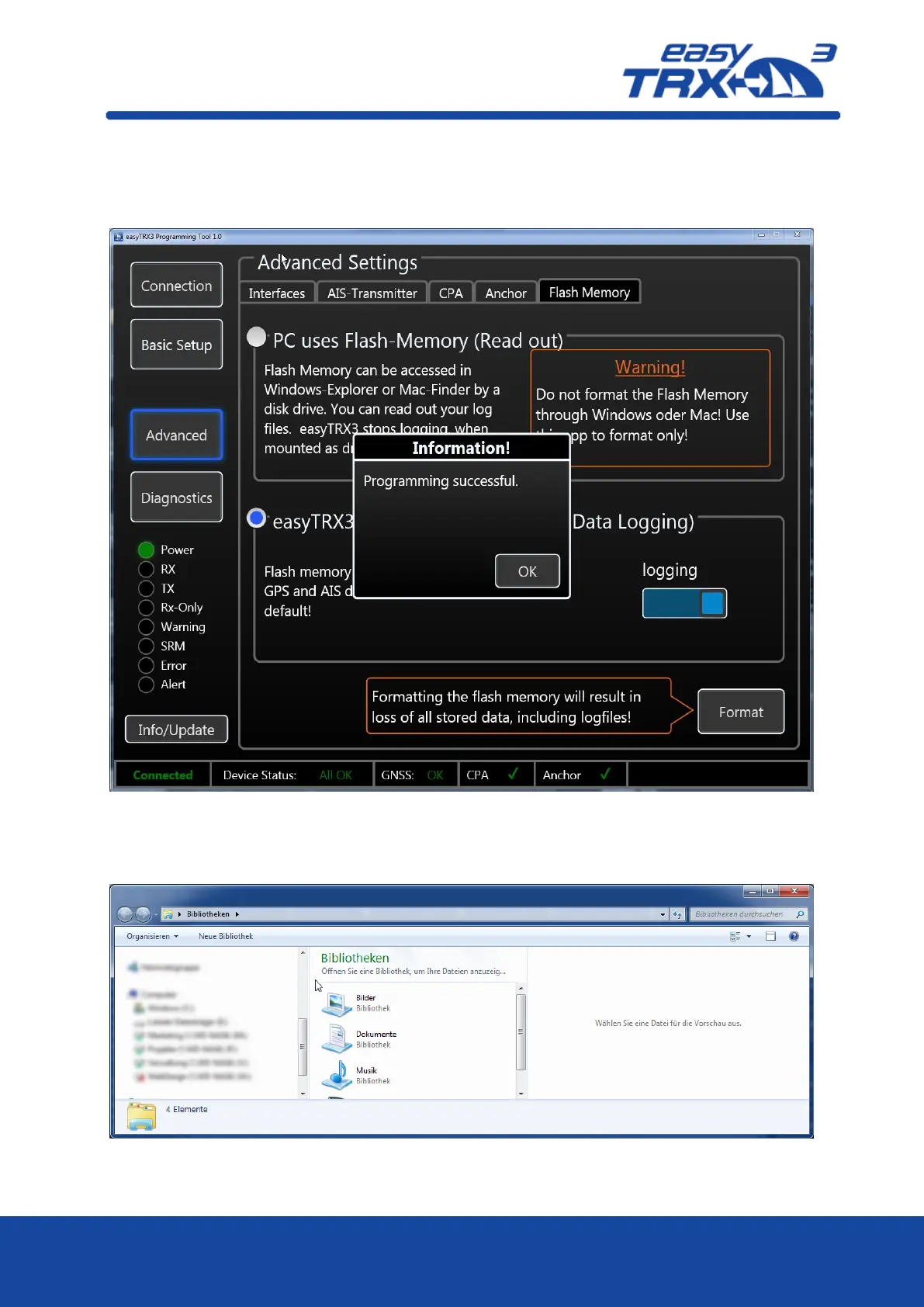
If you want to store your trip data, you have to switch from „read-out“ mode into „AIS Data
Logging“ mode by clicking on the free radio button. Additional you have to activate the logging
functionality by pressing “logging” manually.
Figure: 30 Memory setting programming tool 2
In „Windows-Explorer“ or „iOS-Finder“ you can see that the easyTRX3 is no longer mounted as
an external mass storage device.
Figure: 31 easyTRX3 external Mass Storage Device no longer mounted



 To Next Page