Weatherdock AG Seite 41
www.easyAIS.com
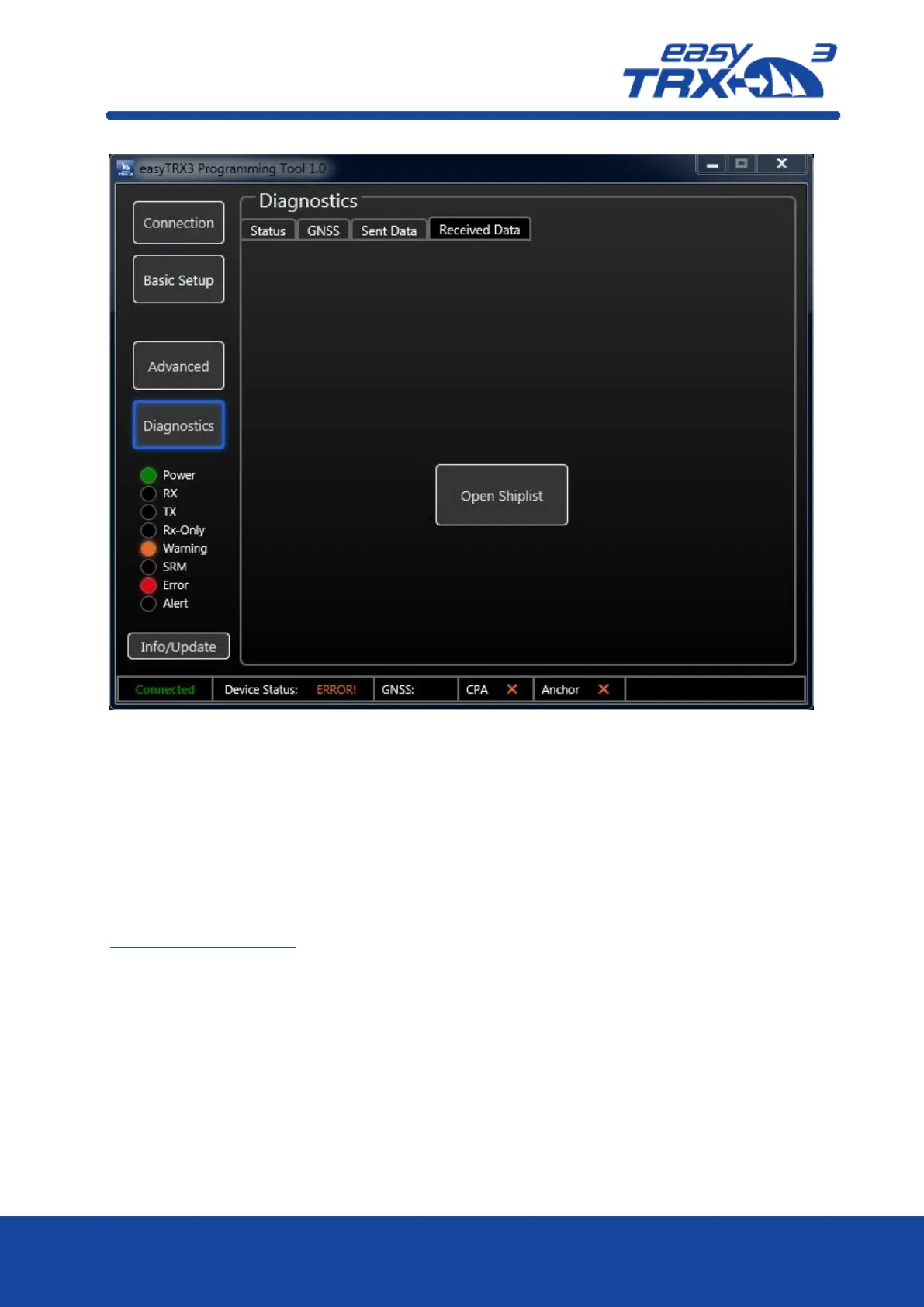
Figure: 37 Received data screen programming tool
Info / Update:
By pressing the „Info/Update” button, you open a page, where you can see some information
about device version, serial number, hardware version, firmware version and the BSH Number.
You can also update the firmware or reset the easyTRX3 back to manufacturer settings, if there
might be a need for.
A factory reset will delete all data and settings.
In case you are initiating the reset, the software will create a key, which you send by email to
support@weatherdock.de
Weatherdock will answer your email with a pin-code you have to enter in the programming
software. Please be aware that the pin-code is valid for single-use only.
Enter the pin-code and start the reset process.



 To Next Page