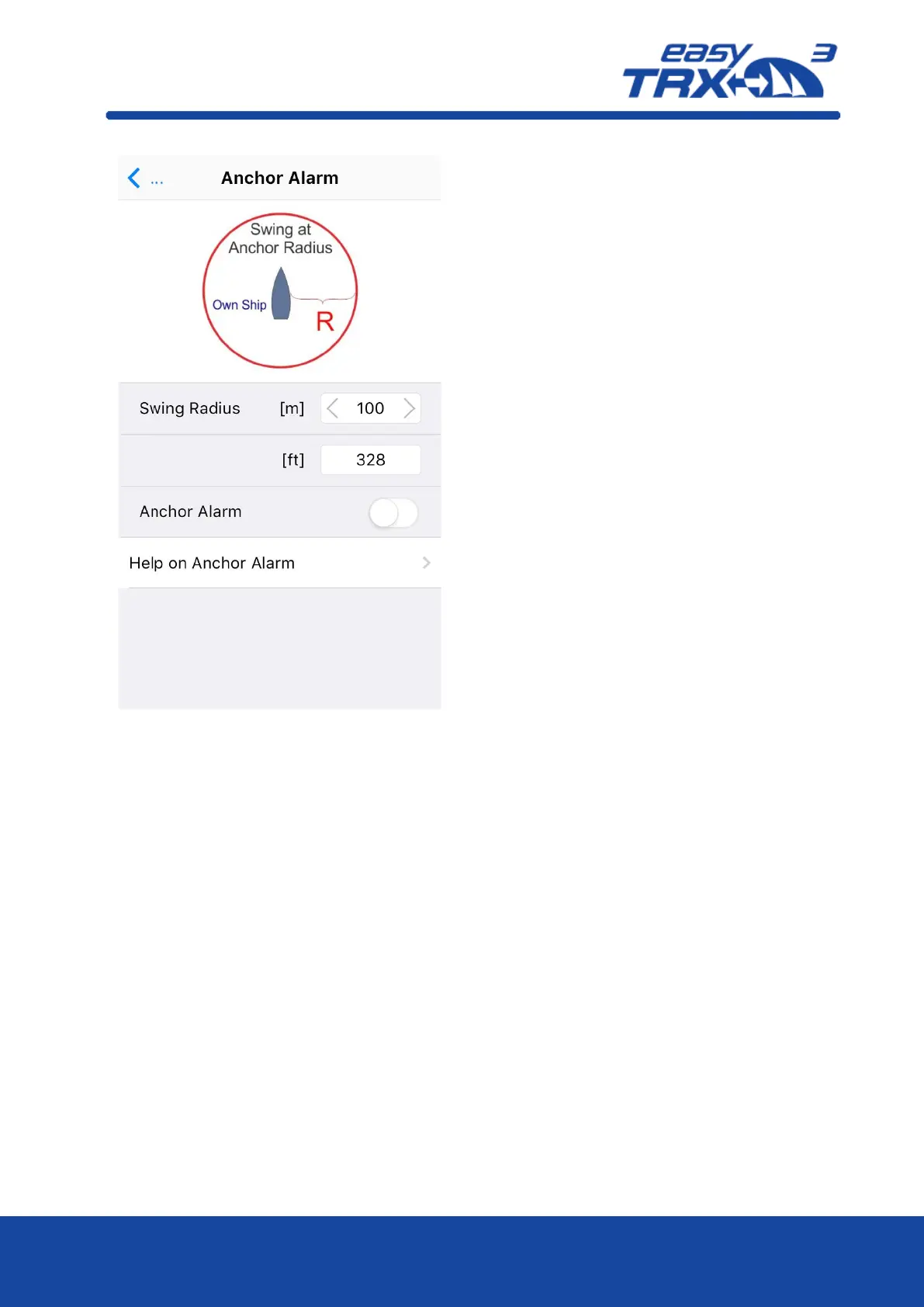
To get the daily use of this functionality as
convenient as possible, please take a look
back to chapter 7.3 “External switches –
connecting possibilities” how to use switches
and external signal generators.
Please keep in mind that a switch, connected
via the 18-pin cable harness (hardware),
always takes priority over software
programming-settings.



 To Next Page